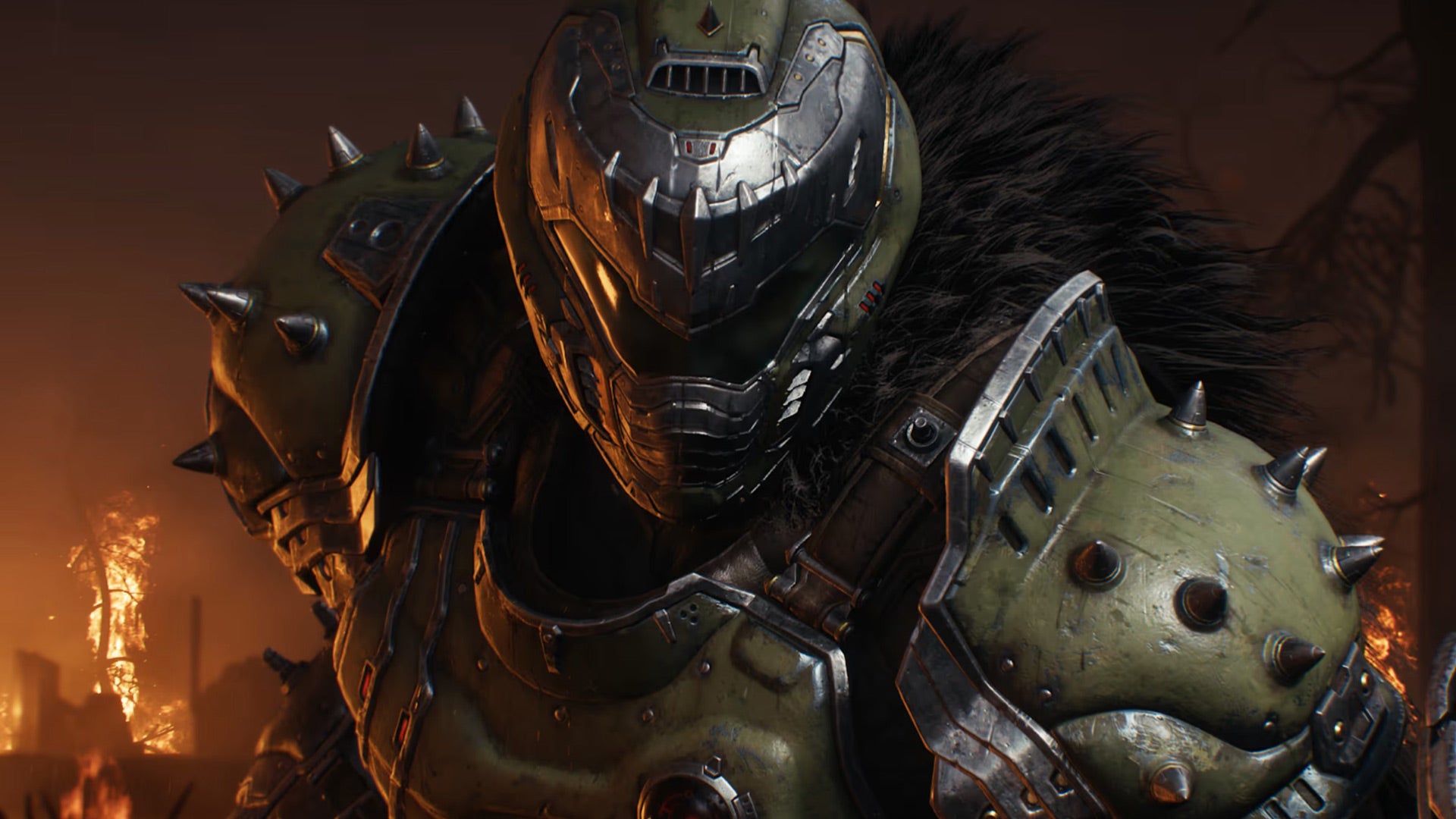
There are multiple ways to get weapon skins in Doom: The Dark Ages. You can find them scattered throughout levels (indicated by a paintbrush icon), or earn them by completing mission challenges and milestones, both of which you can find by looking through your menus. You can even get some skins for the Doom Slayer, his dragon, and his Atlan (mech) by completing the game on higher difficulties or purchasing the Premium Edition.
Read More: Doom: The Dark Ages: The Kotaku Review
With all of these skins flowing in, you’ll probably want to change things up occasionally. Weirdly, though, Doom: The Dark Ages hides away this feature in a specific menu with some unusual limitations. Let’s take a look at how to change skins in Doom: The Dark Ages
How to change skins in Doom: The Dark Ages
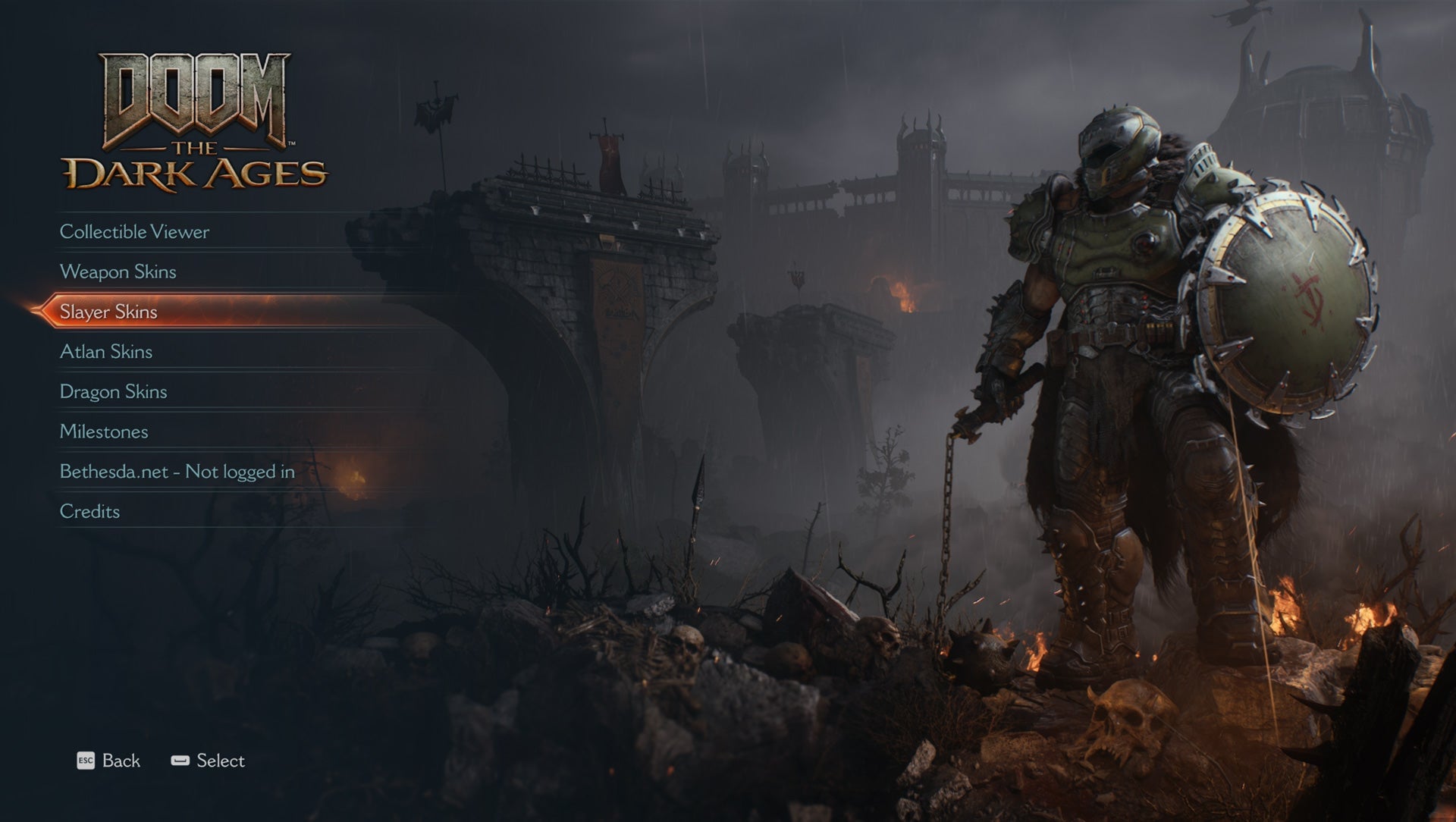
Changing skins in Doom: The Dark Ages is a little weird and disjointed. This task is done in the Extras menu, but the options are different depending on whether you’re at the main menu or in a mission
If you’re at the main menu, you can select Extras and gain access to skin changes for the Doom Slayer, any obtained weapons, the dragon, and the Atlan (mech). However, if you’re in the middle of a mission, you can still pause the game and access the Extras menu, but you’ll only be able to change the skin of your obtained weapons.
It’s not clear why you’re unable to change any other skin types during a mission, but them’s the breaks. If you want to mix things up for more than your weapons, just hop out of the game, back to the main menu and take a look at what you’ve got available. But don’t spend too much time fussing over looks—you’ve got a world to save.
Doom: The Dark Ages is available now on PS5, Xbox Series X/S, and Windows PCs.