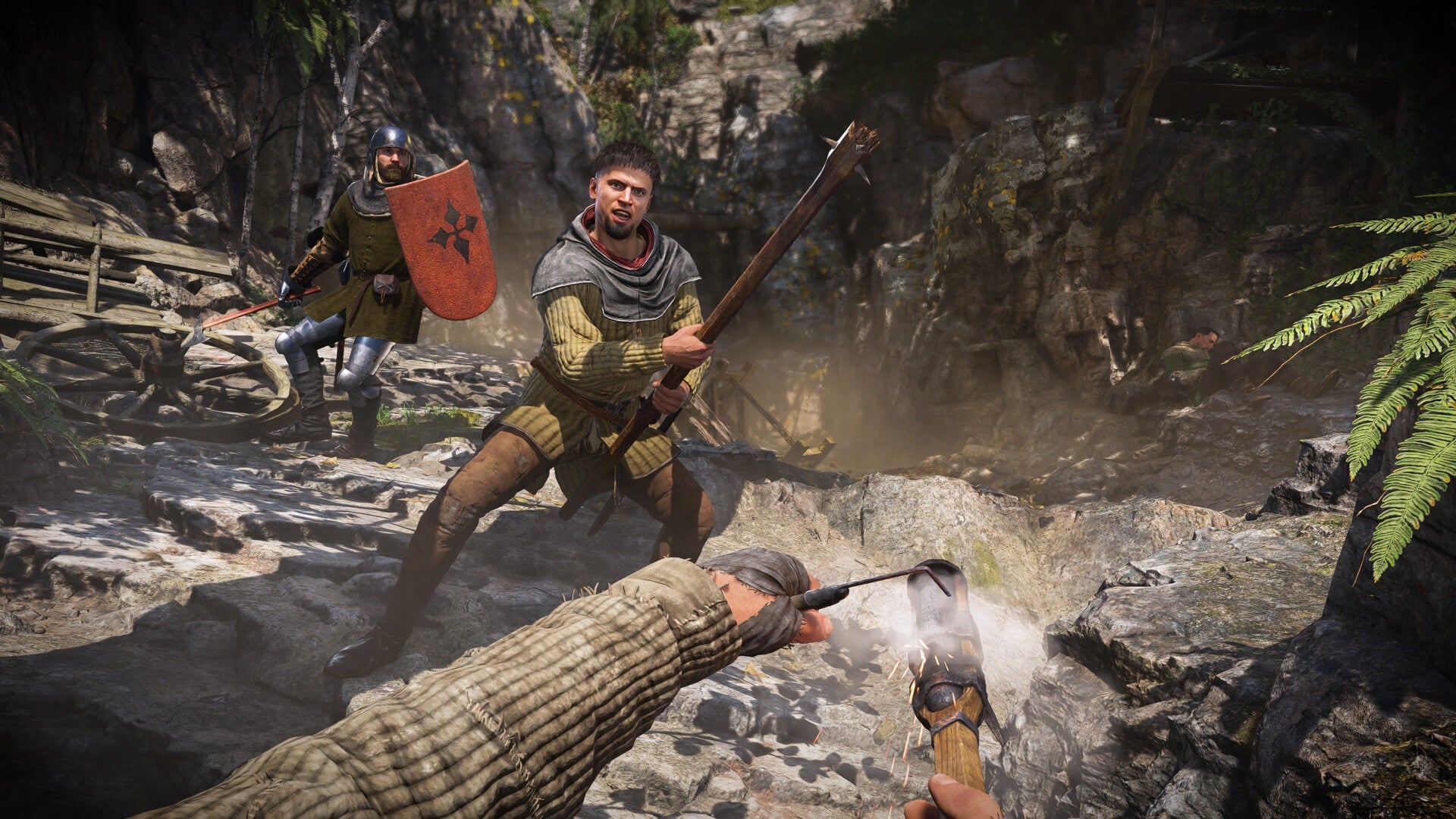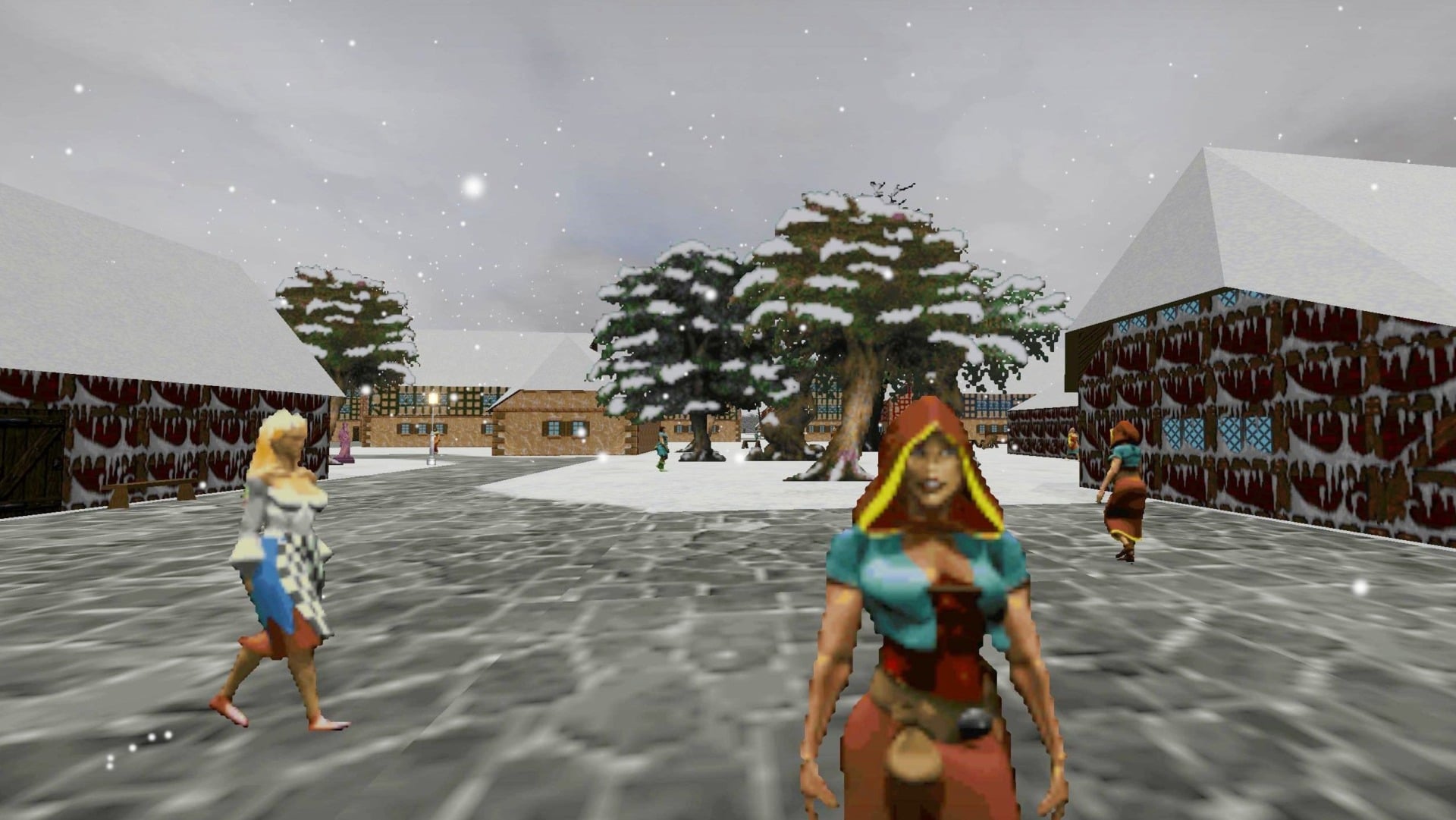
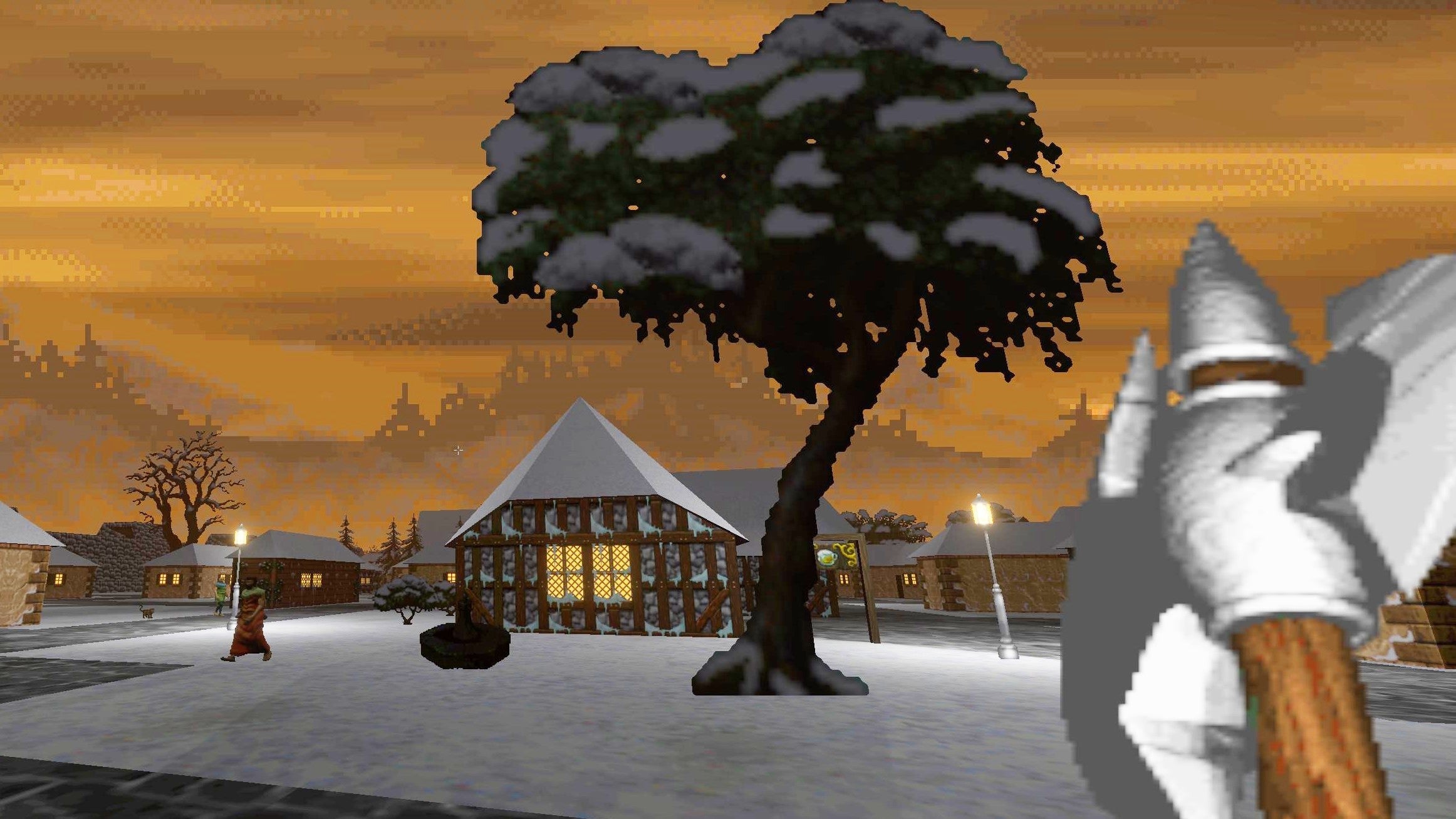
With Bethesda’s (sort of) surprise announcement of The Elder Scrolls: Oblivion Remastered, you might find that there are some out there who’d try to encourage you to play fan-made Morrowind remakes instead. Ignore those people, they’re cowards and fools. You should be playing Daggerfall right now, like any right-minded person. And with Daggerfall Unity, you can enjoy the all-time classic RPG in HD widescreen entirely for free.
Daggerfall Unity, a fan-made passion project that rebuilt the second Elder Scrolls game in Unity, was in development for over ten years. But last year, it was finally considered complete, the whole extraordinary endeavor made available for free. And thanks to Bethesda’s excellent decision to release the original 1996 game for free, you don’t even need to pay for the base game either.
How to install Daggerfall Unity
As with my post about Morrowind, my goal here is to provide you with an idiot-proof guide for getting Daggerfall Unity running on your computer, without needing to speak the secret arcane language of modders. Then, to just encourage you to play it. And thankfully, this one’s far easier to get running.
The very first thing you’re going to want to do is get yourself a copy of the original Daggerfall. That’s easily done—you just grab it from Steam or GOG, and as mentioned, it won’t cost you anything. (Bethesda was hosting the free version on its site for a bit, but now it just links out to Steam.)
Install that, and then head to this page to download the Unity version, the most recent being 1.1.1. As ever with these projects, there’s no “Download it here!” button at the top of the site, because that’d make life easy. Instead, you’re going to want to scroll to the bottom of the entry for 1.1.1 (just above the start of information about 1.1.0), or Ctrl-F for “dfu_windows” and then pick either the 32 or 64-bit version. If you’re not sure, then you’re safe to pick “dfu_windows_64bit-v1.1.1.zip,” the fourth one down in the list. (There’s also a version for Linux and Mac in the list.)
Download the .zip to your hard drive, and then unzip it into a folder. Open that folder and you’ll see a few files, including “DaggerfallUnity.exe.” Double-click on that, and it’ll ask you where you installed the original Daggerfall. Assuming you’re using the Steam version, you’ll find the game on the hard drive you installed it to, then “steamappscommonThe Elder Scrolls DaggerfallDFDAGGER.” Click OK, choose your resolution, and you’re good to go!
Having spelled this all out, I’ve just discovered that the glorious people at Daggerfall Unity have written a very clear guide themselves, which you can find here.
When you load the game, it’ll show you a bunch of basic options. But if you want to have a proper fiddle, click on “Advanced.” Here, you can do all sorts of important business, like adjust your mouse sensitivity, bump the quality up to max, and set it so it’s running in 3440×1440 on your ultrawide monitor in a way that the original developers in 1996 would not be able to conceive.
Get modding
But you won’t want to stop there. Daggerfall Unity has a built-in mod section, letting you enable or disable any you might have added. But you’ll need to get some first, so head over to the dedicated page for this version of the game on Nexus Mods. You’ll also want to have this page open, which is a superb step-by-step guide for installing mods in this game.
The first thing you’ll want to get is Daggerfall Expanded Textures. This is required for many of the other mods that’ll improve how the game looks, so is worth installing straight away.
As with most mods, the file has the extension .dfmod, and you’re going to want to put it in the rather buried “mods” folder of your main installation. So, go back to where you unzipped Daggerfall Unity, and in there, you’ll want to open “DaggerfallUnity_Data,” then “StreamingAssets,” and finally “Mods.” Put any .dfmod file you want to use in the game in this folder, so in this case, “daggerfall expanded textures.dfmod.”
Next time you launch the game, click on the “Mods” button bottom right, and you’ll see the mod in the list!
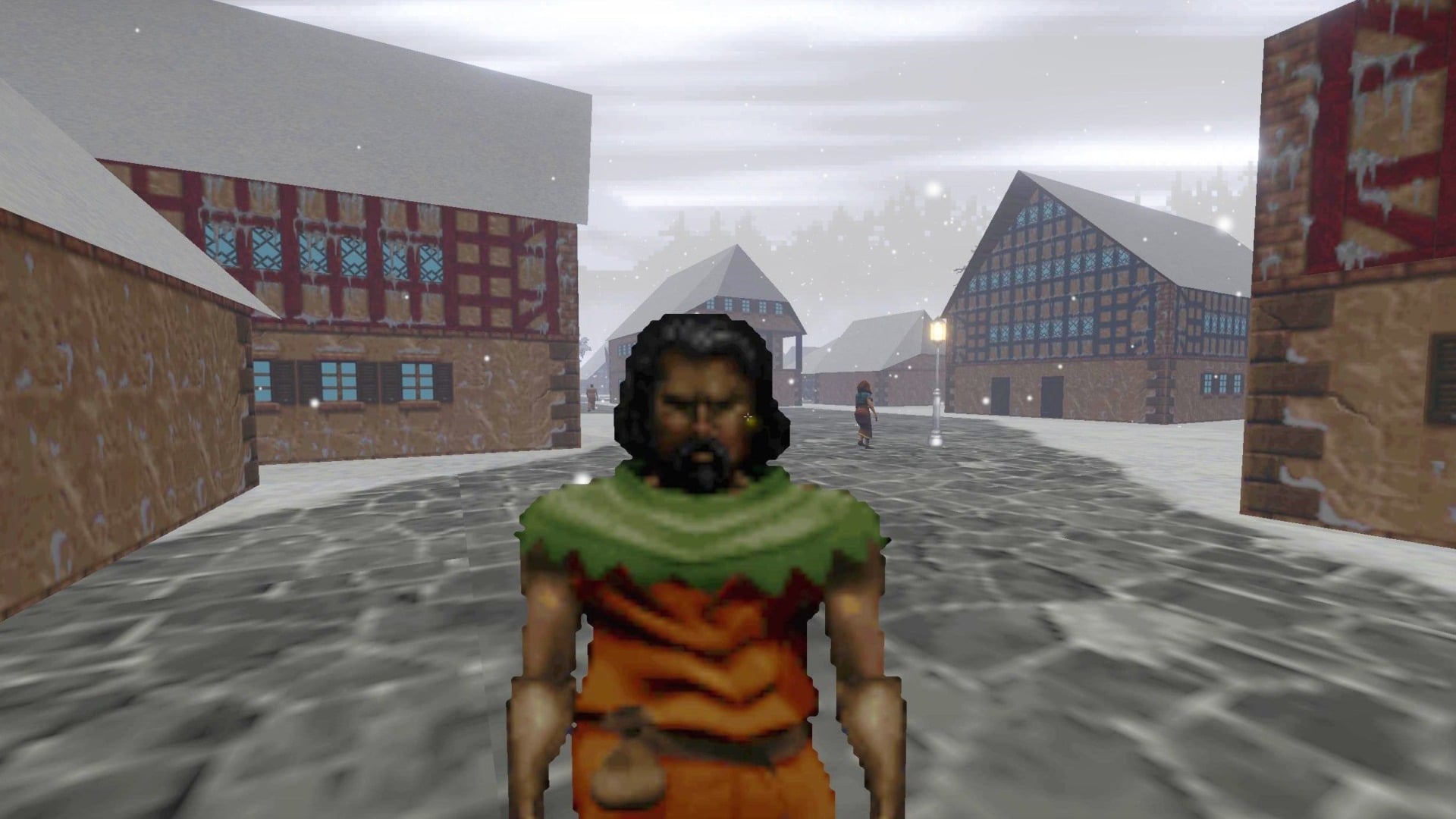
With that in place, many other mods will now work. For instance, DET-DREAM (do you see what they did there?), which overhauls a lot of the models. Taverns Redone makes pubs more pleasurable. Quest Pack 1 adds 200 new quests to the game. And Improved Interior Lighting…well, you can figure that one out.
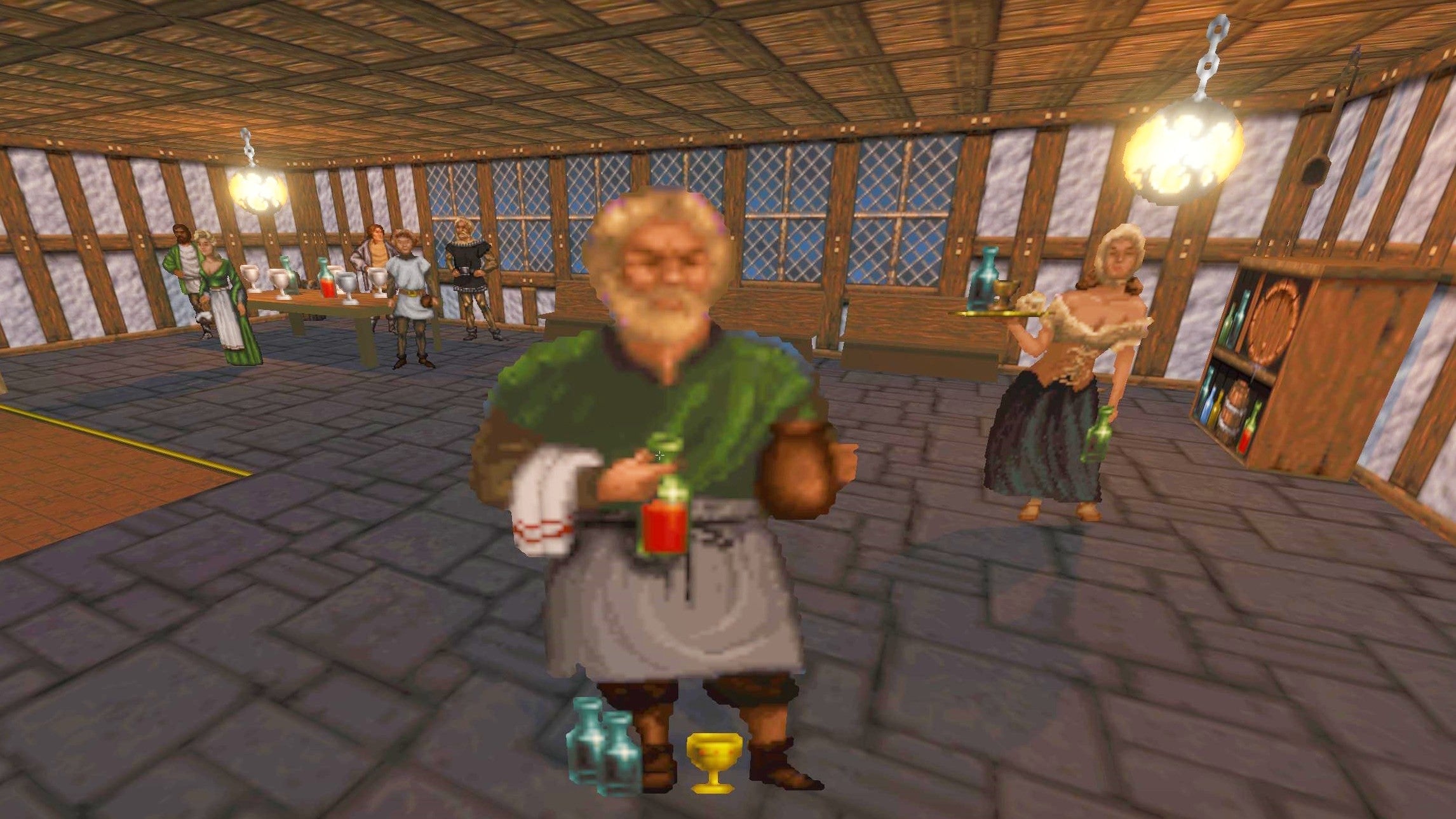
And now get playing!
With this all done, you’re good to go. But it’s useful to know a few key details about Daggerfall that aren’t instinctive in 2025.
The first is that this is a game about going with the flow. Sometimes you’ll fail at a quest, but this doesn’t mean you need to reload and start it over—just continue on in a world where you failed at that quest. There are plenty more to find, and let your experiences define you.
It’s also a game about vast exploration, the seemingly infinite stretches of the game procedurally generated, with a mind-boggling 15,000 cities, towns, dungeons, and villages to find and explore. The image below, created by Redditor Mister_Cranch, superimposes the entire map of Skyrim onto Daggerfall’s world. It’s that tiny brown rectangle in the middle of the sea.
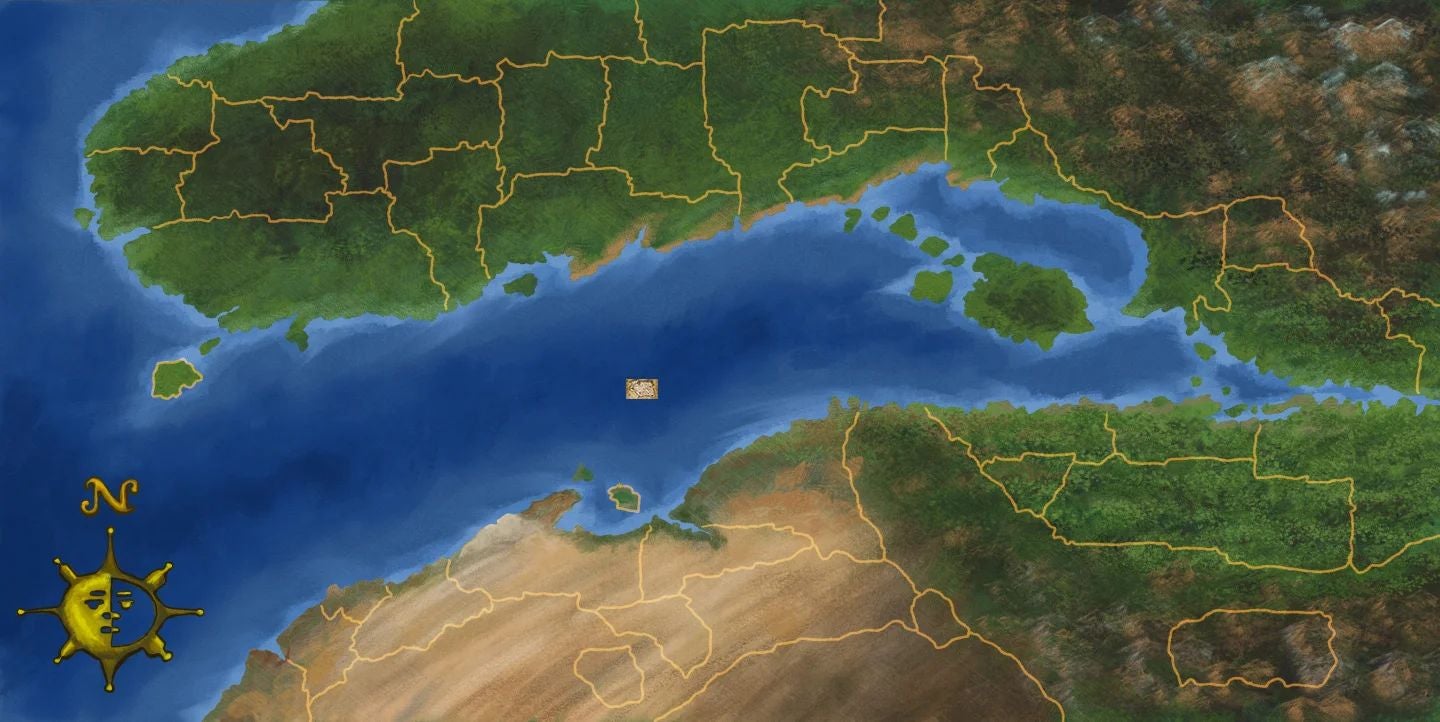
Oh, and fighting! It’s not instinctive at all, and in the 30 years since this game came out, I might not have been able to forget the door opening sound, which is branded onto the surface of my brain. I had forgotten that fighting isn’t just holding down the mouse button. (By default, the right mouse button, but you can change that.) Instead, you need to hold it down and swing the mouse around to attack. Believe me, you’ll be glad I said. (Or you can toggle it off in the options, but that’s not the spirit of things.)
On the subject, as the optional in-game tutorial will tell you, you’re not meant to be able to win every fight. The opening sequence deliberately has you encounter an imp that your weapons won’t be able to harm, leaving you only with the choice to run away. That’s important! Running away, like in life, is fine in Daggerfall. The game won’t give you XP for kills, so there’s no judgment.
So get in there. “Welcome to your new obsession,” as the tutorial concludes. It’s just a place for you to go live. There’s no big, opening calamity, nor desperate need to be somewhere by a certain time. Just a vast world for you to explore, find quests, join guilds, start fights, go to prison for years, whatever you wish to do.