Members of Microsoft’s Xbox Dashboard Preview program are now enjoying the ability to tap a button twice or say “Xbox take a screenshot” and create a still image suitable for making your dashboard wallpaper—and not much else at the moment.
The ability to actually share any of the screenshots taken via the Xbox One dashboard is currently still in the works, planned for release in subsequent March preview updates, but that’s not important right now. What’s important is that shouting “Xbox take a screenshot” at the poor console now does something.
Double-tapping the Xbox gem in the center of the controller and then pressing the “Y” button will also save a screenshot. Once saved, screenshots can be viewed in the Upload app. Again there’s no sharing, but Geometry Wars 3 makes for a snazzy dashboard background.
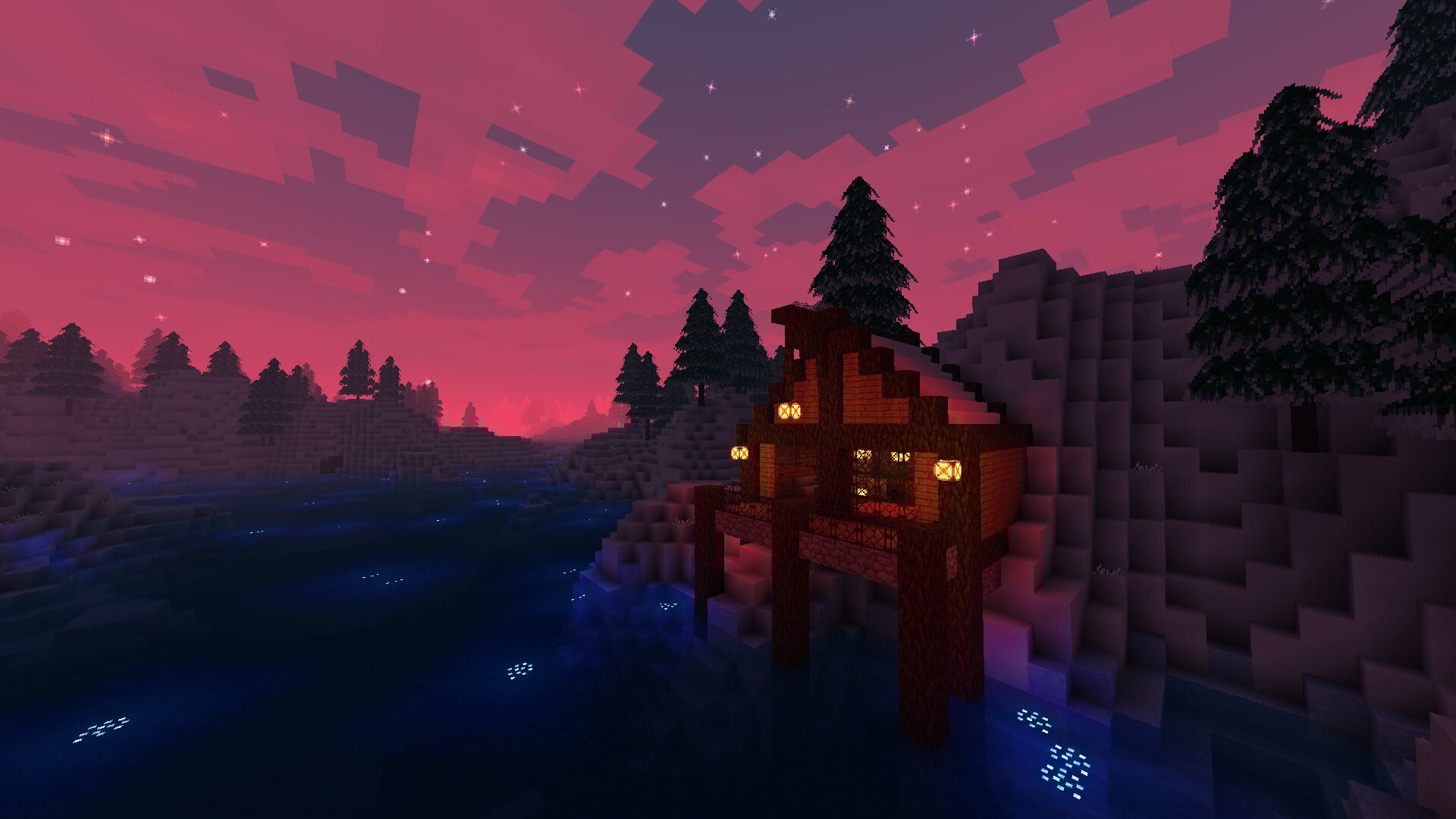
One thing to note, the screenshot functionality might be one of those features that’s better with Kinect, seeing as double-tapping the gem pauses whatever action you’re in the middle of. Also worth noting, the screenshot function only works in games currently—no apps or dash shots. I took the images in this article using my Elgato Game Capture HD 60.
Along with the screenshot function, today’s preview dashboard update also give users control over tile transparency, allows for the sharing of real names with all friends and all of Xbox Live (on top of select friends) and adds a “suggested friend” panel to the friends section, allowing your game console to suggest relationships that could last many lifetimes.
If you’re a member of the Xbox Preview Dashboard program, go update your console and start snapping images. If you’re not, look for all this and more coming to the Xbox One dashboard next month.