Mario Kart World is overflowing with charm and whimsy, thanks to its colorful tracks and adorable cast of characters. So, whether you’re racing alone in Free Roam or Grand Prix, or you’re taking to the tracks with pals in some online races, you’ll want to take a moment or several to snap some pictures along the way so that you have memories to look back on later.
Read More: How To Send Nintendo Switch 2 Screenshots To Your Phone
Mario Kart World’s photo mode is a breeze to access. But where should you focus your attention? To start, if you’re looking for some particularly beautiful spots to snap photos, you should spend a bit of time in Acorn Heights, especially in the brighter regions of the track.
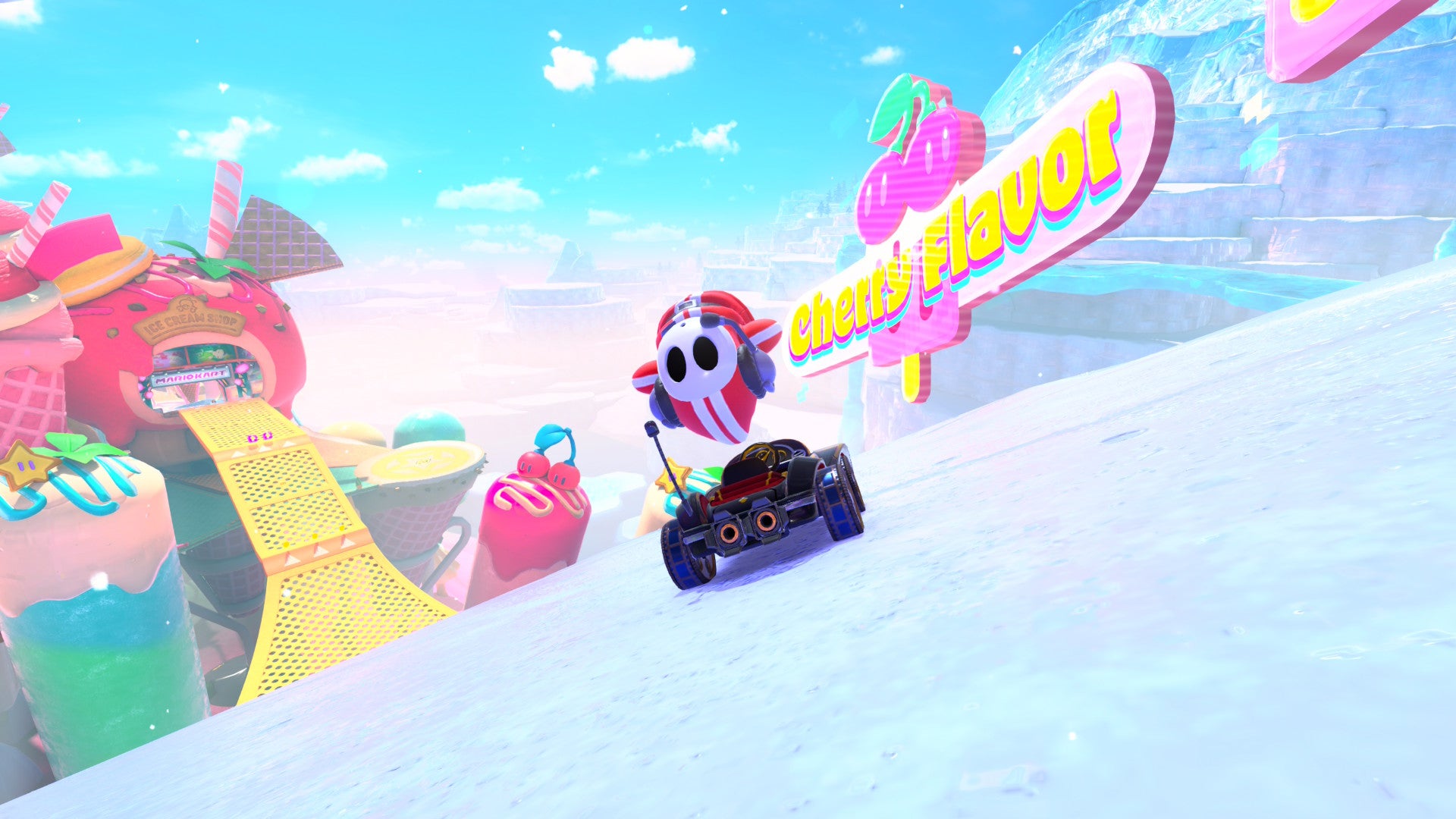
Whistlestop Summit is another choice track for photographic sightseeing. But if an overabundance of colors, particularly of the pastel variety, catches your eye, Sky-High Sundae was literally made for you.
Lastly, if you’re looking for some snowy vibes, it’s hard to beat Starview Peaks:
Most maps are genuinely quite colorful, so anything that takes you to soaring heights is perfect for a photo op. And don’t forget to break out some quirky poses and expressions to really show off your fun side.
How to use photo mode in Mario Kart World
If you’re ready to start snapping some pics in Mario Kart World, it’s only a button press away. You can open photo mode by pressing the “-” button at any time
Read More: The Best Characters For Every Track In Mario Kart World
Once you’ve opened photo mode, take note of the various options available for customizing your pictures in fun and exciting ways. You can zoom or tilt the camera to get just the right angles, use the “Focus” feature to blur the background of your shot, and even add frames to your picture.
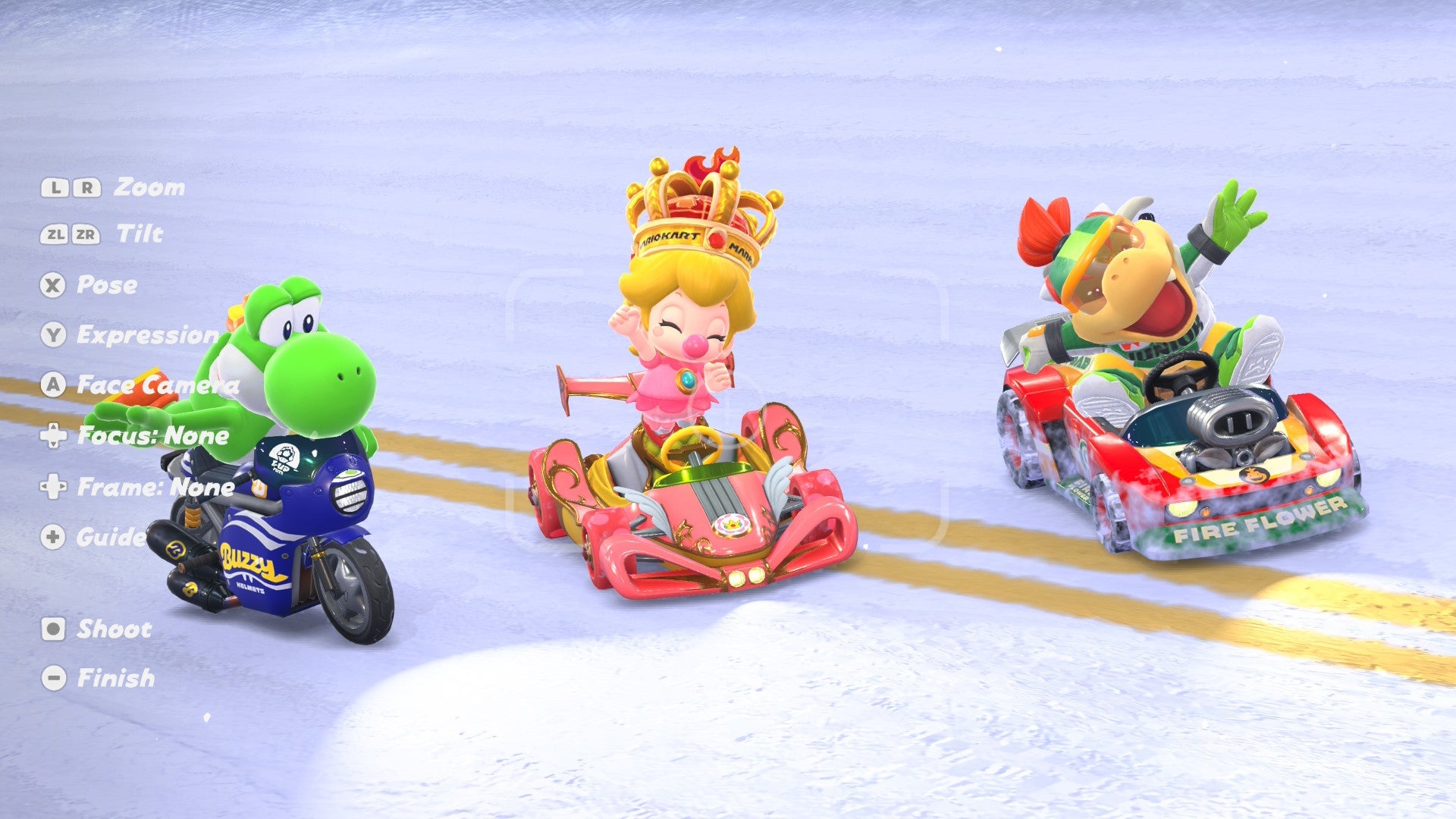
Most importantly, though, is the ability to alter your character’s pose and expressions. You can make them wave, jump out of the car, or even look like they’re hanging on for dear life. And if they’re not looking where you want them to, just select “Face Camera” to make them look in your direction.
Read More: Your Kart’s Stats Are As Important As Ever In Mario Kart World
When you’re ready to snap the photo with the Switch 2’s capture button, you’ll probably want to hide all of the UI elements on the screen. To clear the UI, simply press the “+” button on your controller. Press it again when you want to return to customizing your shot.
Read More: Every Mario Kart World Track Has A Closed-Circuit Version, But It’s Not Easy To Play Them
Mario Kart World is available now exclusively on Nintendo Switch 2, so get out there and start snapping pics.