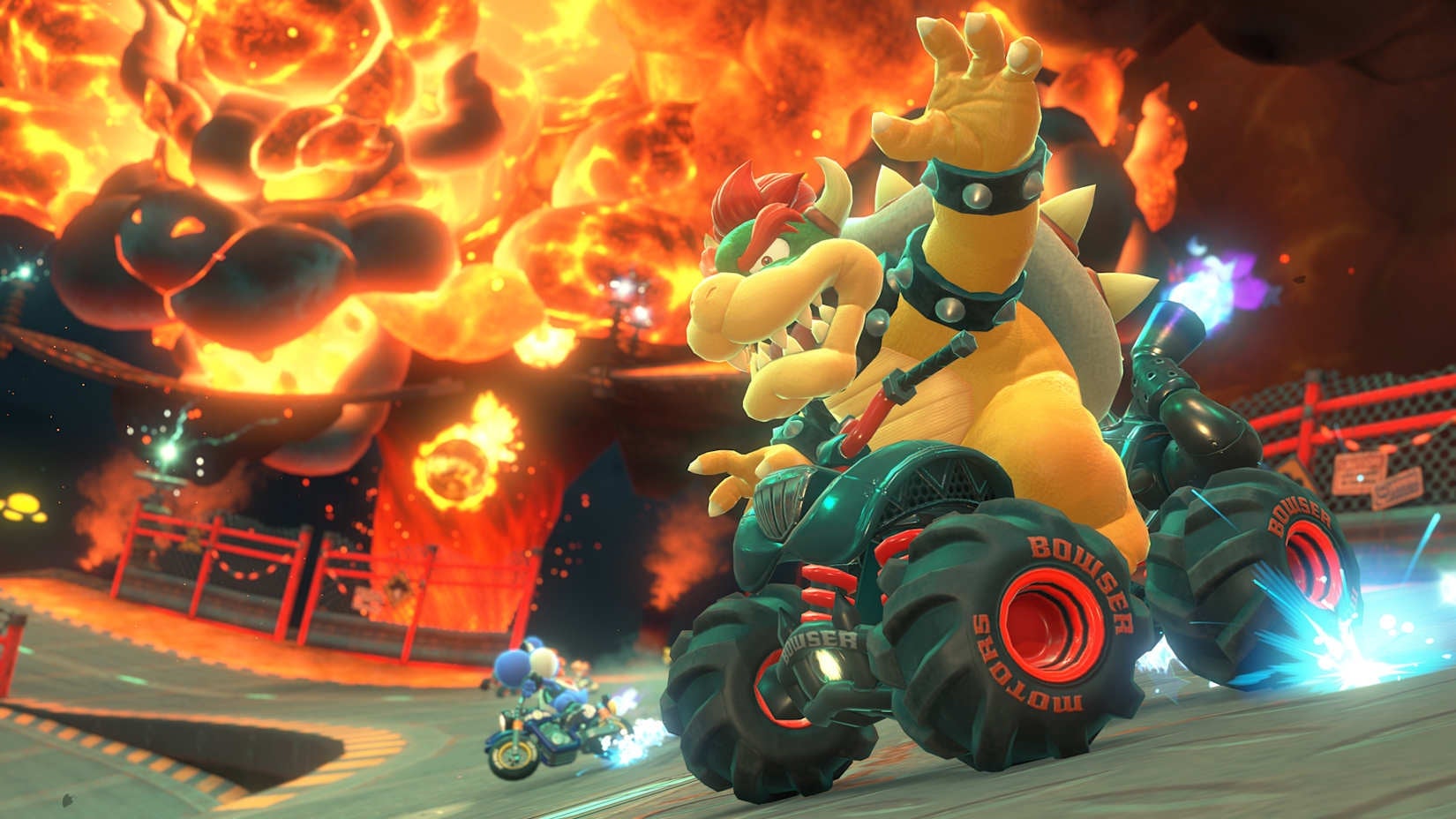
The Nintendo Switch 2 has finally launched, along with the brand-new Mario Kart World. There are a lot of fresh mechanics to learn in this latest entry, but some returning features unfortunately don’t have any proper clarification. Two great examples of this are Smart Steering and Auto-Accelerate. No worries if you’re unable to figure it out, because we’re going to make it simple!
What is Smart Steering?
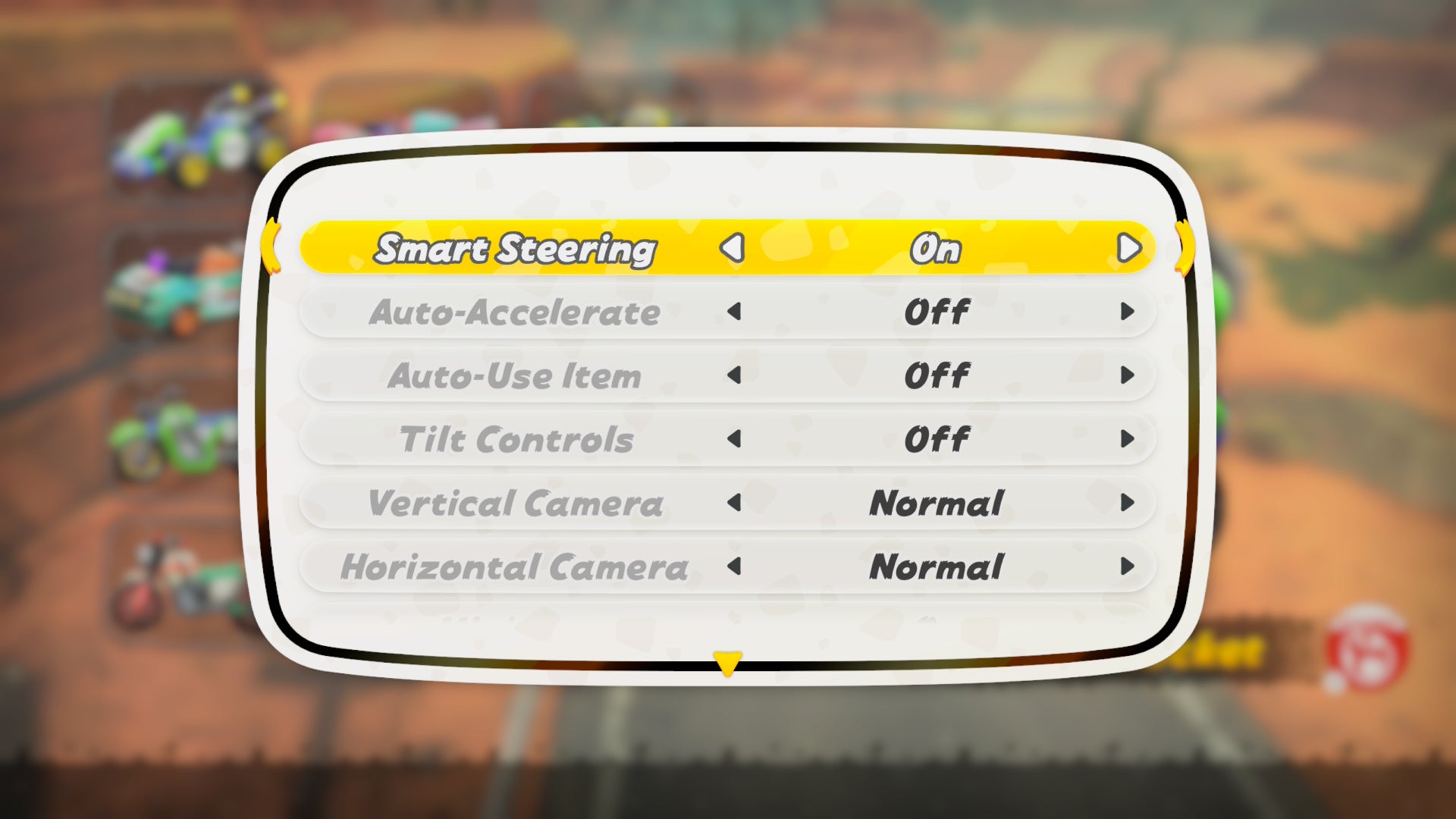
While you’re picking a kart or after pausing gameplay, you’re able to access the Settings/Controller menu. The first toggle you’ll see is for Smart Steering. Those who played the previous entry likely remember what this means. Anyone who’s jumping into the Mario Kart series for the first time or in a long while is out of luck, since there isn’t any explanation as to what this does.
Smart Steering is an assistant feature that’s meant to keep you from driving off the edge of a course. You’ll find yourself being tugged back along the track whenever you get too close to an edge or wall. Visually, it’s represented by a small antenna on the back of your kart that lights up when the feature is activated.
Newer and younger players alike are sure to enjoy Smart Steering’s assistance. However, enabling this does come with caveats. The obvious setback is that you’ll be unable to perform up to the second level of your mini-turbo. Not having access to the third and strongest drift boost is a huge detriment when playing online or even in 150cc. Just as challenging is that Smart Steering’s corrections can ruin some of your drifts and make it difficult to take off-road shortcuts. I’ve also experienced a bit of awkwardness when trying to Rail Ride. As helpful as this feature is, you might enjoy playing without it once you’ve become more familiar with Mario Kart World
What is Auto-Accelerate?
Directly underneath the Smart Steering option is Auto-Accelerate. This one might be easier to guess, but it’s still pretty vague without a proper definition. Auto-Accelerate is an assistant feature that constantly keeps the Accelerate input triggered. Considering that you’re likely pressing down on the A button 99% of the time anyway, this probably sounds like a dream for accessibility reasons or even if you find your thumb getting sore.
I’d argue this feature is much more of a convenience option that you could use for as long as you play. That being said, it’s not without some problems. Continuously accelerating means you can’t brake as effectively or go in reverse. These are minor issues that can be mitigated with experience over time, but they’re still worth taking into account.
The best part with either of these features is that they can be toggled with a quick visit to the Options menu. Go ahead and experiment whenever you want to make adjustments to your driving ability!