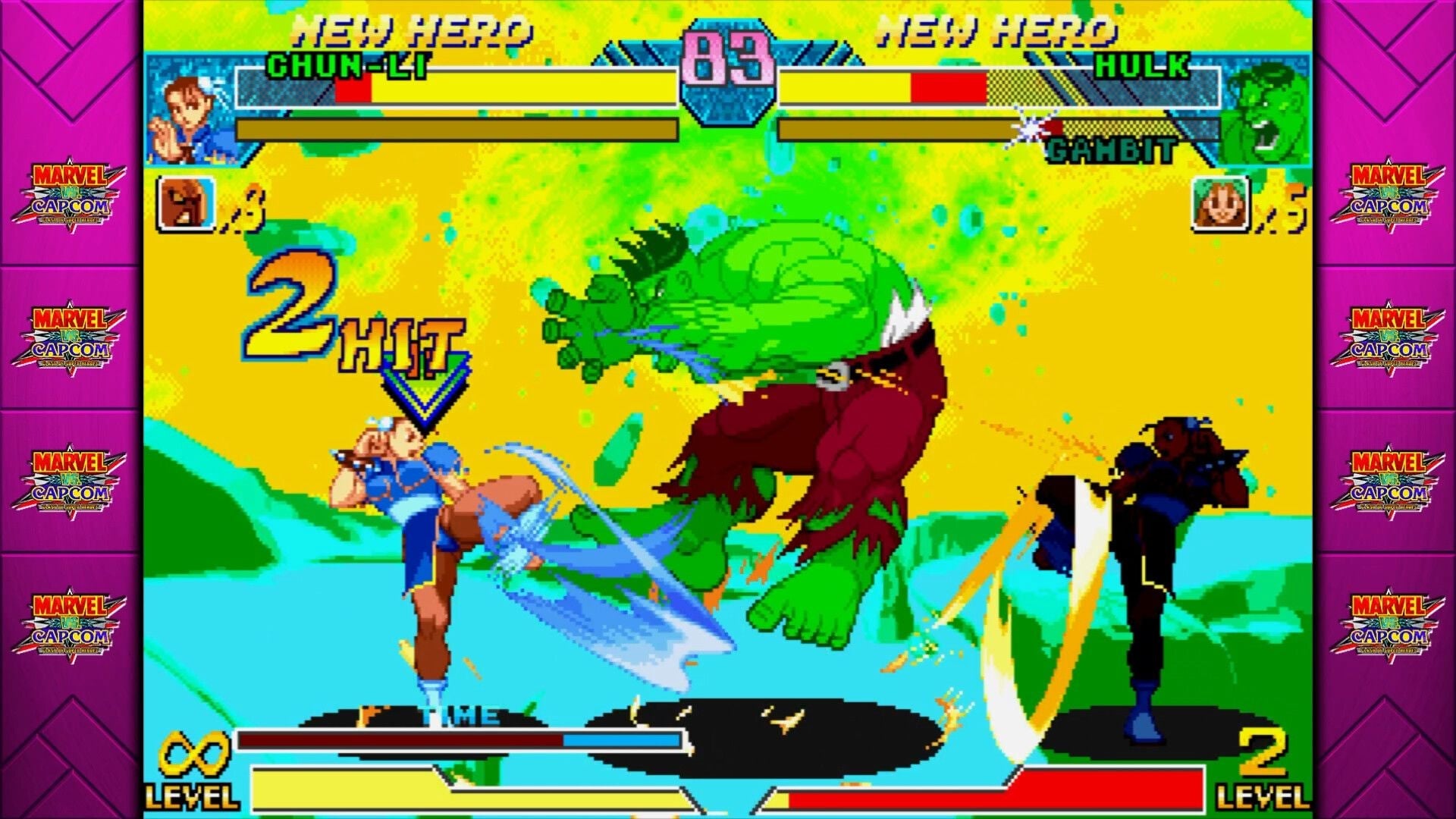
We’ve been having a blast in Marvel Vs. Capcom Fighting Collection: Arcade Classics, even if there’s the weirdly high chance of getting schooled by a pro. However, basing these games off their arcade versions has unfortunately led to the occasional problem, and one particularly surprising issue is figuring out how to play local multiplayer with your friends.
Read More: Marvel Vs. Capcom Fighting Collection: Arcade Classics, As Told By Steam Reviews
Pre-order Marvel vs. Capcom Fighting Collection: Arcade Classics: Amazon | Best Buy | Humble Bundle
There’s no separate versus mode in this compilation. These arcade classics were designed with a primary mode where you feed quarters to try your luck against the CPU. If someone else wanted to join, they’d have to put in quarters too.
The good news is that fixing this doesn’t need to be that complicated (unless you want it to be). Follow below to learn how to play local multiplayer in Marvel Vs. Capcom Fighting Collection: Arcade Classics and the relevant settings.
Try pressing Start on a second controller
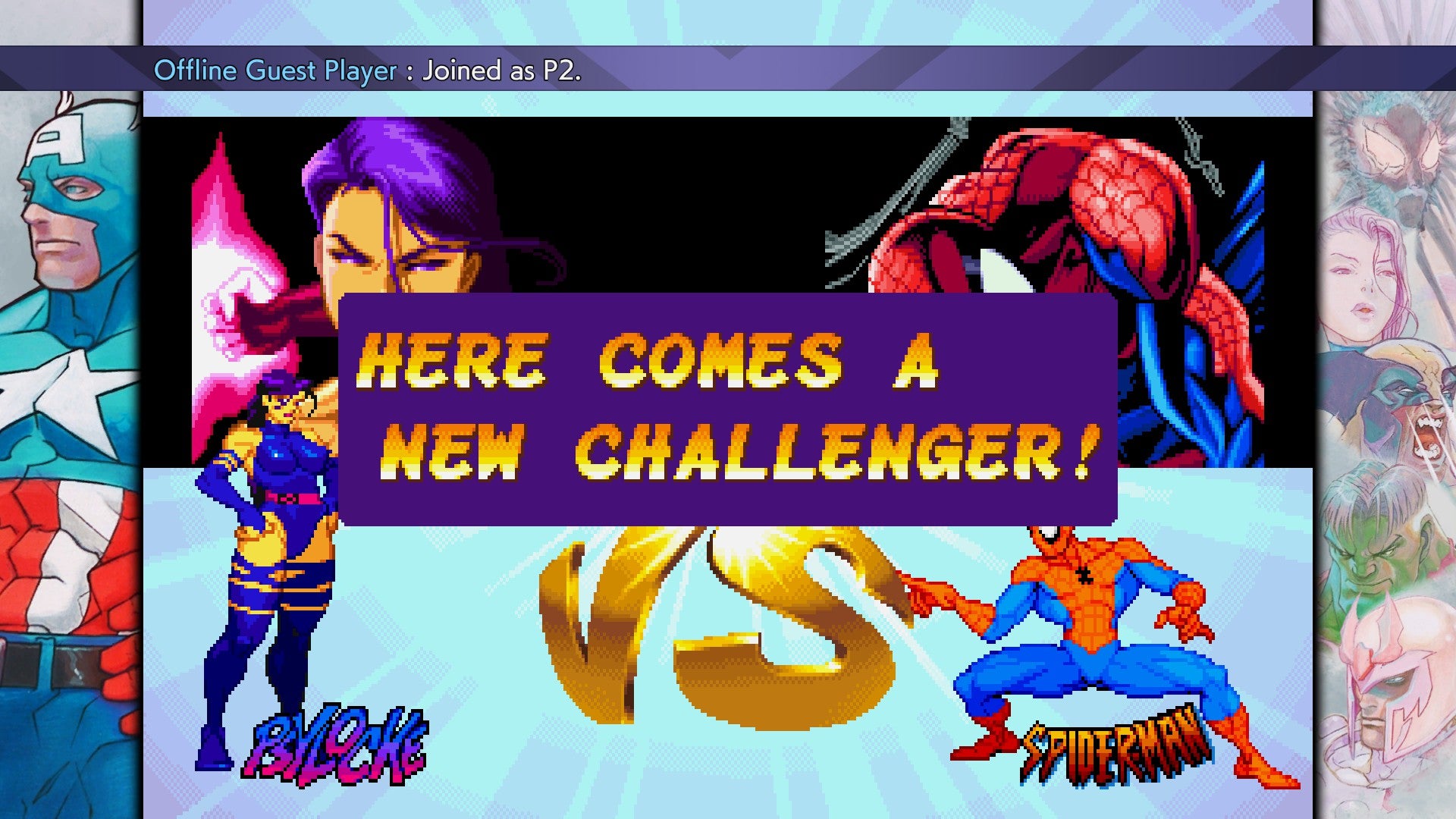
The first and easiest step is to turn on another controller and press start. Any input from the controller should display a message saying that another player joined, but the start button is the only one to properly let them interact with the game. The second player will instantly gain control of the P2 cursor on the character select screen. Joining on any other screen will bring up the classic “Here comes a new challenger” pop-up and take you back to character selection.
By default, every title in the collection is set to Free Play and allows a second player to jump in at the press of a button. You’ll know this setting is active if Free Play is displayed in the top right corner during solo play. If none of the above worked and you instead see alternating text about inserting more coins, a different solution is required.
How to Insert Coins
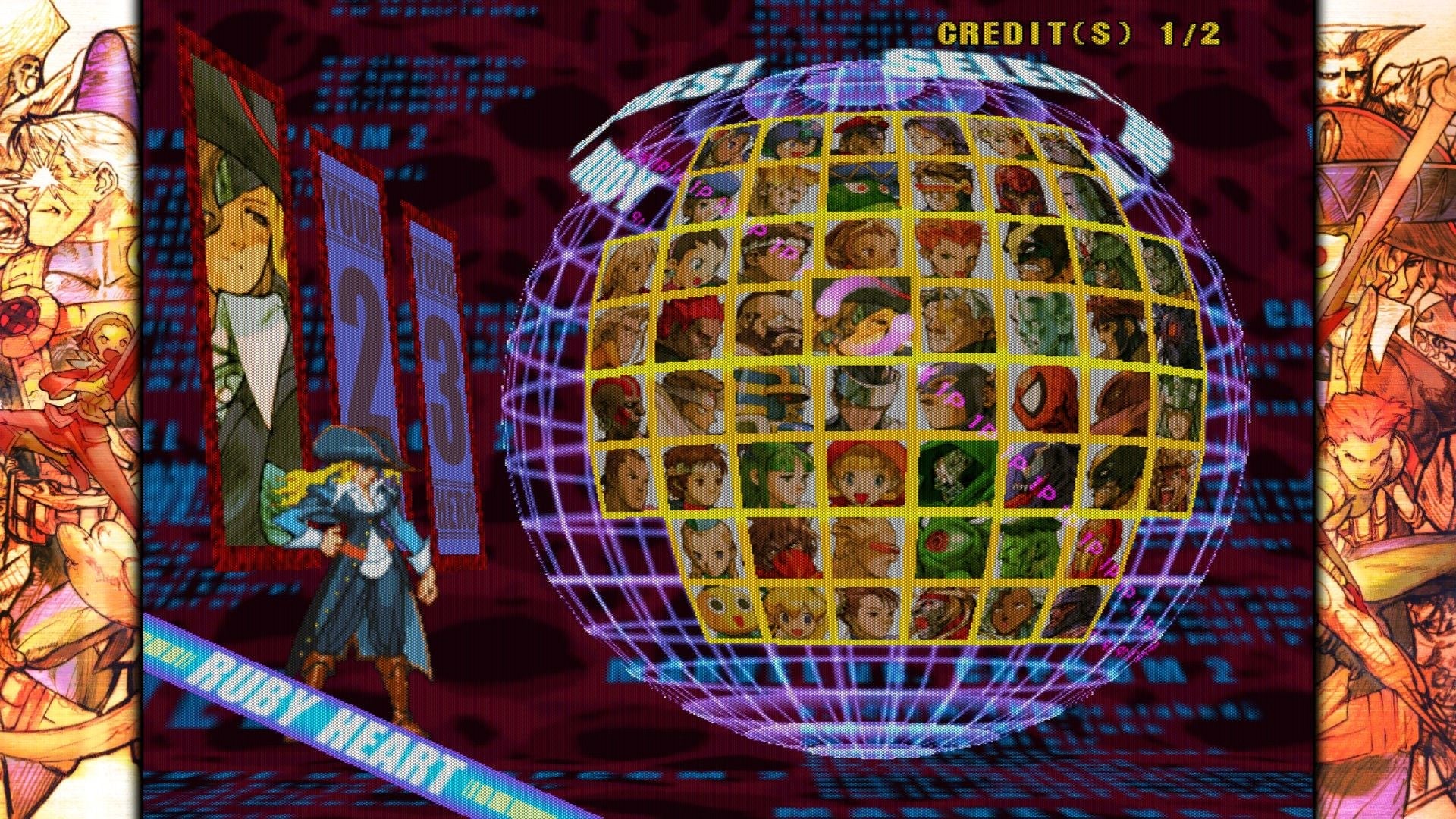
Just like the first Capcom Fighting Collection, the commitment to the arcade experience is so strong that there’s an option to require coins or credits to play. Another person won’t be able to join until enough has been added. Thankfully, this can be done with a single button. It’s not like you’ll need to grind some out from a shop or anything.
The standard button to insert coins is pressing in on the right stick. It may require one or two coins, depending on the game setting. It’s also possible to stock up on credits, which is helpful when someone loses a life while playing The Punisher. Either controller can be used to do this, but the second controller will still need to press the start button to join.
Read More: Capcom’s Latest Collection Of Arcade Classics Gives The Punisher Its Due
On the off-chance you ever get stuck at the title screen, try pressing the Coin button. That should probably tip you off to the issue before even making it to character select, but I wouldn’t blame you if a panic button spam got you past the title screen.
How to Change Coin Mode
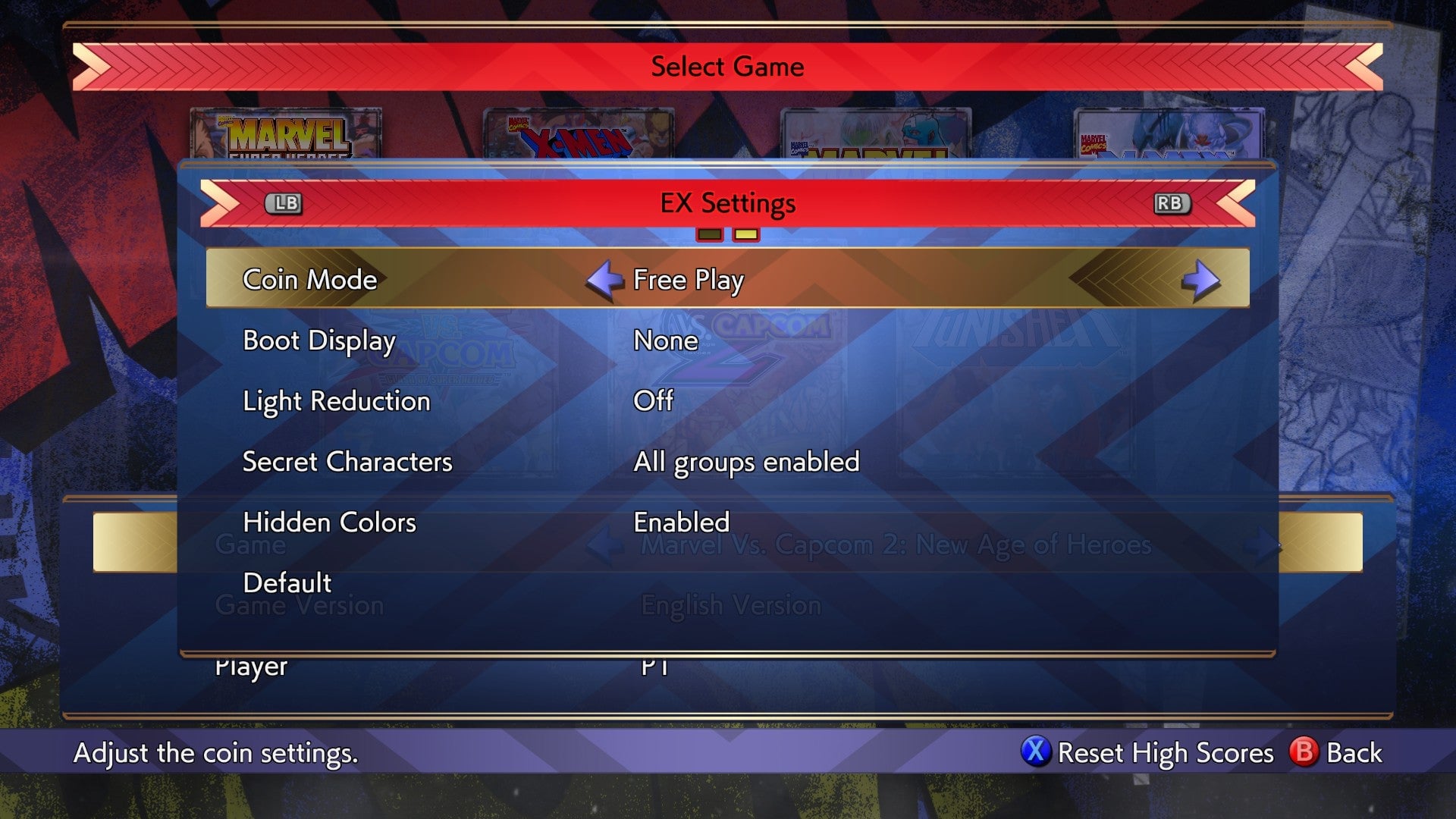
Of course, everyone will have preferences as to which coin mode they want. For those who want to try using credits for a hint of nostalgia, or who maybe accidentally enabled the option, it’s good to know how to change it. Here are the steps to take:
From the main menu, select Offline Play
Hover over the title of your choice and go to its Game Settings
Switch to the EX Settings Tab
Adjust the Coin Mode setting at the top
Alongside Free Play, I do want to highlight the credit options. The first is “1 Coin 1 Credit,” and it means you only need a single coin to play. “2 Coin 1 Credit” is the second option, and as you might guess, it means every two coins will equal 1 credit. In the arcade scene this would be the difference between an older machine that doesn’t see much play, and the hot new stuff everyone is excited about. For you that’s sitting at home, it just means how many times you need to press the Coin button.
That’s everything you need to know about how local multiplayer works in Marvel Vs. Capcom Fighting Collection: Arcade Classics. It might not be as clean-cut as a modern fighting game, but it’s still pretty simple. You’re free to make or break friendships from the comfort of your couch.