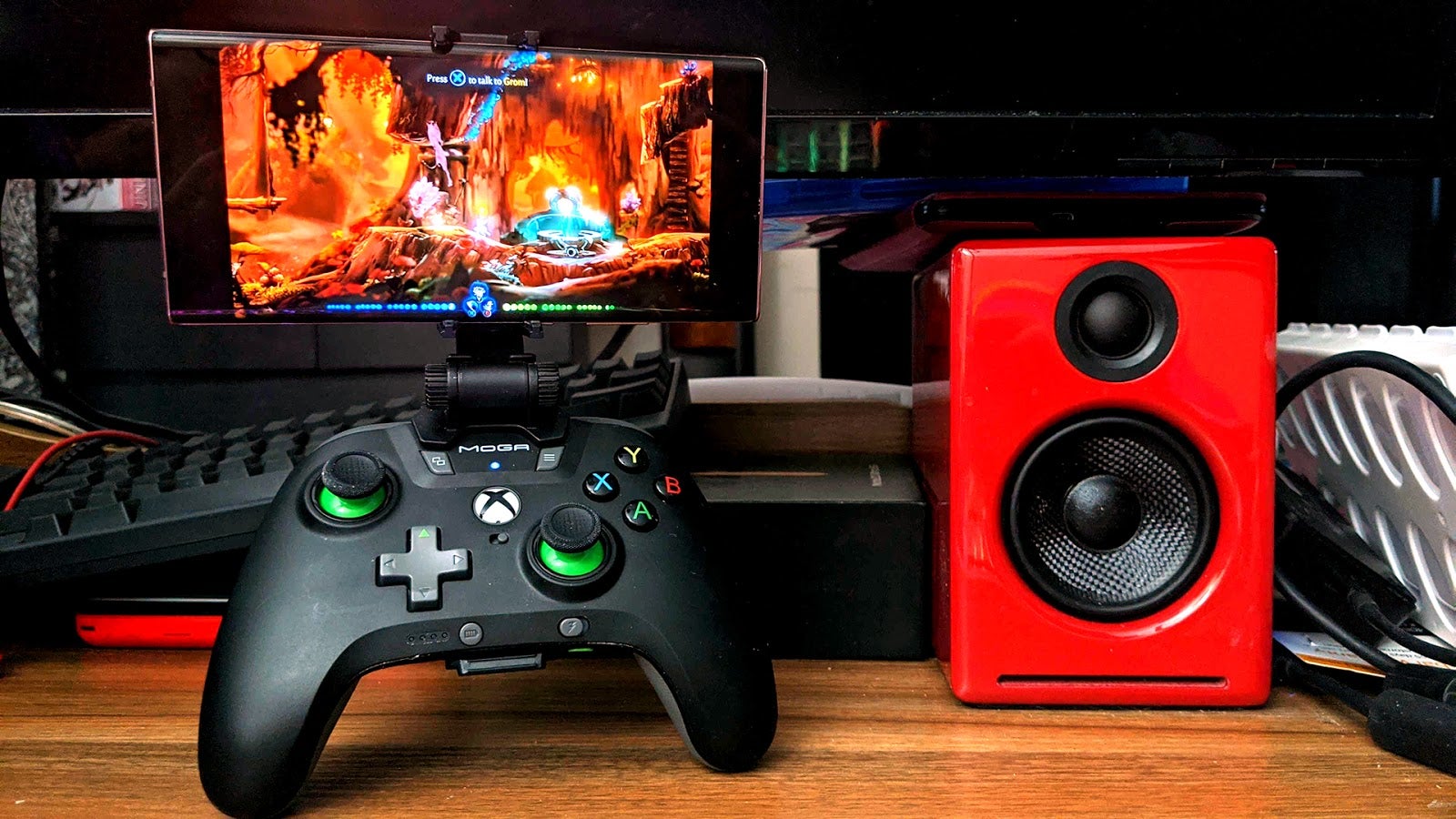
On a brand-new Samsung Galaxy Note20 with a solid 5G T-Mobile connection, Microsoft Cloud Gaming works like a charm. Shooters like Halo 5 stream without stutter. Fighters like Marvel vs. Capcom Ultimate are passable for casual play. If I switch to the spotty wireless shared by my entire household, games get choppy and stuttery. It’s all about that bandwidth.
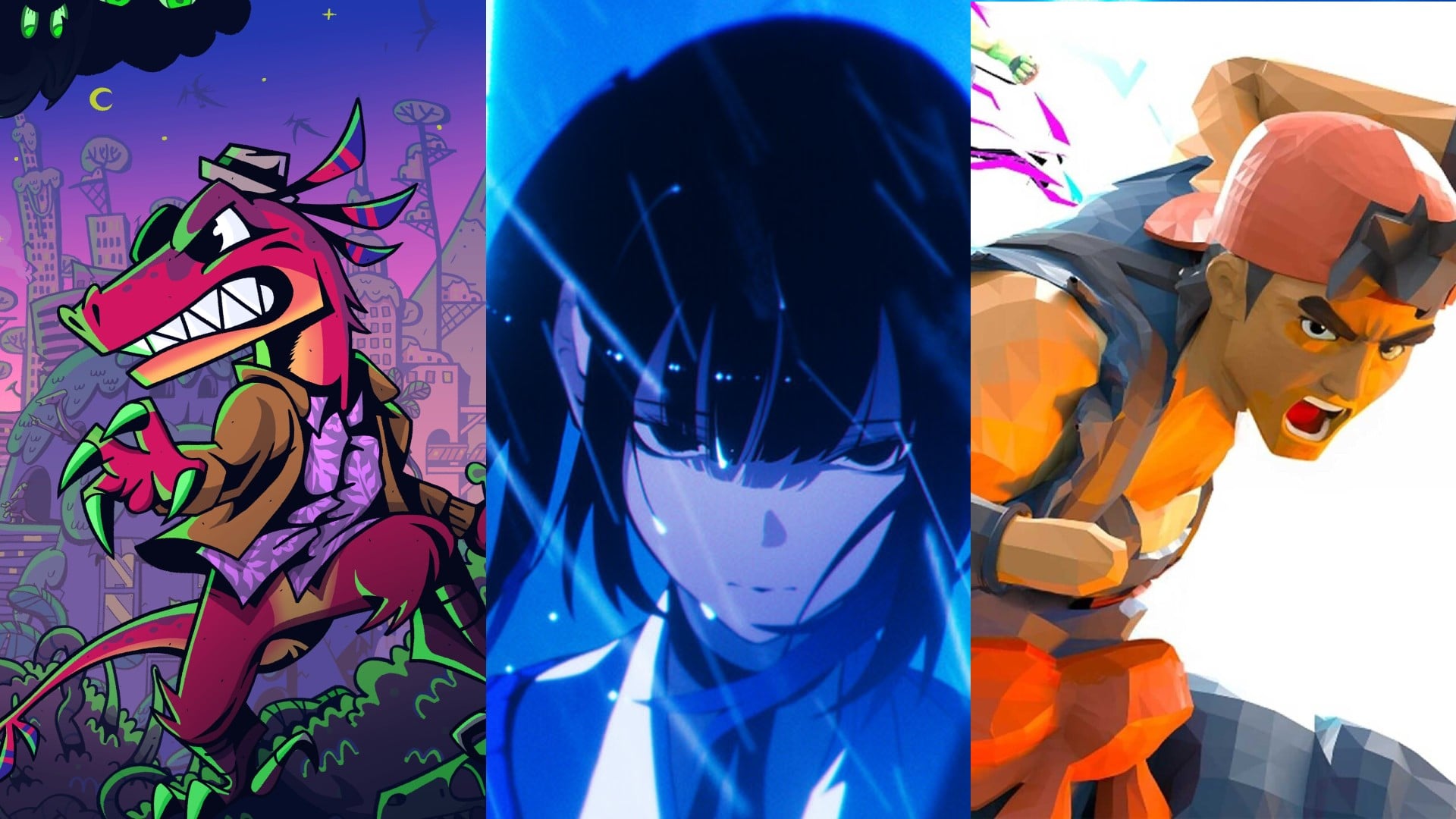
In optimal circumstances the streaming game service Microsoft now includes with Xbox Game Pass Ultimate works like a charm. I clip my phone into a controller, open the Game Pass app, and instantly have access to a streaming library of more than 150 games. Over the past 24 hours I’ve played indie darling Hollow Knight, Marvel vs. Capcom Ultimate, Halo 5: Guardians, Gato Roboto, Gears 5, and Batman: Arkham Knight. So far I’m quite pleased with how the service works.
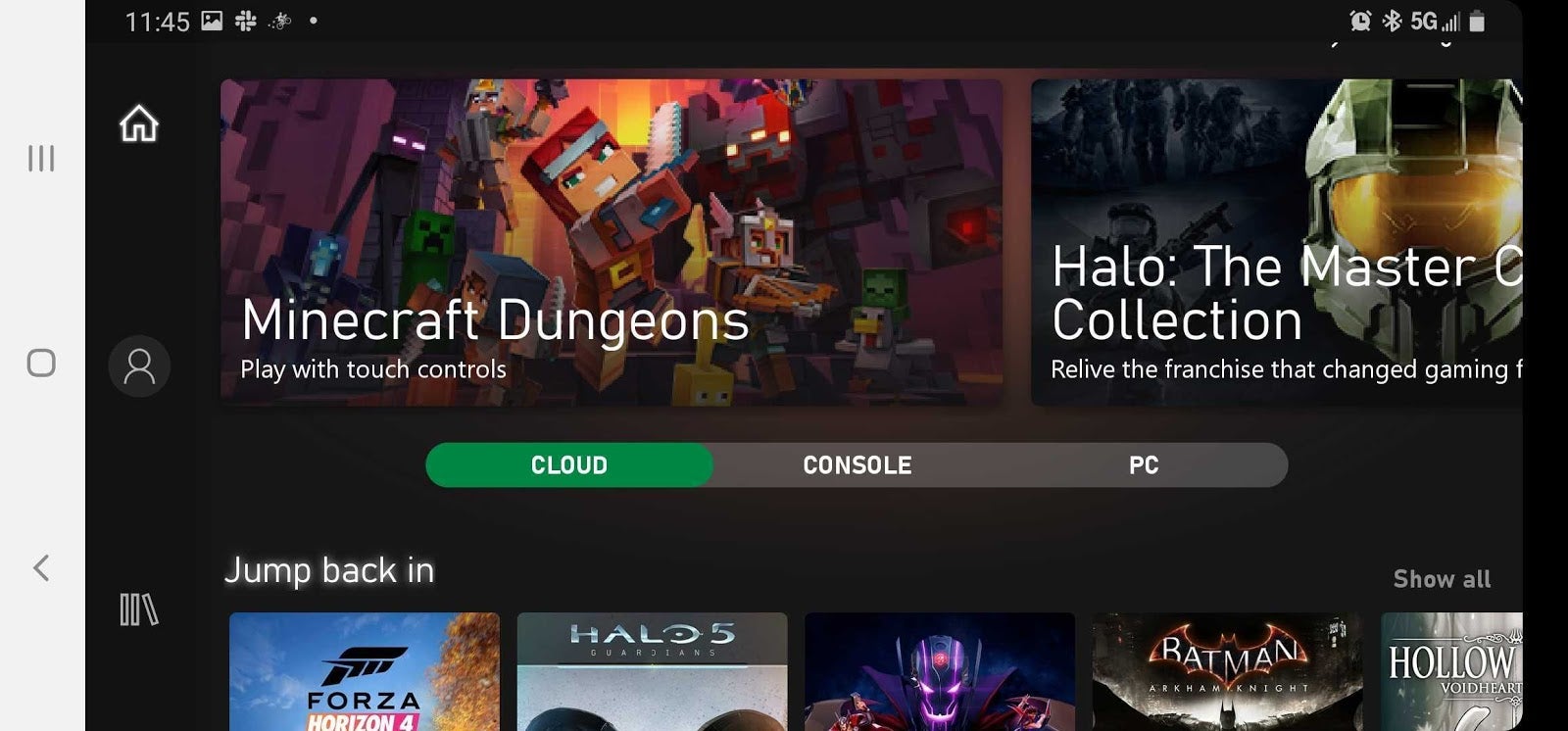
The Game Pass app has been updated for Game Pass Ultimate subscribers. Instead of just having the option to install Game Pass titles on their consoles, now games that feature streaming have a “Play” option. I select a game like Forza Horizon 4, for example. A “getting your game ready” screen pops up. Around 15 to 20 seconds later, the game launches. Since I play Forza Horizon 4 regularly, the streaming version syncs with my Xbox One progress, and I’m good to go. The progress I make is saved to the cloud so it’s all intact when I return to my console later.
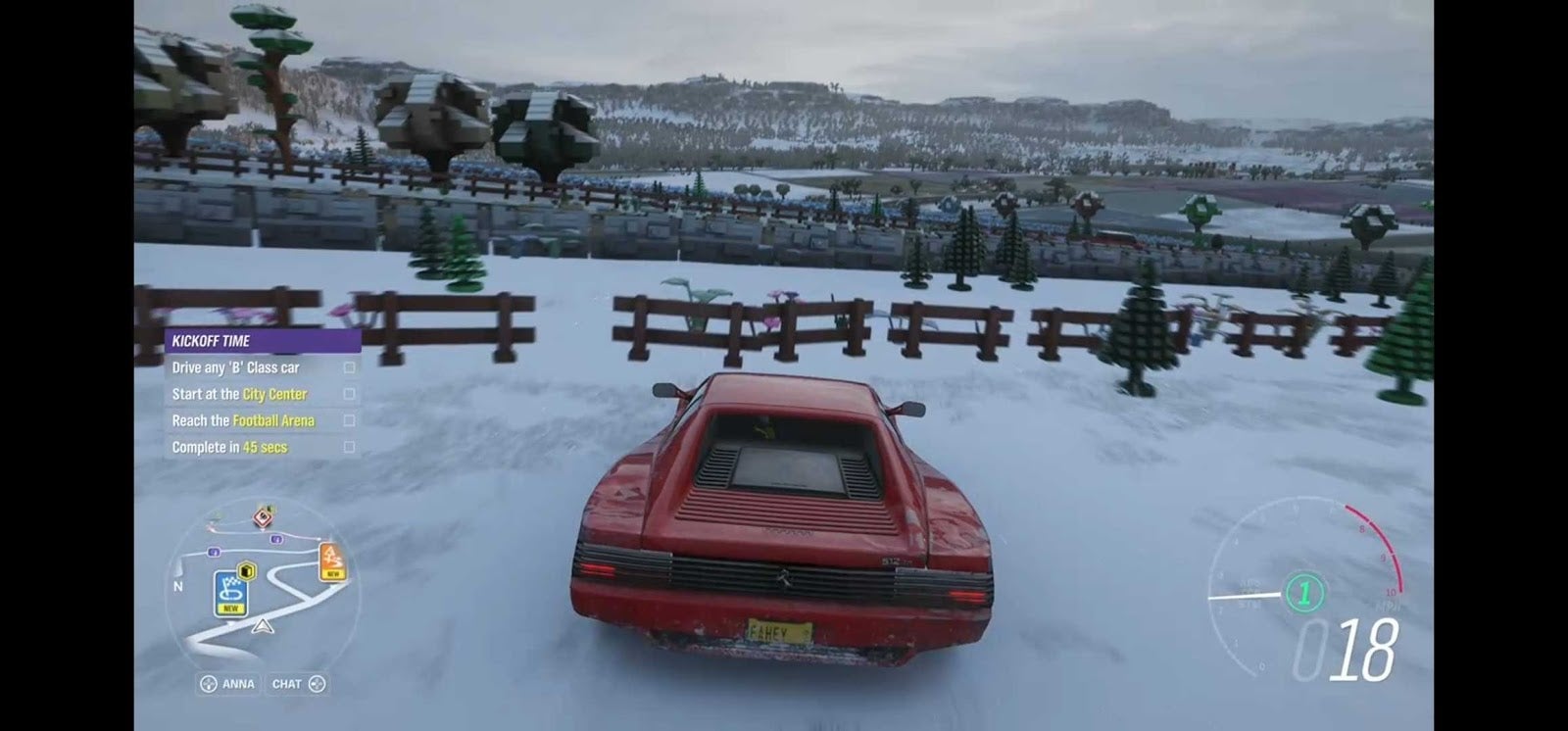
The game looks great and plays great on my phone. There are black bars on the sides because the Galaxy Note20’s screen is wider than the standard 16:9 aspect ratio, but that hardly matters when you’re racing at high speeds while squinting at a much smaller display than you’re used to. There is a degree of input lag, but it’s hardly ever crippling input lag. Fighting-game fans used to executing fancy moves with split-second timing might be thrown off a bit. Button mashers should be just fine.
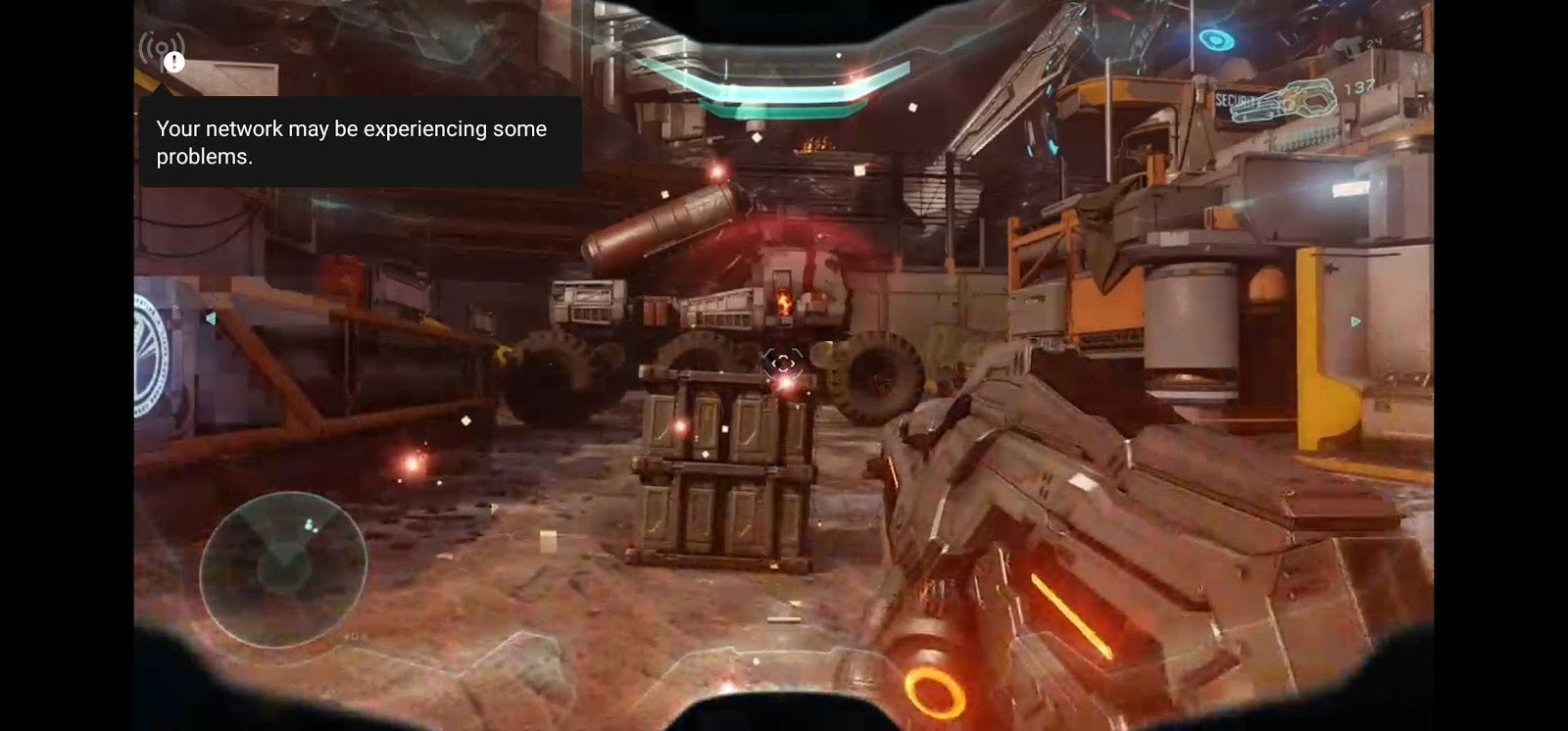
Again, this all depends on your internet connection and, to a lesser extent, your phone or tablet’s ability to process video. Older Android devices might struggle to keep up with the constant stream. Lesser connections will definitely have issues with artifacts, pixelated images, and general choppiness and stuttering. The audio crackles and skips. You really want a nice and stable connection for this stuff. The service will drop a warning in the upper-left corner of the screen if you don’t.
To be completely fair, my home wireless is a mess right now. I’ve got two kids doing virtual school at the same time, so they’re connected to video calls. I’m also doing a thing on my Xbox One for a future post that requires me to download terabytes of data, which isn’t doing my bandwidth any favors. I’m sure the wireless performance would be better if I stopped that nonsense and made my nine-year-olds go out and get real jobs.
But that doesn’t matter, for I have a powerful 5G phone and unlimited data. Under those specific circumstances, Microsoft Cloud Gaming rocks.