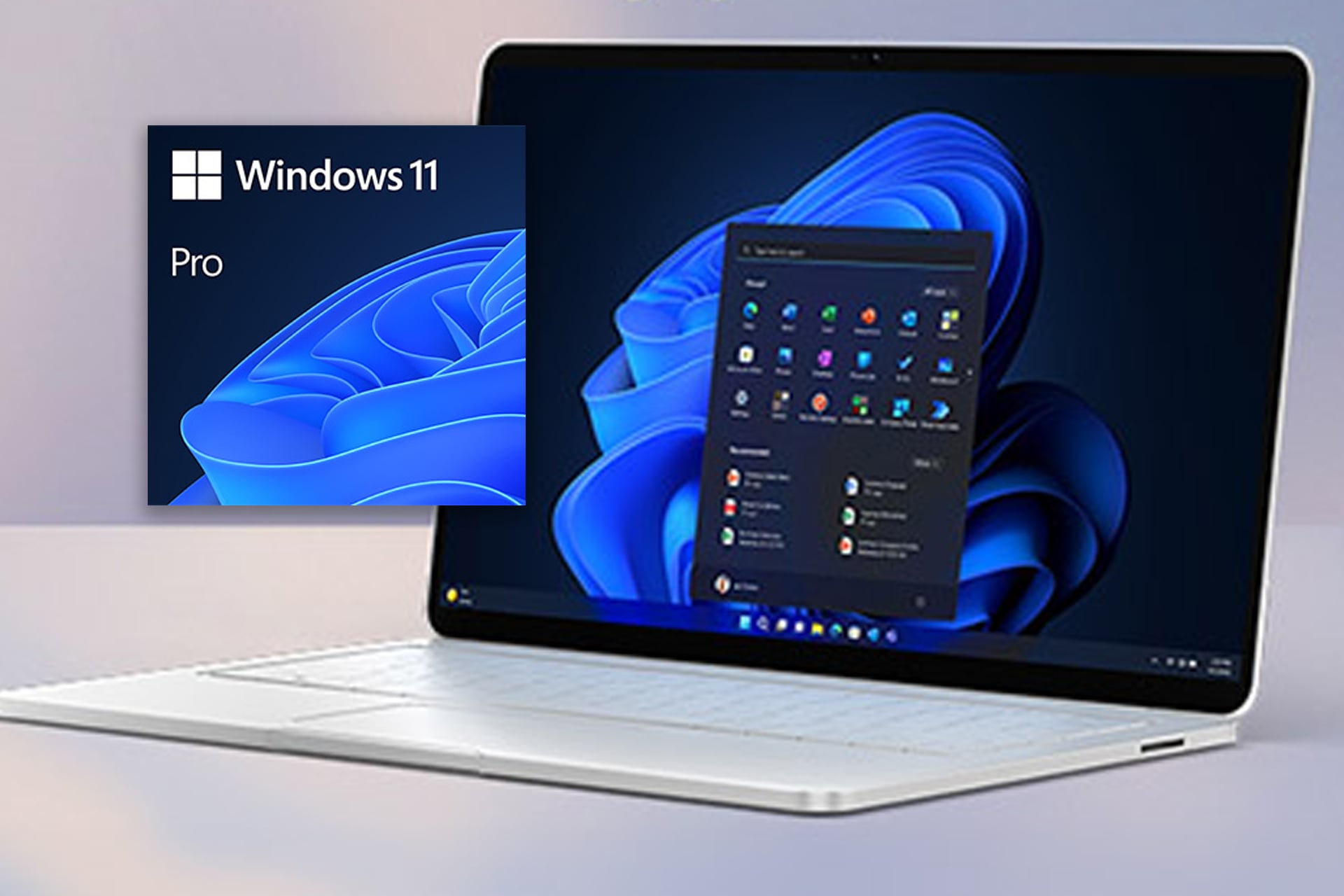
Xbox Game Pass Ultimate just shot up another 50%, jumping from $20 to $30 per month. Folks are canceling subscriptions left and right with reports of the web page to change you Microsoft subscription plan going down due to overwhelming traffic. $30 every month for a service is a bad price. Microsoft should know better, but not all of their services are that excruciating on your wallet. Right now, you can upgrade to Windows 11 Pro for just $10. StackSocial has it marked down from $199 by 94% for a limited time. It’s a one time upgrade too. No subscription, just pay for the license once and you got it.
Windows 11 Pro offers a whole slew of new security features and an updated UI designed for multitaskers.
New Features to Maximize Your Productivity
Universal Search has been added to the taskbar. This new tool allows you to search for anything, pretty much anywhere. Doesn’t matter if you’re looking for a specific file on your computer or need a recipe or directions from the internet, the search will look through all systems to pull up precisely what you need — all with just one search bar.
Windows 11 Pro gives you OneDrive support. You can synchronize preferences and files across your different devices, accessing them from anywhere. Say an urgent email comes through in which you need to reply to immediately with an attachment. Or perhaps you forgot to submit the paper you wrote, but now you’re sitting in class without your laptop. You can pull up OneDrive on your phone and submit from there. Easy-peasy. It’s a great tool to have while traveling too.
Desktop is a terrific, albeit a poorly-named feature. Like c’mon. Desktop already has a definition. Use something new. Anyway, ‘Desktop’ allows you to set up customized workspaces on your PC. Tailor your wallpaper, shortcuts, logins, widgets, and more for your different needs. Have one set up for gaming, another for student activities, perhaps another for a side hustle. You can then easily swap between them right at the taskbar.
Windows 11 Pro has built-in all sorts of keyboard shortcuts you may not know about. Have you ever used Win + V? It’s kind of like Ctrl + V on steroids. Instead of just pasting the last thing you copied, it will pull up your clipboard and history of all your recent copies. This is a complete game change for any workflow that requires a lot of copying and pasting, like if you need to move multiple bits of info into a form you’re filling out or perhaps a spreadsheet. No need to flip back and forth between your tabs, copying and pasting one item at a time.