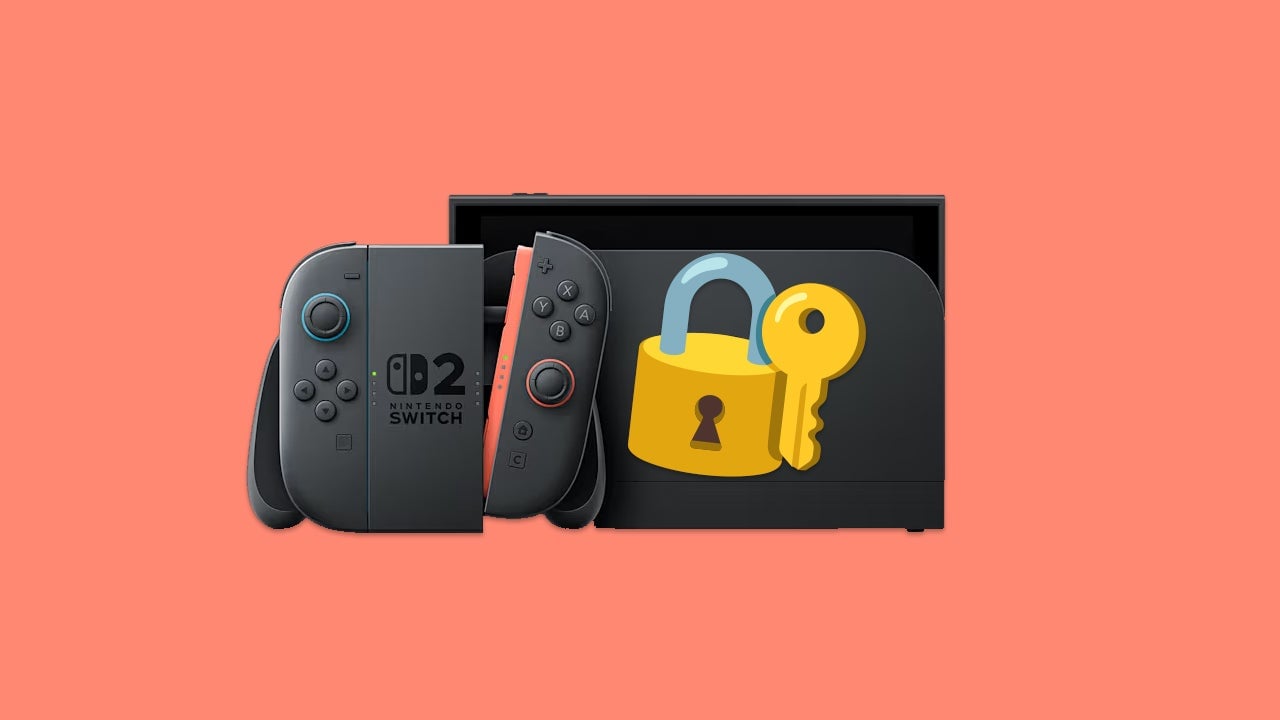
Security is more important than ever these days, and that extends even to your entertainment devices. Even beyond your precious save data and screenshots, there’s a lot of important stuff on your Nintendo Switch 2 that you don’t want just anyone accessing. Or, you know, maybe you just want to keep your kids off the console when you’re not around. I don’t blame you. Kids have gross booger fingers.
Anyway, whatever reason you have for wanting to keep your Nintendo Switch 2 more secure, one of the best steps you can take is setting up a passcode. Here’s how to make it happen.
How to set a passcode on your Nintendo Switch 2
When you’re ready to set a passcode on your Nintendo Switch 2, you’ll first need to boot up the console. I mean, that should be pretty obvious. Hurry up. I want to get back to playing Mario Kart World
Click the “Settings” icon on your Nintendo Switch 2 home screen, then scroll down and select “System”. Next, scroll through the options until you reach a setting that says “System Lock”. Click this setting to be introduced to a screen where you can create a 4-8 digit passcode.
The default method of input is using the joysticks for some reason, but you can hold the “+” button down to switch to a keypad layout if you’d prefer. I’d recommend doing so, as entering the numbers with the joystick can be kind of finicky.
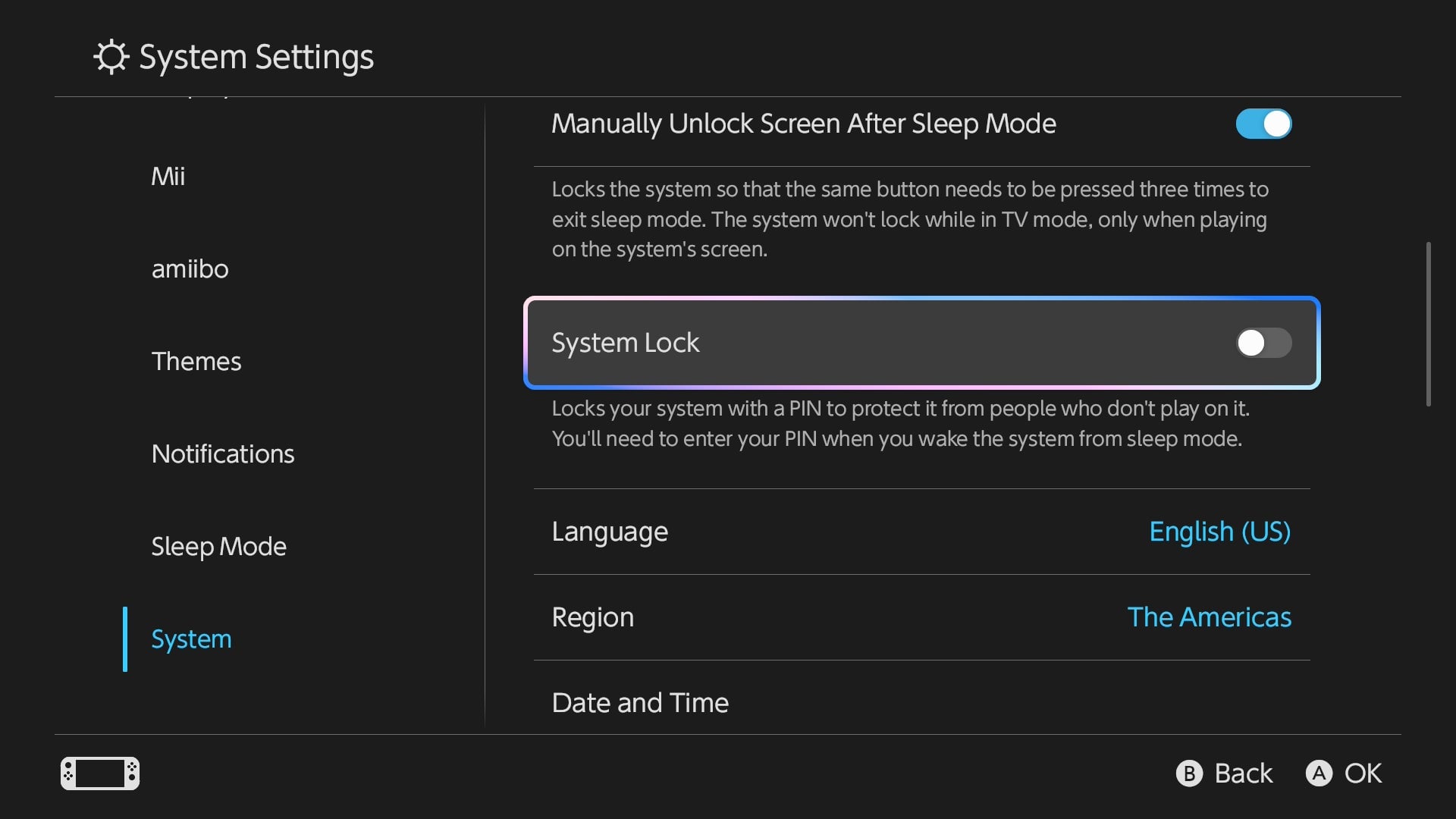
Either way, once you’ve entered the passcode and confirmed it, accessing your Nintendo Switch 2 from Sleep Mode will always require you to unlock it first. Now your kids can’t get on there and overwrite your save files and max out your credit cards buying Fortnite skins — or whatever kids do these days.
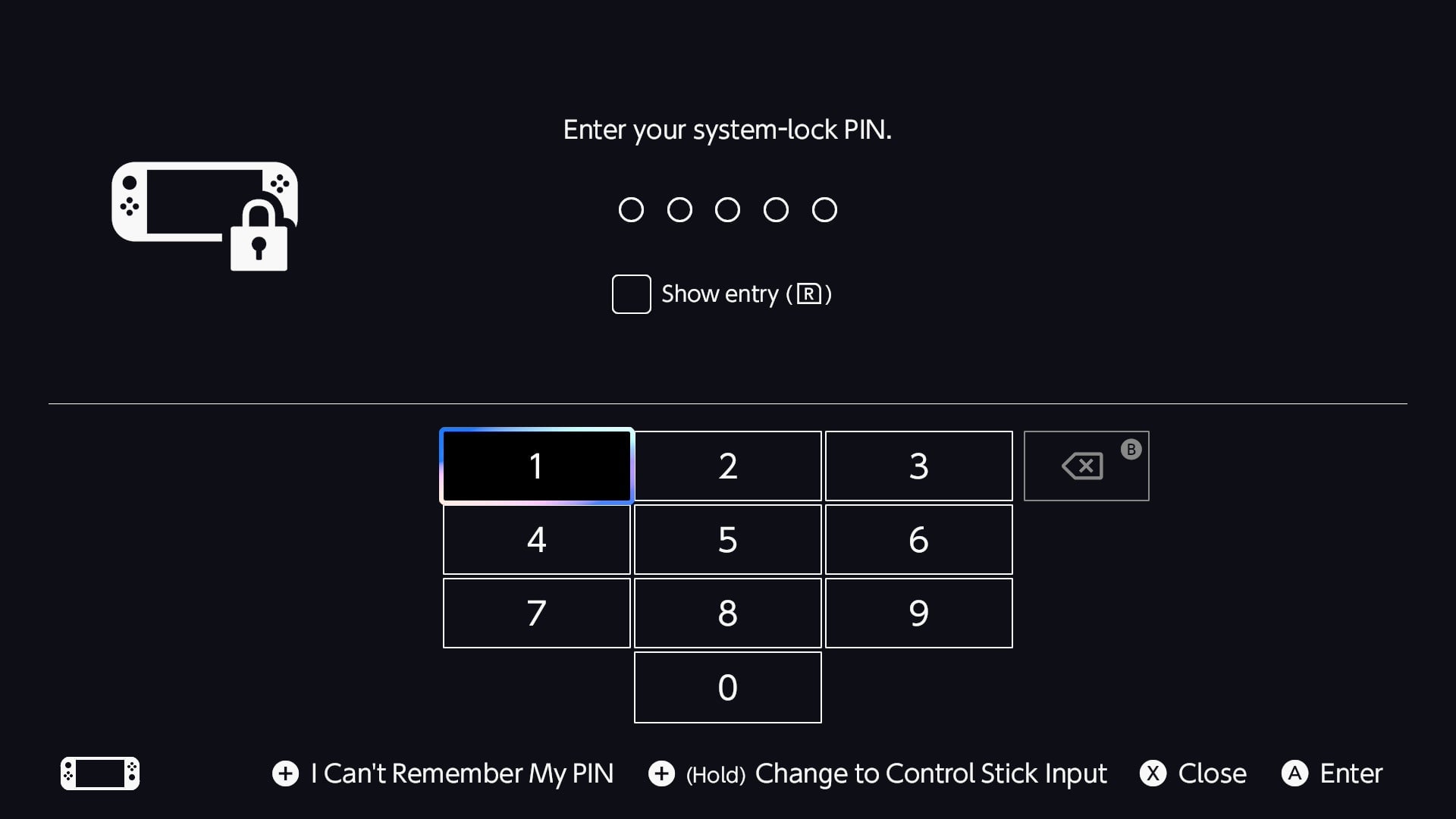
If you ever want to remove the passcode, return to the “System Lock” setting and toggle it off. You’ll have to enter the passcode to turn the feature off, though. If you’ve forgotten the passcode, you can press “+” to sign into your Nintendo Account to unlock the system instead.
Oh, and don’t forget you should share the code with any other adults you feel comfortable using your console — but don’t give it to strangers. You know better than that.