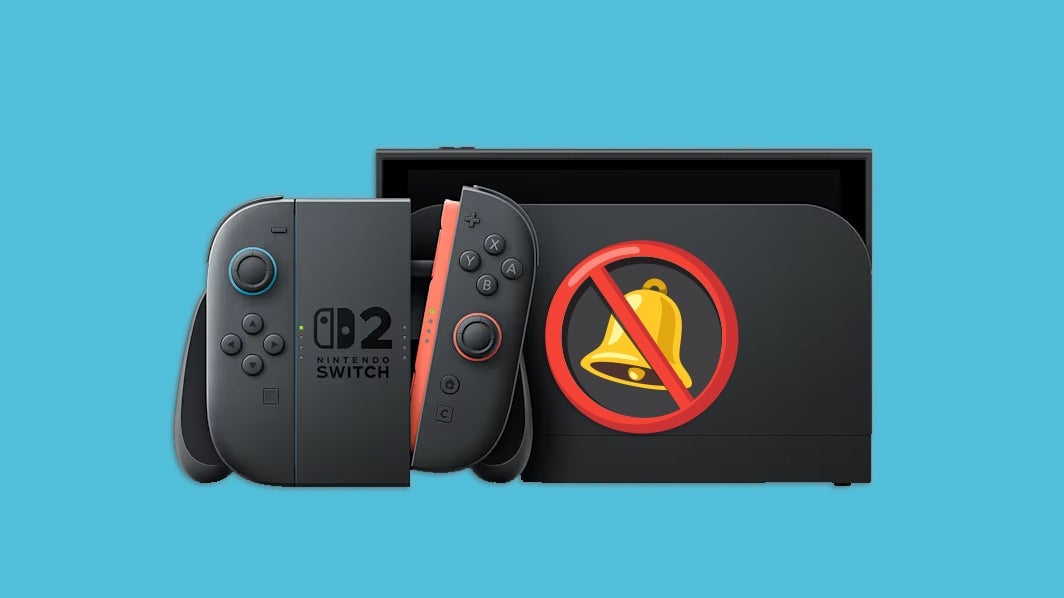
Personally, I usually like receiving notifications about things so I know what’s up with the people in my life. But if you’re playing an immersive game on your fancy new Nintendo Switch 2, you may want to ensure there are no distractions. In that case, maybe you should reduce how many notifications you receive or turn them off altogether?
Whether you want some peace and quiet or just want a bit more control over which types of pings you get, it’s pretty easy to adjust your notification settings with just a few clicks. Here’s how to customize your notifications on Nintendo Switch 2.
How to customize your notifications on Nintendo Switch 2
To customize your notifications on Nintendo Switch 2, click the Settings icon on your home screen, then scroll down and select “Notifications.” Here, you’ll find a suite of options.
One very handy notification everyone should consider tweaking is the “Notify When Friends Come Online” setting. As the name suggests, this will notify you when a friend starts playing a game, giving you an opportunity to bug them with a GameChat or multiplayer invite if you’re feeling social. Alternatively, if you’d like to use the social features of Switch 2 but don’t want to be bothered when someone in your social circle signs on, you can shut this off and enjoy fewer distractions while you fully immerse yourself in an epic like Breath of the Wild
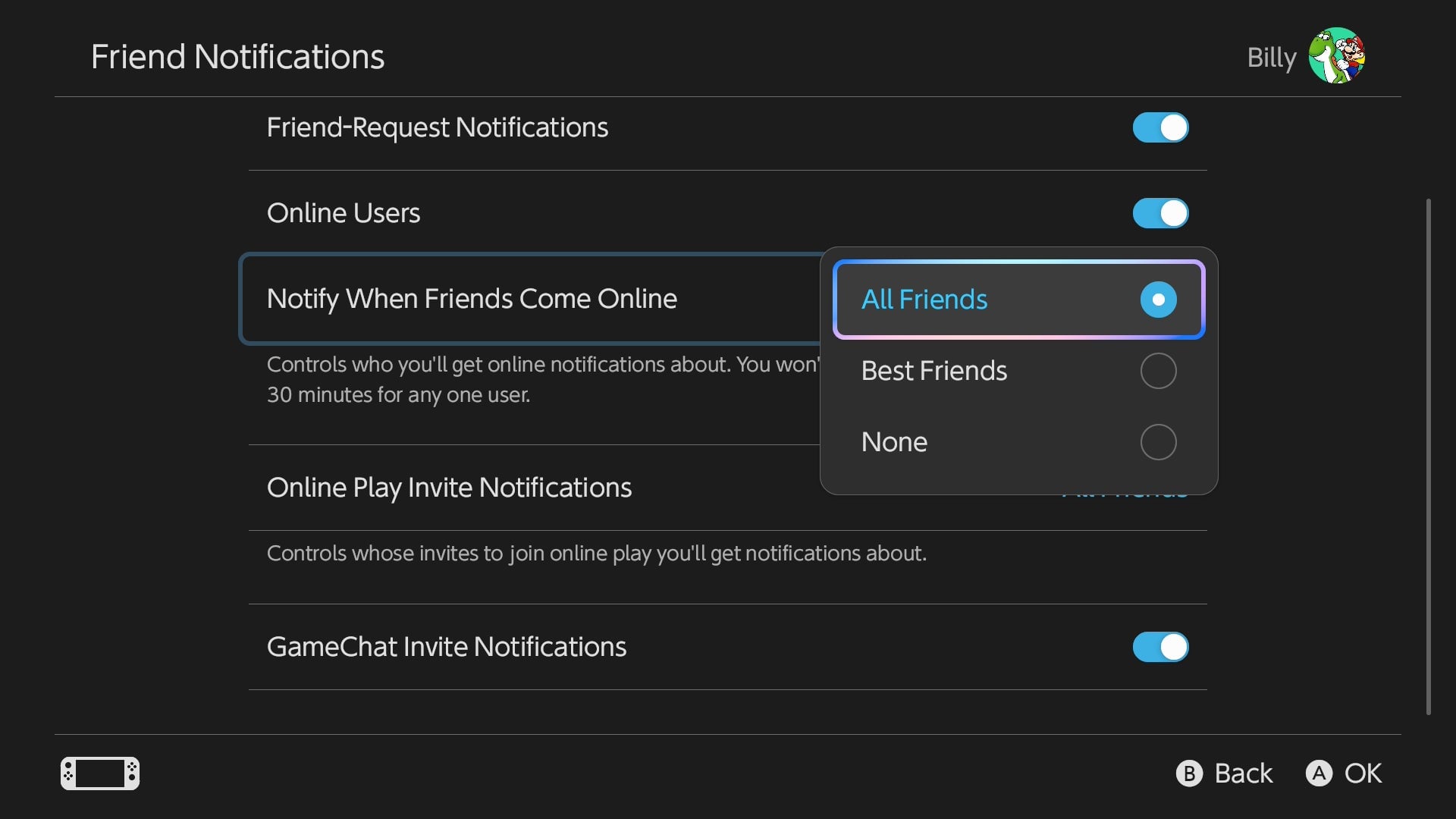
Best of all, you can easily customize which friends you receive these specific notifications from by clicking this setting and choosing either “All Friends”, “Best Friends”, or “None.” If you set it to Best Friends only, you’ll exclusively receive this type of notification from friends who you’ve actively assigned as such with the little star on their profile. Look at you being all picky.
This aside, you can also decide whether you’ll receive notifications for friend requests, as well as multiplayer and GameChat invitations. Keeping these on will help you stay abreast of any attempts a friend makes at connecting with you on your Nintendo Switch 2, but you don’t owe anyone your time, so turn that shit off if you’d rather keep things low-key for the evening.
However you decide to set up your notifications, it’s nice to see that the Nintendo Switch 2 gives you options for how to handle social interaction when using the console.