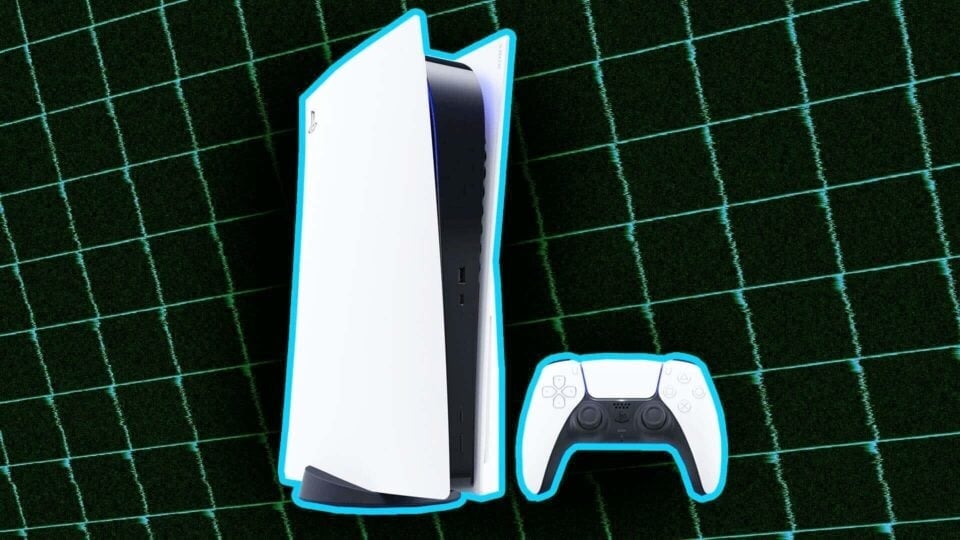
The PlayStation 5’s Accolades feature has allowed users to offer awards to fellow players in multiplayer games, the idea being it’d help foment kindness and camaraderie in the gaming community. But Sony formally retired it from PS5 this week for one reason: No one used it. Most people (hi) didn’t even seem to know it existed.
This spurred a thought exercise: What other gaming consoles still have useless features? Take the Switch, for instance. Sure, Nintendo’s hybrid handheld has plenty of quietly helpful little tricks, like its universal zoom function. But it also has some that could probably get purged without anyone caring—or even noticing.
The “Find Controllers” Function
Of the slew of options in the Switch’s “Controllers” menu, the “find controllers” function far and away collects the most dust. Open it, and you’ll see a menu containing a list of Joy-Cons paired to your console. Hold down the “A” button over the Joy-Con you’re looking for and it’ll rumble. Quietly. At, like, animal-hearing frequency. It’s intended to help you locate any detached Joy-Cons that may be misplaced, but isn’t really effective enough to do its one job—Never mind that you actually need at least one Joy-Con on hand to use it in the first place.
Sadly, there’s no console function that addresses the scourge of Joy-Con drift
The “News” App
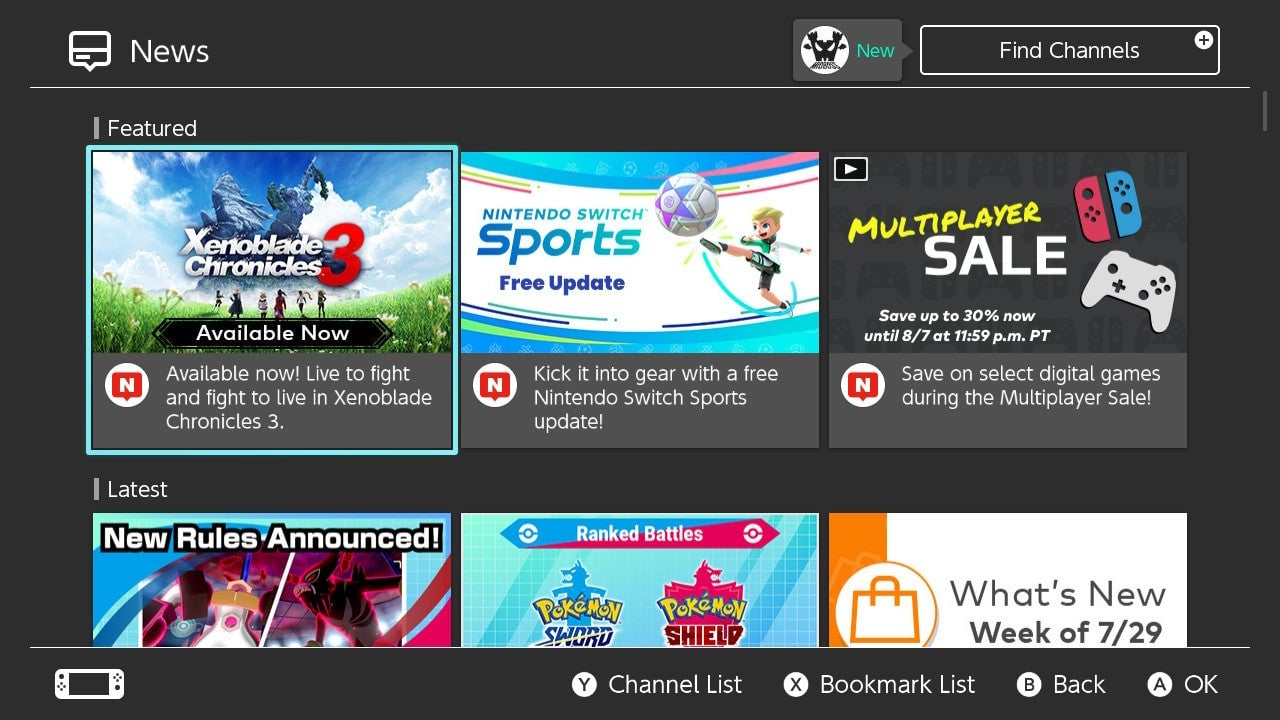
Most of the seven permanent icons on the Switch’s home screen are genuinely useful shortcuts to submenus. One, however, is used only by the people who accidentally click on it: the “News” app. Open it up and you’ll see a reverse chronological feed of digitized press releases from the annals of Nintendo’s marketing machine. (You can also see the three most recent “stories” on the left bar of the screen when you boot up the console.) But if you’re looking for gaming news, you’re not going to read it on a gaming console—which you’ve presumably booted up to, y’know, play games. You’re especially not going to read it on that console if the text is so very tiny. You’re far more likely to get your news from a favorite gaming site
Voice Chat
Despite what you may have heard, yep, the Switch has voice chat! Kinda. It’s a convoluted mess. On PlayStation and Xbox, if you want to get voice chat going, you…plug in a headset and get voice chat going. On Switch, however, you have to go through a multi-step process and boot up a companion smartphone app. Nintendo could scrap its voice chat without anyone caring. Really, if you’re using a smartphone app to talk to your party members, Discord is right there
Keyboard Support
Everyone hates punching in a password (twice!) to buy something on Nintendo’s eShop, what with the console’s small touchscreen keyboard. This workaround doesn’t function in handheld mode, but you can plug a USB keyboard into the dock and use that to type instead. But also: the time it takes to pull out a keyboard and plug it into the Switch’s dock probably takes longer than whatever task you were initially trying to circumvent. (If you must get into the eShop faster, just deactivate the password requirement.) Nintendo could likely lose keyboard support without much uproar.
Screen Lock (or, well, that it’s an option)
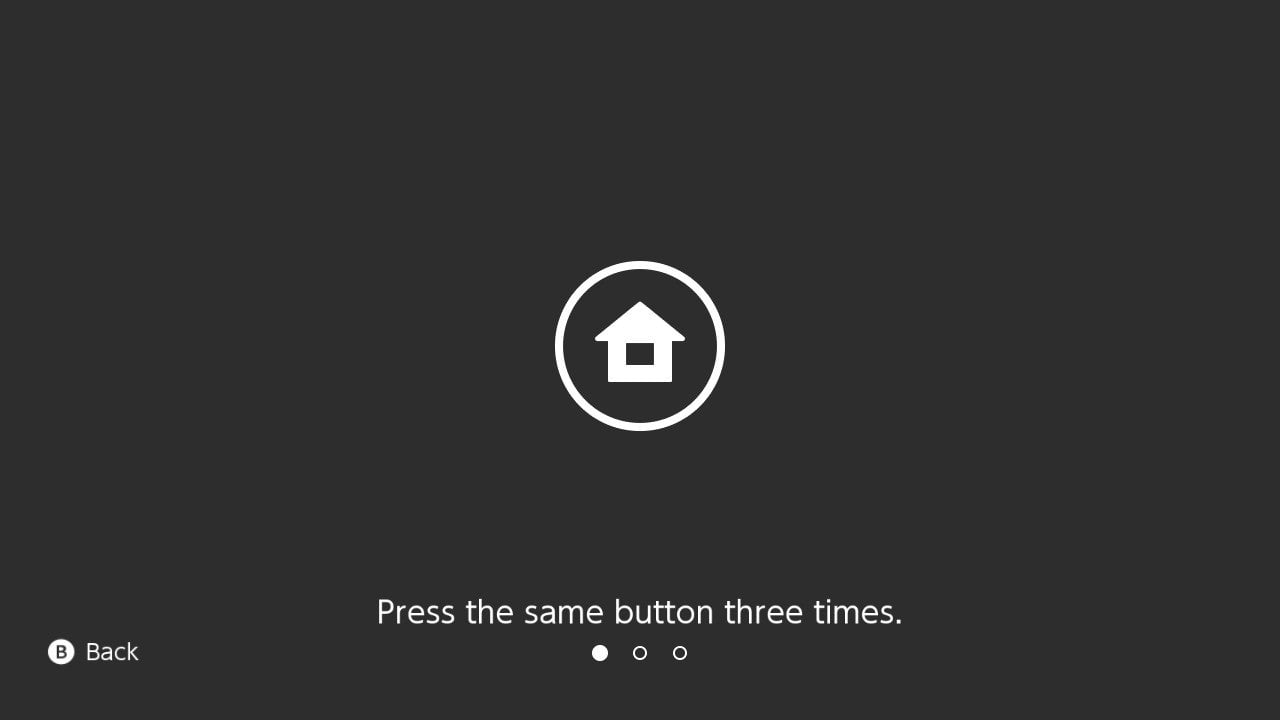
Yes, the Switch’s screen lock feature is indeed enormously helpful, dare I say essential. Turn it on, and you’ll give your console a purgatory of sorts between its waking and sleeping states. You’ll then need to tap the same button three times to use your console, which can prevent it from inadvertently turning on when, say, it’s rustling around in your bag. Honestly, it shouldn’t even be an option: It should be the standard. Get rid of the choice, I say, and let screen lock be the standard.
Dark Mode
I’m kidding! I’m kidding. But hey, on this note, wouldn’t it be nice if the Switch had more color themes for its backdrop? Hello? Hey, where’d you go?