A big part of the appeal of Once Human is surviving in a chaotic, ethereal world alongside a friend or two, building up a sprawling base and defeating otherworldly beings together. But that’s all easier said than done, as the server and world system in the survival game proves rather challenging to comprehend at first glance. If you pick the wrong server, you’re somewhat trapped.
You cannot change servers in Once Human
We mentioned this already, but it’s worth reiterating, as it’s vital to your overall enjoyment of Once Human. You cannot change servers. Once you select a server, that’s your new online home for now.
It may be a bug currently, with the studio hopefully planning to fix the problem, but you also cannot delete a character. That makes it all the more important that you pay close attention to picking the same server as your friend group, you’ll remain there until the game wipes for a new season. Pick wisely!
But while you can’t change servers in Once Human, you can change worlds should you and your friend group be on the same server but in different instances (worlds) within it.
How to swap worlds in Once Human
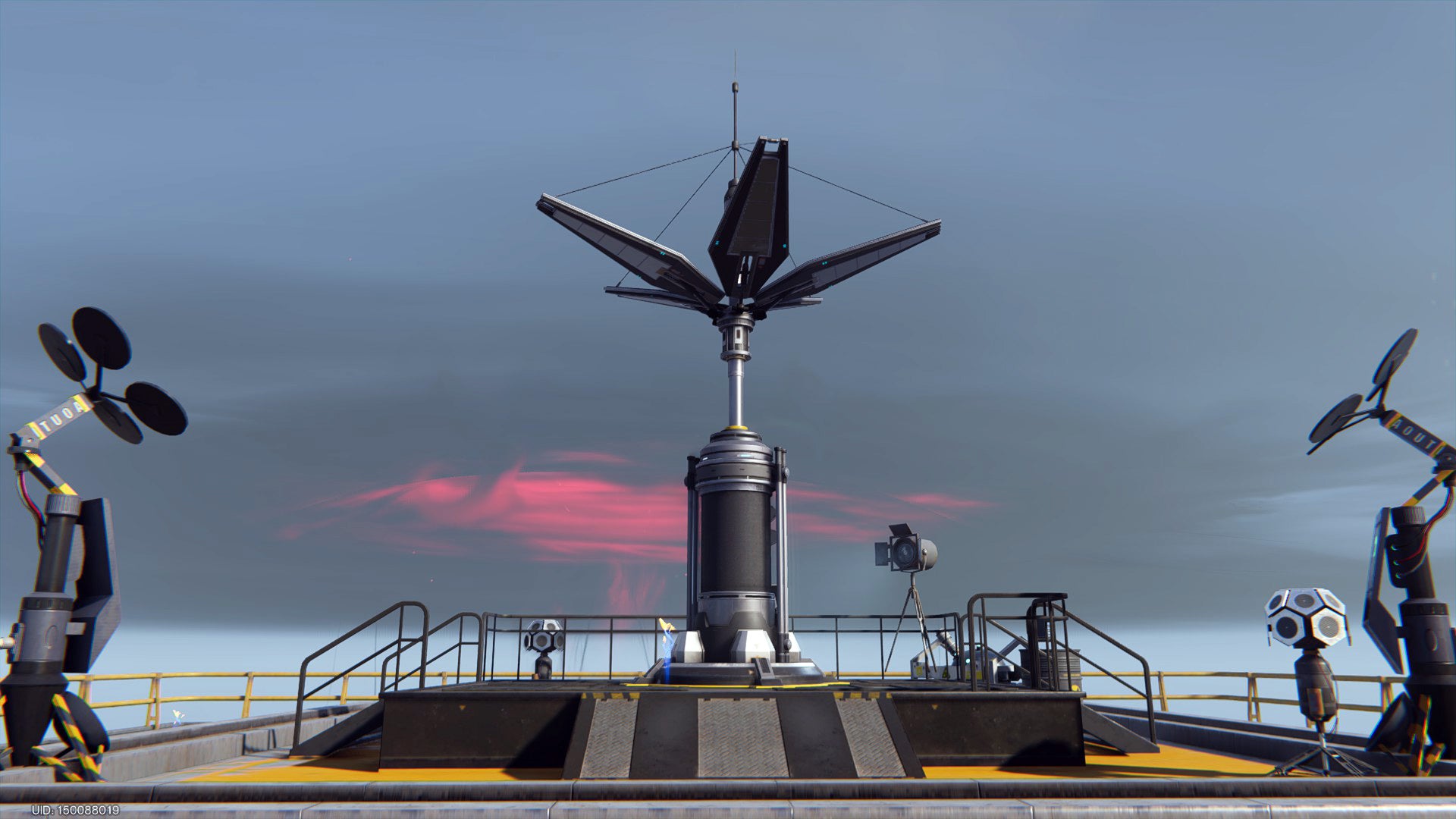
After you select a server and complete the game’s relatively short prologue, you’ll dive into the game world to start your survival adventure. While you’re dropping, you might notice a radio tower in the distance. That’s a Teleporter. You’ll find the occasional Teleporter dotting the landscape, usually on a hilltop or mountainside.
First things first, though. You must activate the Teleporter. It’s a two-fold machine that allows you to quickly traverse the game’s map without worrying about gas for your motorcycle or wearing out the soles of your boots. But to function as a fast travel point, you must unlock multiple Teleporters across the map.
More importantly, however, the Teleporter is currently the only way to change worlds in Once Human. You’re trapped in whichever server you select, but you can swap between the various worlds or shards, as they’re commonly called in MMORPGs, to link up with friends and clan members.
Read More: The Best Place to Farm Tin Ore in Once Human
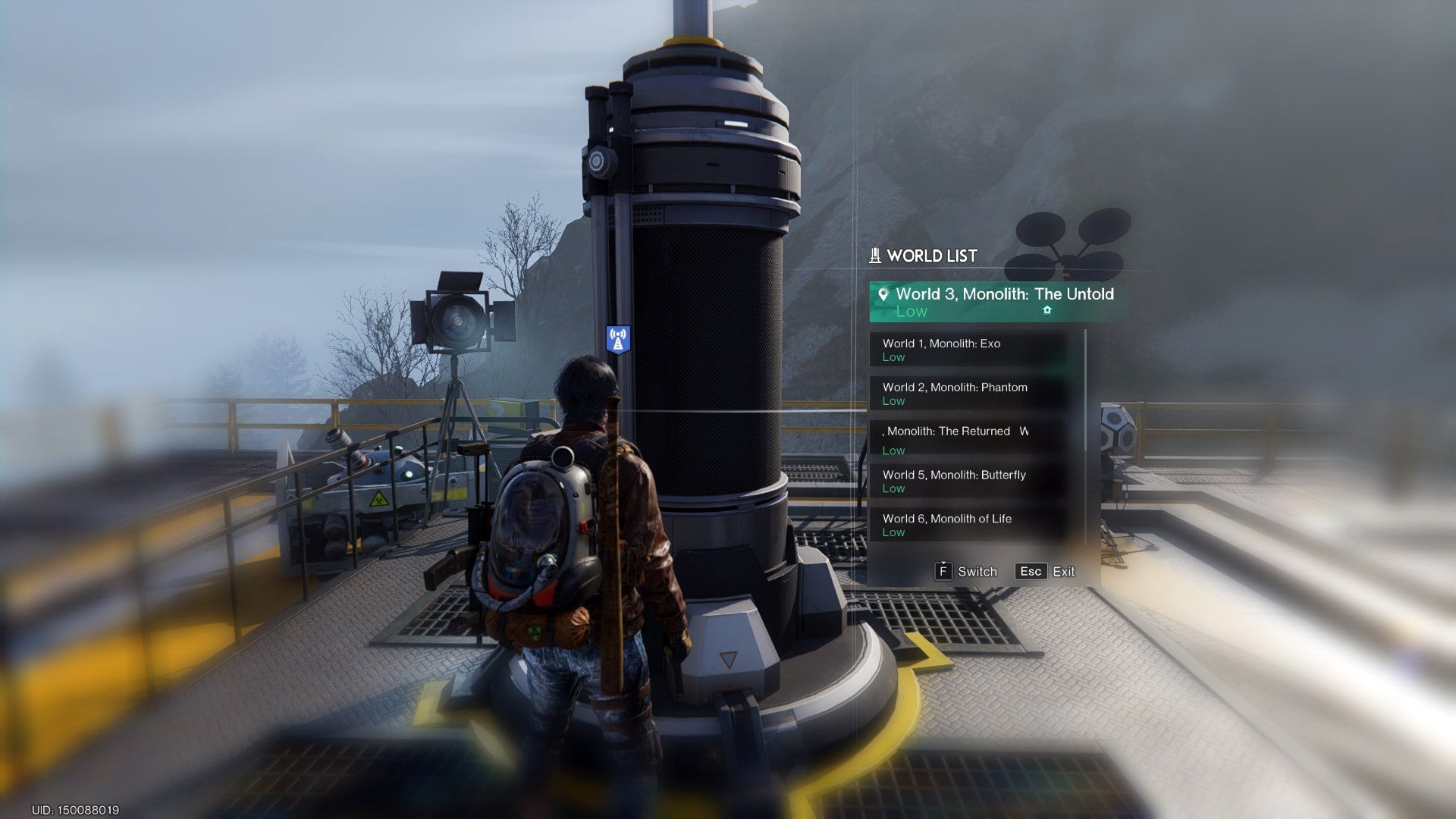
Once you activate the Teleporter, walk up to the console and hit “G” on your keyboard to open the World List. Here, you’ll see the list of every world state available on your server, and so long as there’s room for another player, you can join any of them anytime.
Once you work through the kinks and odd design choices, Once Human proves itself to be an exceptional free-to-play survival game with many opportunities for group play. By learning how to change worlds, you’re one step closer to partying up and defeating Great Ones like Arachsiam!
.