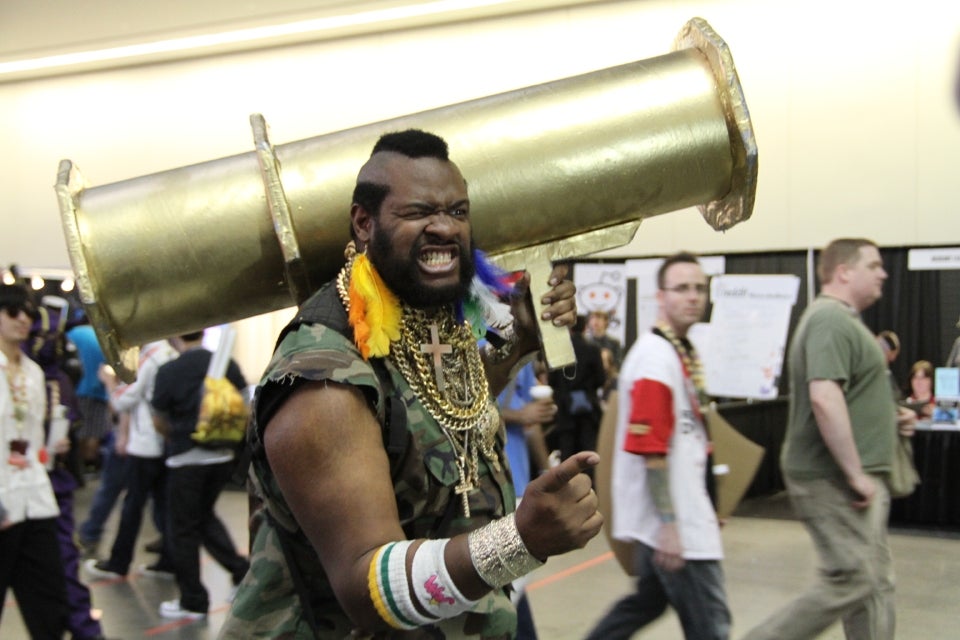
This news happened a little late for it to be properly parodied last week, but there’s no way we’re going to let it pass without a fight this week. A couple of ejections at PAX East seem to be fertile grounds for a ‘shop parody, and if they aren’t, well, we’ve got a cosplaying B.A. with an improvised rocket launcher to make things happen. We on the jazz!
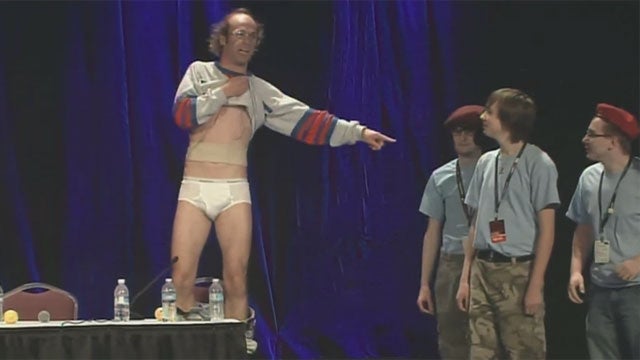
So Keith Apicary Nathan Barnatt, who portrays “Nathan Barnatt Keith Apicary, the world’s greatest Nintendo dancer,” got himself invited to leave when he jumped on the stage during a PAX East panel and stripped down to his underpants. This despite promises he would not do things such as leaping on the stage and stripping down to his droodies. I figure that picture has some highly ‘shoppable prooperties.
https://lastchance.cc/man-booted-out-of-pax-for-dropping-his-pants-5900204%3C/a%3E%3C/p%3E
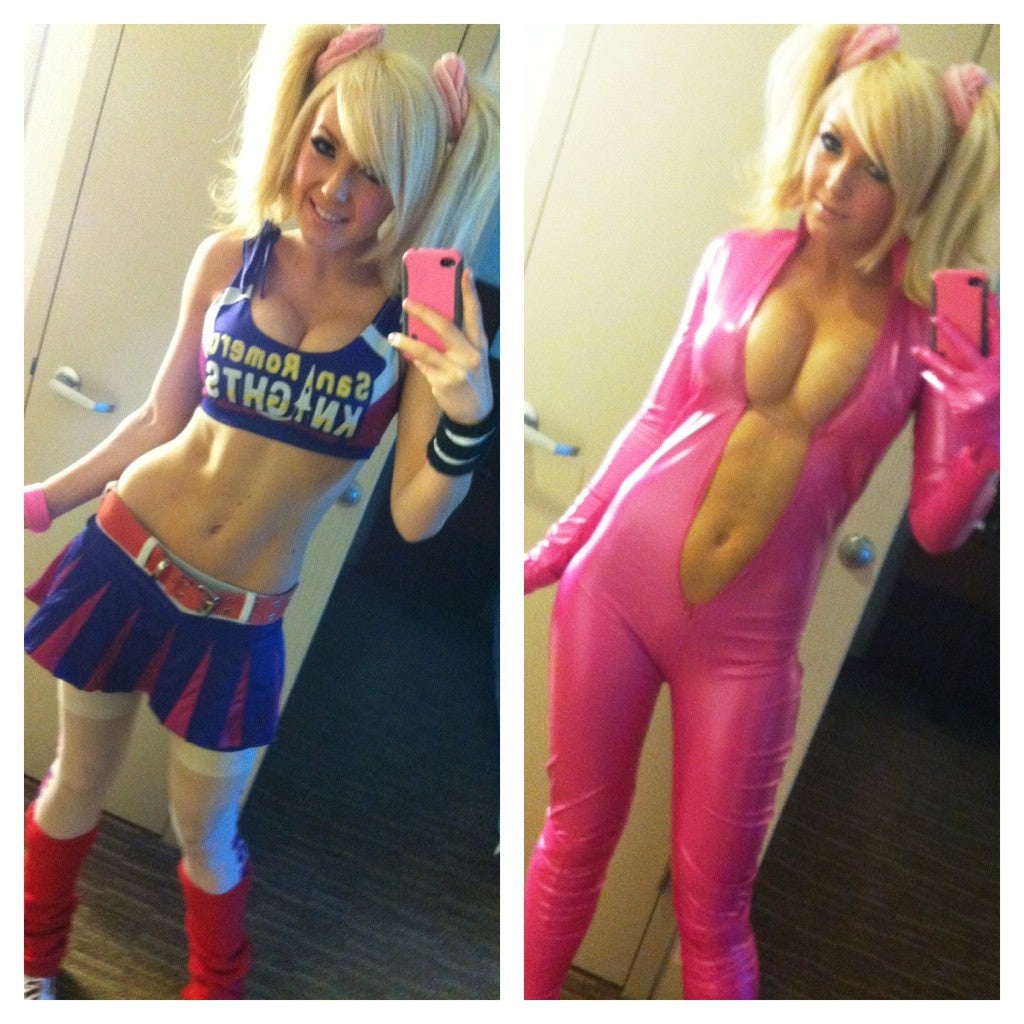
Don’t want to look at him? Well, cosplayer Jessica Nigri got herself a scolding for wearing something less revealing but more appealing than tighty-whiteys. Gotta figure she’s good for a cameo or two here.
Source Image: “Keith Apicary, the World’s Greatest Nintendo Dancer”
Source Image: Jessica Nigri
Feel free to use any other pictures of these subjects, or PAX East cosplayers, that you may find, too.
You know the rules: The 20 best will get rounded up and published at the end of next Saturday. Meantime, I and the rest of the starred commentariat will approve and promote as many as we can so folks can see them and pass judgment.
This is your no-frills step-by-step procedure to participation in the Kotaku ‘Shop Contest.
1. Create your ‘Shop.
2. Upload it to a free image hosting service. I suggest imgur. It’s stupid simple. No account is necessary.
3. This is very important: You must use the URL of the image itself. In imgur, this is the second URL it gives you after you upload the image. It’s under “Direct Link (email & IM)”
4. At the beginning of the comments roll, click “Start a New Thread”
5. To the right of your name, select “Image.”
6. Paste the imgur URL in the image URL field. It’s the field that says “Image URL.”
7. You can add editorial commentary if you want, but then just hit submit and your image will load. If it doesn’t, paste the image URL as a comment.
8. This is important: Keep your image size under 1 MB. It will not upload to comments if it is over that size. What’s more, we’re getting reports that if your ‘Shop is more than 1000px tall (vertical), it won’t upload. If you’re getting the broken-image icon, try resizing to a smaller dimension.
Now, Gentlemen, start your ‘shopping!