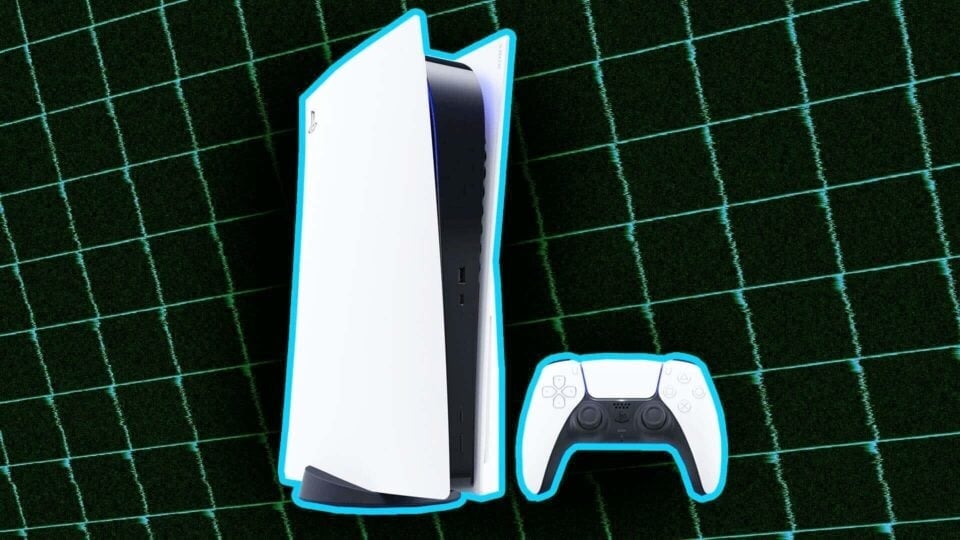
As of 2013’s PS4, Sony has included dedicated capture buttons on its DualShock/Dual Sense controllers to aid with saving your best clips and screenshots whenever you want. The PS5 has the same feature, which is great whether you’re a content creator or just want to archive your gaming history. If you’re looking to set up a simple and reliable way to capture clean video and screenshots of your favorite games, this guide will break it all down for you.
Note that while this guide may reference streaming (referred to as “Broadcasts” in the PS5’s operating system), we won’t be focusing on that aspect of capturing. This guide is best suited for archival purposes and non-streamed content creation and for capturing footage using the PS5’s internal capture settings, so it may not be suitable for use with an external capture card.