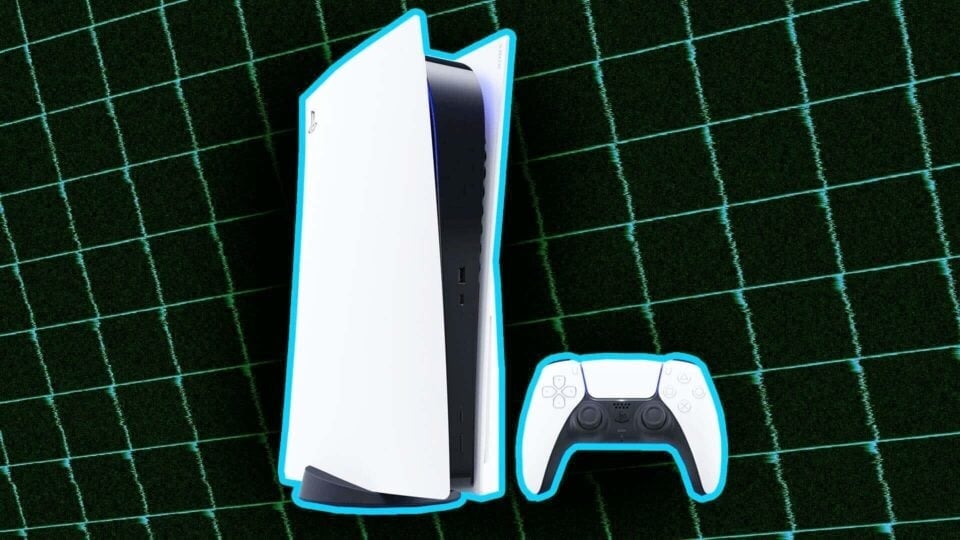
If you’re anything like me, your PS5 is probably constantly running out of space. A cool new game comes out, a huge download arrives, or you suddenly have a hankering to revisit an old gem from your backlog and then immediately hit the “not enough space” error when you try to download and install it. All of a sudden it’s digital Jenga time and you have to figure out what to delete from your library. Or you could this one quick thing and quickly free up a bunch of space on your SSD, maybe even enough to finish installing whatever’s stuck in your download queue.
The trick I’m talking about is deleting all your trophy footage in the media folder. The PS5 is over four years old now. If you’ve been playing since launch, there’s a good chance you’ve earned a bunch of achievements across all of the games you’ve played, and mementos from those milestones are clogging up your SSD. I knew my PS5 was doing this but I didn’t realize just how much space it was taking up.
Fortunately, I came across this really helpful PSA by user wolfgang784 over on the PlayStation 5 subreddit today. “Just found over 2200 videos while trying to free up space and wondering why my media folder was so big,” the thread reads. Wolfgang784 points out that the PS5 records and stores a 15-second clip of your gameplay every time a trophy pops. If you aren’t vigilant, all of those clips can add up quick. Here’s how to fix that:
Turn on your PS5
Go to the gear icon on the far right of the home screen to access settings
Choose the storage option and open up the media folder
toggle over to the trophy category and then select all and hit delete
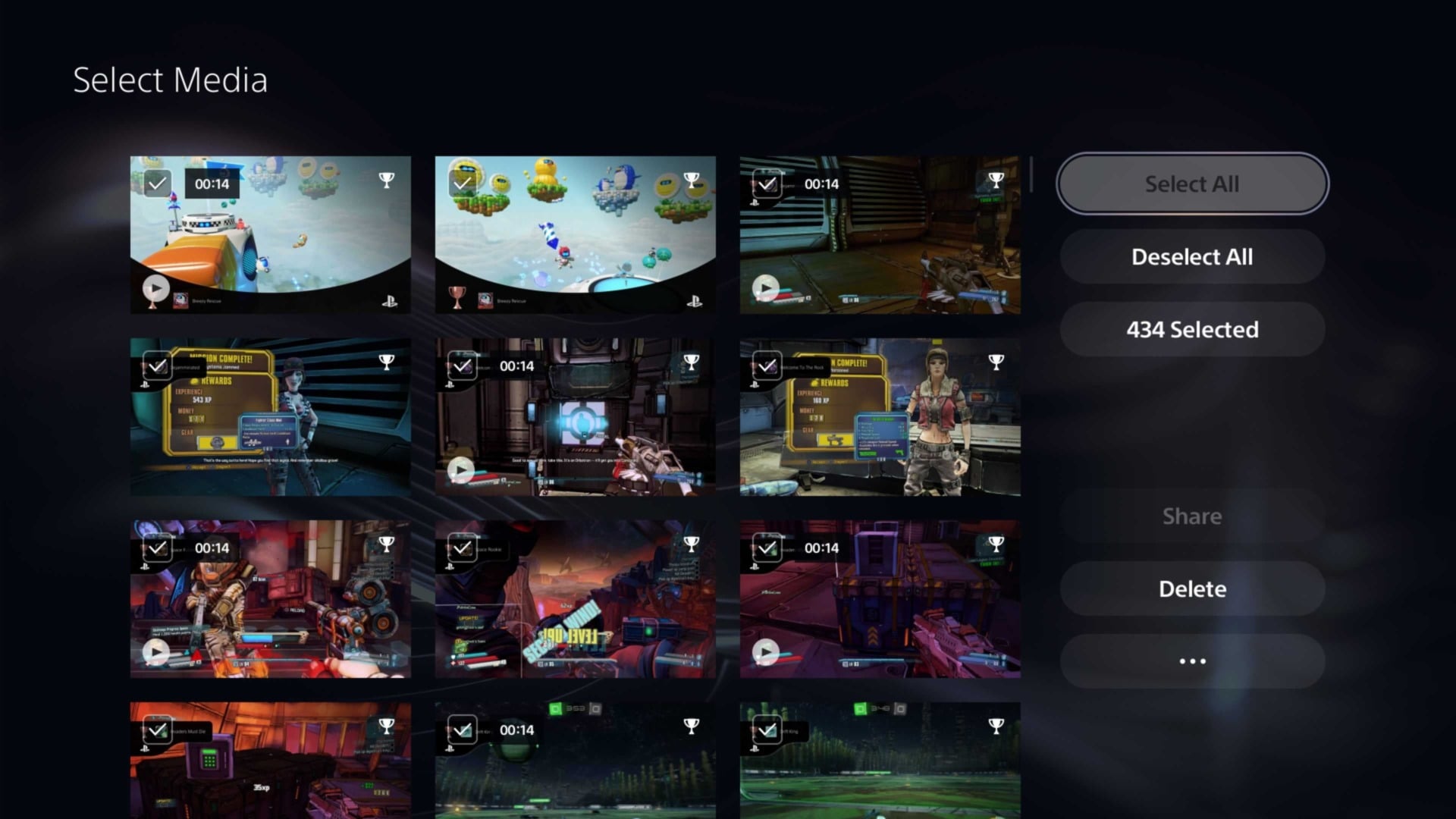
Like I said, it’s a very simple fix that’s easy to overlook. At least that’s what I tell myself to explain why I never noticed this until now. Usually I’m sorting through albums for various games trying to figure out what precious clips I want to delete to try and win back one precious gigabyte here and another there from my precious SSD space. In addition to everything else, the dedicated trophy section of the media folder makes it easy to quickly nuke a ton of footage without worrying.
After that, you can go and change the settings for what’s recorded when you earn a trophy. It can be just a screenshot, or you can limit captures to only gold or platinum trophies. If you’re serious about documenting all of that stuff, then by all means feel free to hang onto it or move it to an external drive before purging. I am not, and instantly got back 7GB of storage.
That’s not much when it comes to behemoth game file sizes like Destiny 2 and Final Fantasy VII Rebirth, but as someone who recently went through their digital collection and downloaded a ton of stuff I’ve never played, 7GB is enough to install half a dozen smaller indie games or older PlayStation classics. One of these days I’ll install a bigger SSD. Until then, thank you, wolfgang784, for the super useful tip.