
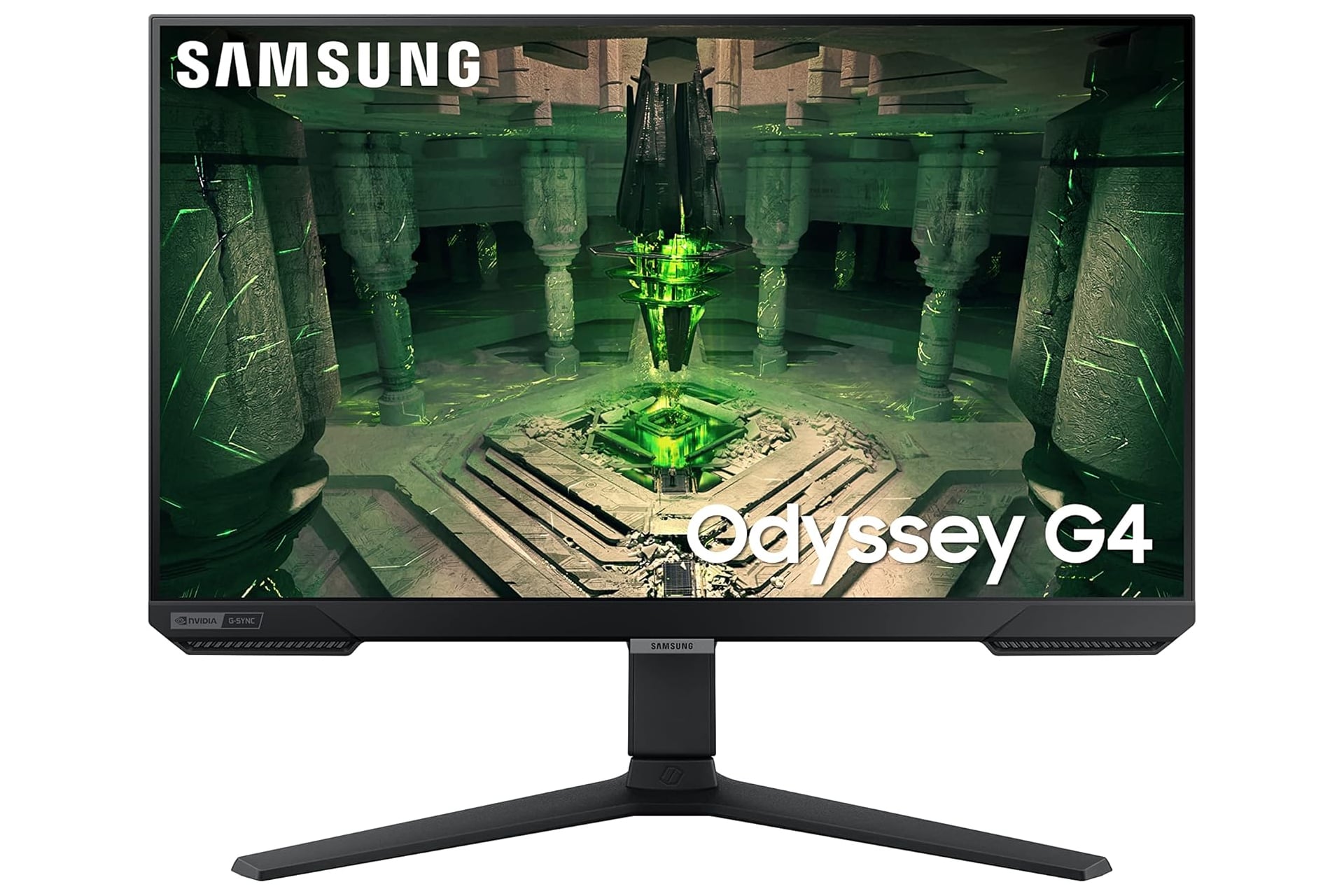
We’re approaching the holidays fairly fast, but the big holiday sales events like Black Friday and Cyber Monday are still a month away. Luckily, you can still find some good opportunities to save even right now. If you’re a PC gamer in the market for a new primary or secondary monitor, now’s a great time to jump on it because Amazon has the Samsung Odyssey G4 gaming monitor on sale for 29% off: It’s normally listed at $280, but the discount has it knocked down in price by $80, bringing what you have to pay down to an even $200.
This 25-inch monitor from Samsung is capable of delivering a clear depth of colors in a 1080p FHD resolution. It’s got a fast response time of just 1ms with a smooth refresh rate of 240Hz. The screen eliminates lag and will make any game that relies on fast inputs and quick reaction times a dream to play. That pogo platforming section in Hunter’s March from Hollow Knight: Silksong can be significantly easier on a better monitor.
The monitor has NVIDIA G-SYNC which is able to keep your GPU and panel synchronized. What this does is eliminate choppiness, screen-lag, and image tears. AMD FreeSync Premium can also help to ensure better stability and a stutter-free gameplay experience.
With this monitor, you can connect your PC or gaming console over either of the two HDMI inputs or through the DisplayPort input. If you have multiple sources connected to your Samsung Odyssey G4 display, the monitor can auto-detect when a new source signal is plugged in or turned on, changing the input over so you don’t have to manually. Get into the action faster.
Optimal Viewing
This Samsung monitor is built with an ergonomic stand which can be raised and lowered to your liking. Tilt the angle of the screen toward or away from you to find the optimal viewing for how and where you are seated or standing at your desk. The screen can even be rotated to go either horizontal or vertical. This makes for a wondering secondary monitor. Keeping you main screen horizontal front and center is ideal for longer gaming sessions so you neck is always straight as your facing forward. Then you can have a second monitor positioned to the side of it vertically. This is great for Discord, Slack, or any kind of message apps so you can see more of the conversation at once.







