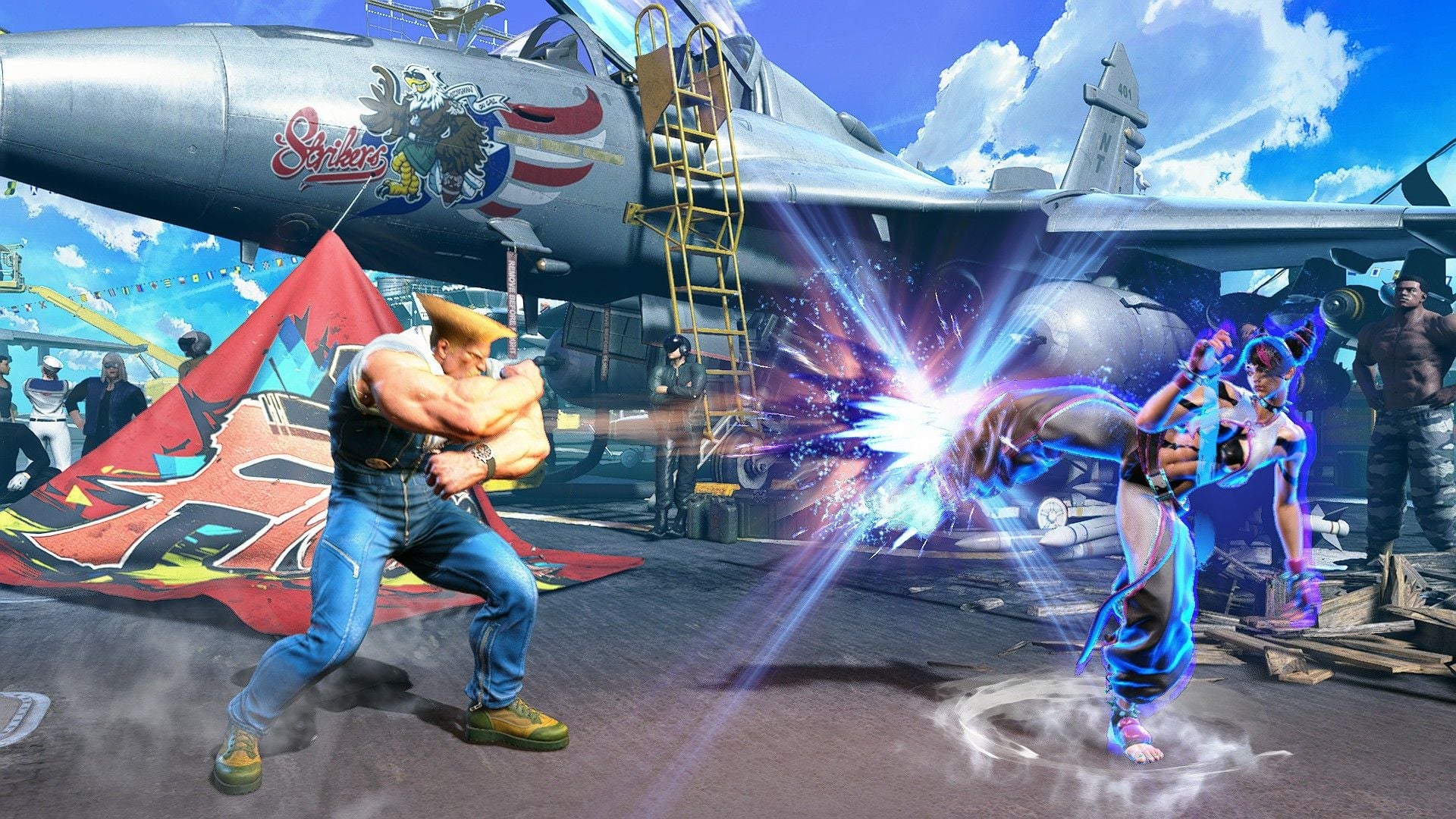
There is already plenty to love in Street Fighter 6, with the insane crossover DLC characters currently the most recognized. Something else the fighting game especially excels at is providing you with tools to improve, via Modern Controls and the extensive Training Mode. The latest update has made this even better, with the much-desired addition of Replay Review—match replays where you can jump in and take control of a character at any time you like.
Read More: Street Fighter 6’s Version Of Terry Looks And Feels Tremendous In Action
Buy Street Fighter 6: Amazon | Best Buy | Humble Bundle
Not everyone is aware that this feature exists, though. A big reason is likely because fans and Capcom’s marketing alike put more of an emphasis on Terry Bogard being added to the game as a guest character. I won’t let this amazing inclusion go unnoticed though! This guide will go over how Replay Review works, and how it can help you.
What is Replay Review?
Replay Review is an awesome feature that has seen use in a handful of previous titles, but gained far more popularity earlier this year with both Tekken 8 and Under Night In-Birth II [Sys:Celes]. It allows you to watch replays and take control of either character at any time.
If that sounds impossible to you, it’s important to understand that replays are not literal video recordings of a match. Saving or downloading a replay after a match is the equivalent of saving a script of both players’ inputs. The game simply recreates a match for the replay. In that context, being able to jump in isn’t that far-fetched, although it remains utterly magical.
How to Use Replay Review
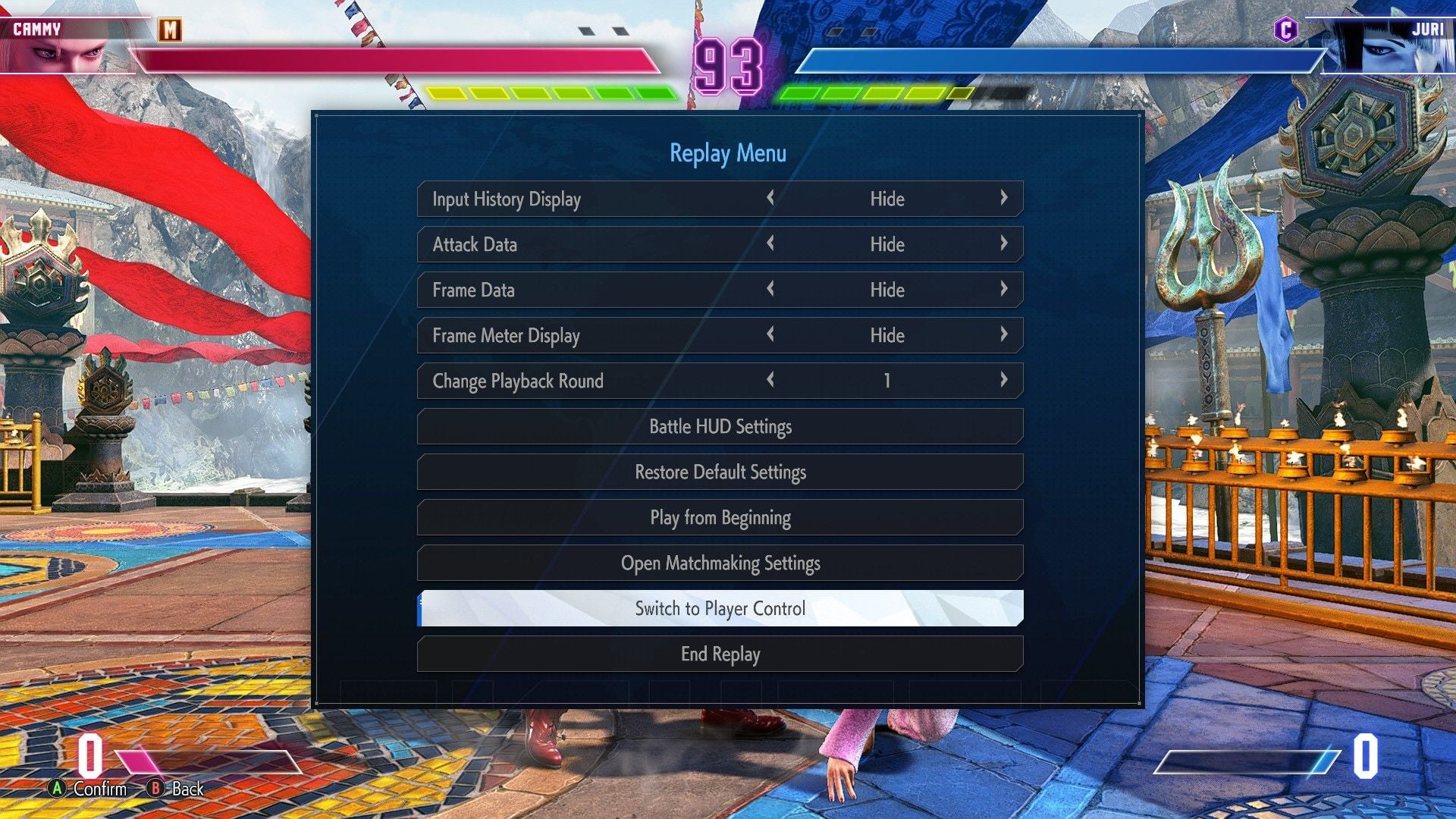
This feature isn’t presented as a separate mode, but as a new function when viewing replays. If you’re unfamiliar, these are the steps to take.
Open the Multi Menu and Select CFN
Choose the Replays Tab
Watch any replay, whether it’s from your matches online, local matches against friends, or from other players entirely
Press Pause at any point while watching and select the Switch to Player Control option
Pick which player you want to step in for and after a brief timer, you’ll gain control
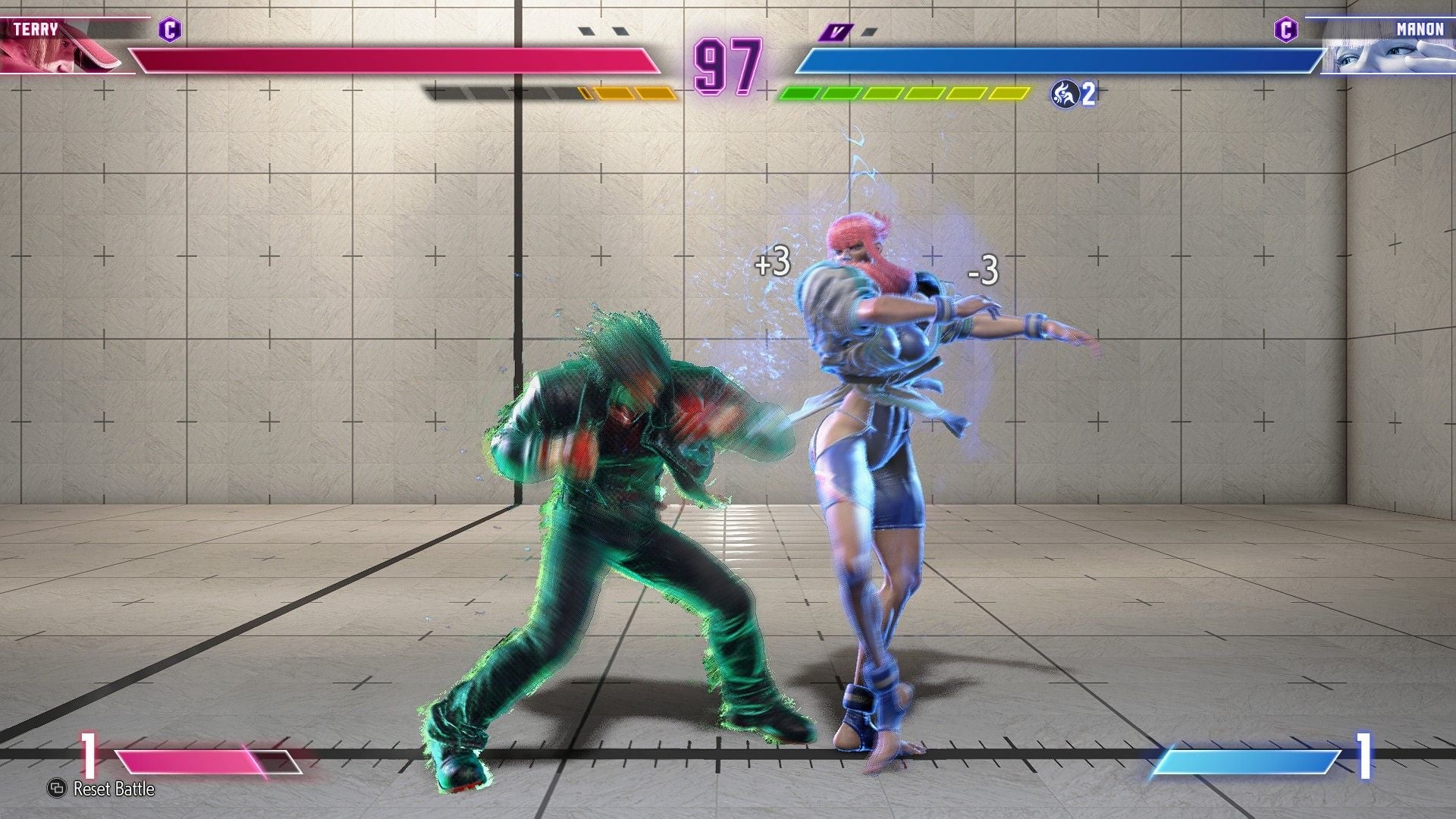
At any time, you can press the Reset Battle button in the bottom left corner to return to the instance you initially took over
Once you’re satisfied, press Pause and select the End Player Control option
After taking control, you’ll be able to keep it for the remainder of the round. The AI will follow the same inputs from the original match though, so it will start to deviate a bit, if not completely come to an eventual stop.
Read More: They’re Bringing M. Bison Back In Street Fighter 6, Baby
I’ll also point out that if you’re thinking this would be a great way to control a fighter you don’t own, that’s not going to work. You’ll be backed to the pause menu as a message pops up to say you don’t own the selected character. Just like me and everyone else, you’re going to need some leftover Rental Tickets, or just buy Bison outright to try him.
Best Replay Review Tips
Screenshot: Capcom/Kotaku
Alt Text: A replay review with the character Manon parrying punches from Terry Bogard.
The ideal way to use this is to go over a standout situation from a match and see how a better outcome could be reached. Instead of wondering whether an opponent’s move could have been blocked earlier or interrupted with a Drive Impact, you can apply a hands-on approach by playing that moment over again.
To provide a common example, imagine that an opponent used a combo that you had trouble finding an opening for. Maybe you blocked most of it, but got hit when trying to throw out a move of your own. Replicating that scenario in training mode could be difficult, especially if you’re unfamiliar with the other character. The Replay Review feature allows you to easily repeat that moment as much as you want with full control. Trying out different methods here is a much safer and more convenient environment than figuring it out during another online match.
Onto a smaller, but personal example: I played against someone who kept catching me off- guard with well-timed Drive Rushes. Each situation was a little different regarding where we were on the stage and our Drive Gauge amounts. Not only did watching these over let me discern a pattern of when they would throw the Drive Rush out, but with Replay Review, I could see what the ideal response would be for my character.
You’re not limited to just personal matches either. You can filter replays according to what characters are being used, the rank of the players, and even specific players. I’ve always enjoyed watching and trying to learn from how the pros play, and now I can take control and see how I’d fare during their most chaotic moments. This isn’t the same experience as playing with someone from that level though. If you’re just looking to get some active experience against tougher opponents without playing online, the new V-Rival mode is what you’re looking for.
The flexibility of Street Fighter 6’s Replay Review means you can practice any situation you run into. That doesn’t mean it’s meant to be used as a replacement for training mode, but it can be a lot more convenient than painstakingly recreating some things. I wholeheartedly recommend taking advantage of this accessible feature. It’s a fantastic learning tool that will benefit you no matter how experienced you are with the game.