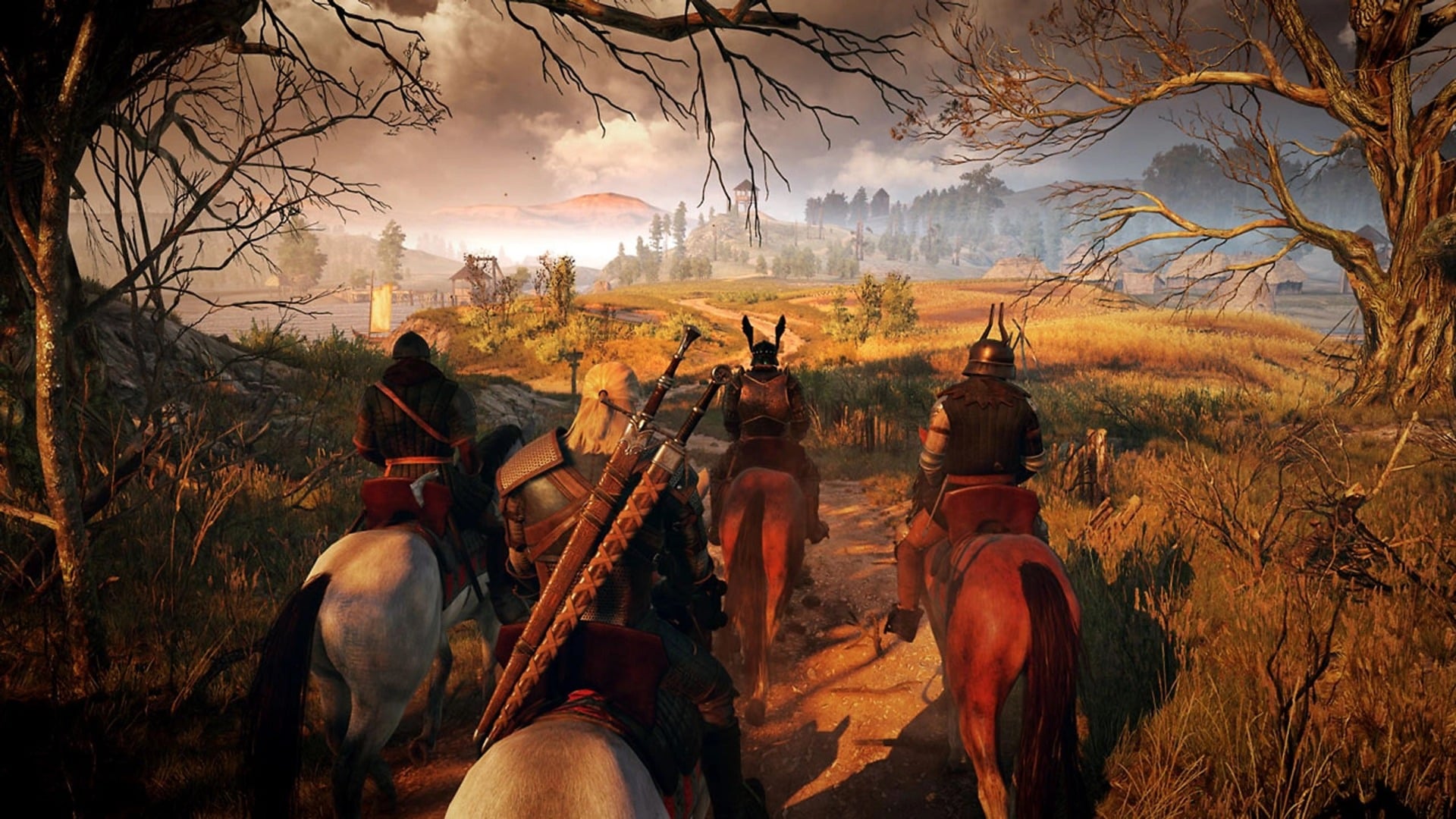
The Witcher 3 “next-gen” update is finally live. It’s a mess on PC at the moment, but pretty great on Xbox Series X and PS5. And if you’re one of the millions of players tempted to return to see Geralt’s gruff but lovable mug with better lighting and a few more dimples, you’ll want to know how to carry over your save data from the previous versions of the game. Here’s everything you need to know about The Witcher 3’s cross-save transfer feature.
The Witcher 3 supports cross-platform cloud saves, sort of
A feature integrating the critically acclaimed open world game with CD Projekt Red’s GOG.com servers means you can log into the game and have your save data follow you around from version to version. There are some important caveats, however. Save data can’t be transferred between different patch versions, and only your most recently accessed file will follow you between platforms.
Here’s how CDPR describes it in the 4.0 patch notes:
Added a cross-progression feature between platforms. Your latest saves will be automatically uploaded to the cloud so you can easily pick up where you left off on other platforms. Cross-progression provides the latest save for every save type. This feature becomes available after you log into your account.
The cloud save feature is also available on the Switch version of the game, but since it won’t be updated to the new version 4.0 until sometime in the future, it currently won’t work.
How to transfer your old save
While you might think you can just download the newest version of The Witcher 3 and immediately jump into your old save, it’s not that simple (unless you’re playing on Xbox Series X/S where smart delivery has you covered). Here are the detailed steps for how to enable cross-save and how to bring your old data, including any new game plus files, specifically from PS4 to PS5:
Download the most recent update on the last-gen version of The Witcher 3
Start the game and go to the load save menu
Press the left trigger to enable cross-save
Use the onscreen QR code to log into your GOG account on your smartphone
Select “claim” and you’ll get some new gear for Geralt and initiate the cross-save feature
Now load the save you want to carry over
Manually save again in a new slot
Download and open the next-gen version of The Witcher 3
Go to the load save menu
Enable cross-save
Log in with your GOG account
Your save from the old version of the game should now show up in the menu
It’s not ideal but it’s good enough
In a perfect world you would be able to simply transfer all of your old save data to the new version of the game. While the cloud save feature is great for cross-save between different platforms, it’s not quite as easy or all encompassing as the workarounds for some other games that have made the jump from last-gen to next, at least on the PlayStation front. For instance, there’s no easy way to bring over both a new game plus save file and the completed game save needed to generate future new game pluses.
It’s a small issue but one I nevertheless came up against while trying to sort everything out on my PS5. But on the bright side, this new feature finally addresses the long-running issue of PlayStation players not being able to access their save data from the launch copy of The Witcher 3 while playing the all-inclusive Complete edition.
And on that note, one last wrinkle to be aware of: you can’t move save data from Complete or Game of the Year editions to vanilla copies. That’s how it’s always worked on PC and it makes sense, since the save data for the GOTY and Complete editions contains references to a bunch of stuff not in the base version of the game.