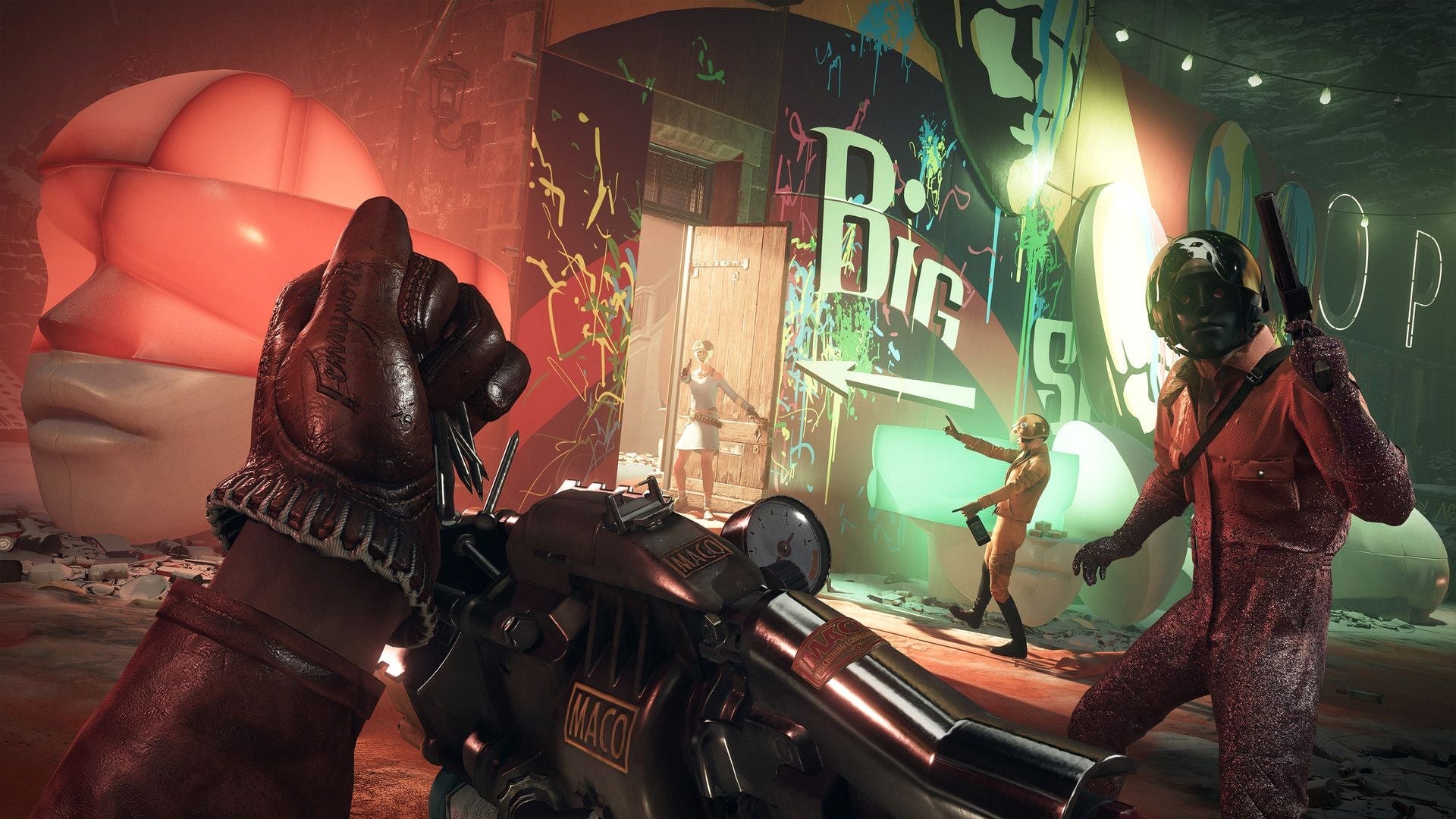
If you’ve been playing Deathloop on PC, there’s a good chance you’ve encountered some of the many issues that are plaguing the freshly released game. The good news is, while we’re waiting for a patch to roll in, there are some things you can do to smooth your experience in the meantime.
There’s no official word on what’s causing the issues, and Bethesda wouldn’t reply if we asked them about it. But the consensus seems to be split between the usual tiresome problems that accompany pretty much every game that ships with the pointless Denuvo anti-piracy software, or some complicated form of memory leak. Either way, the result is that for so many playing Arkane’s latest immersive sim on PC, there’s some really unpleasant stuttering, and framerates dropping as low as 0.1 FPS.
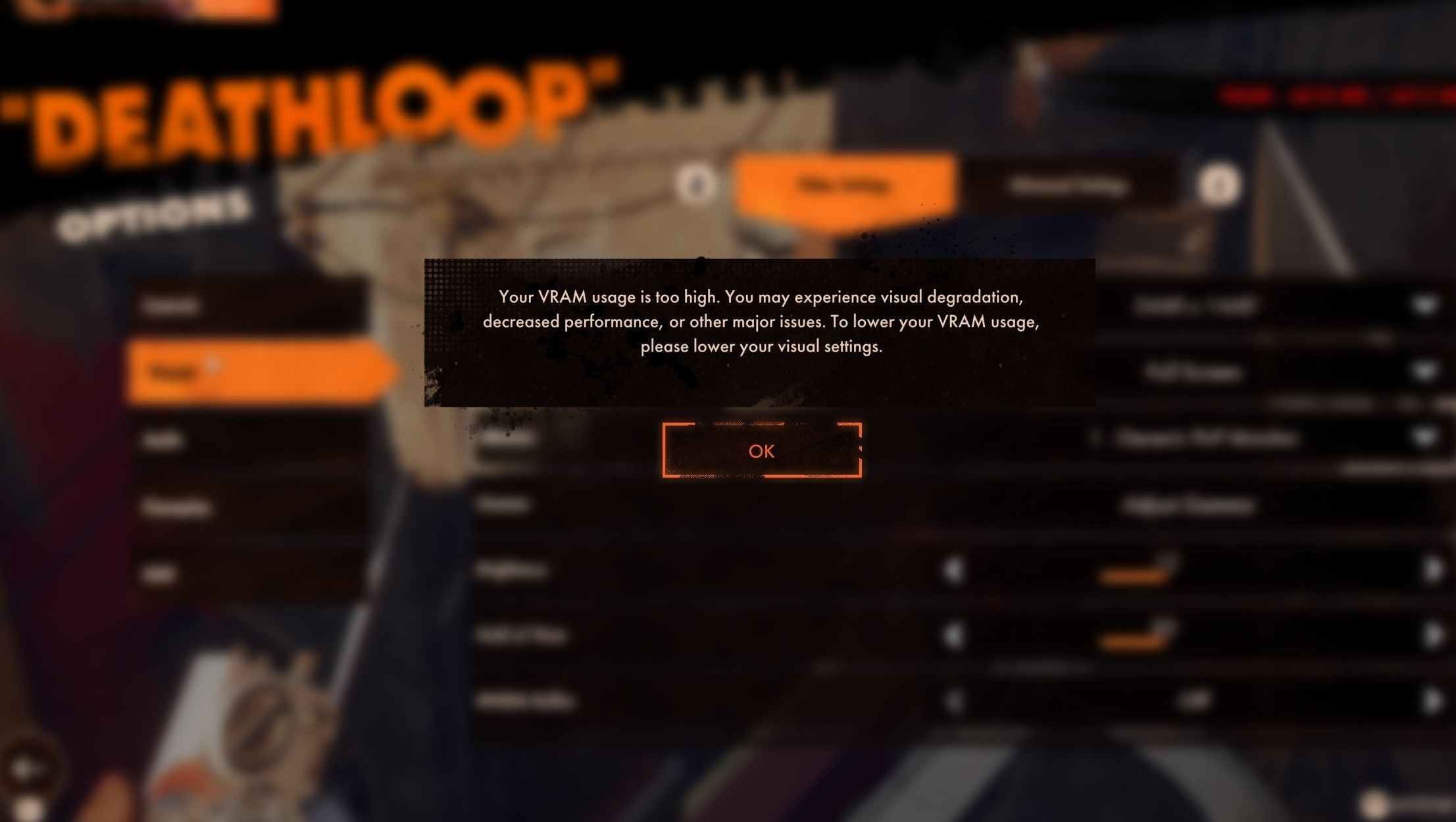
I’ve certainly been plagued with the latter, as well as the game complaining that my 3070 doesn’t have enough VRAM to run properly, which is… not right. But if you’re willing to tinker in the settings, you should be able to calm it down and prevent the stuttering somewhat.
V-sync
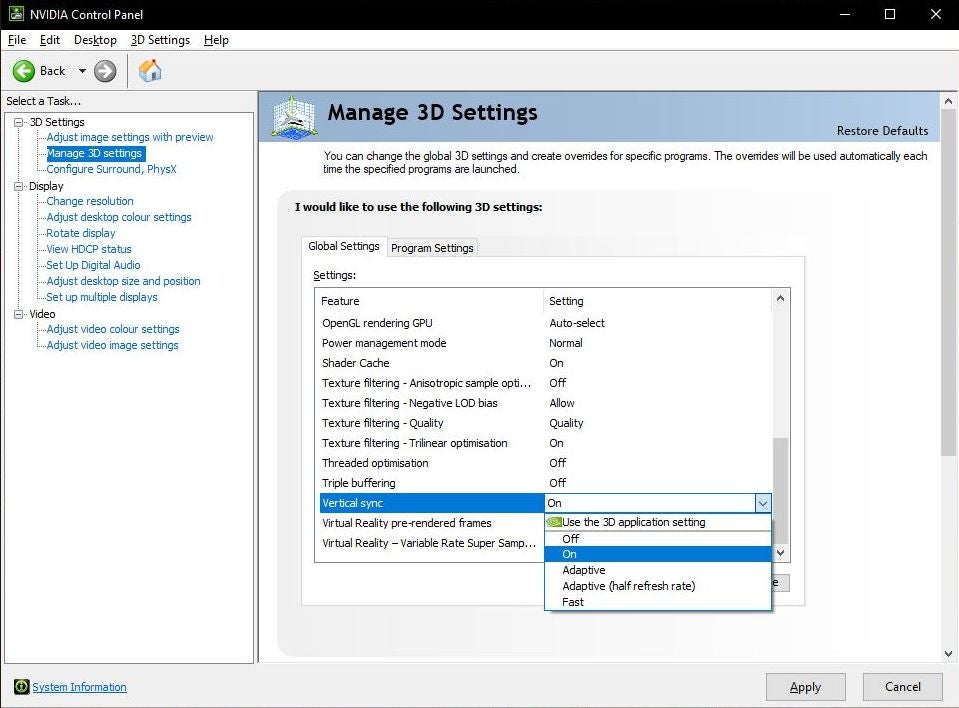
To improve performance the first thing you’re going to want to do is switch off V-sync. That’s in Options – Visuals – Video Settings. However, if you like don’t want to play the game with the screen tearing, you can then go to your GFX card’s own settings and force it on there. NVidia’s Control Panel has the option under Manage 3D settings.
NVidia Reflex
Also under Options – Visuals – Video Settings in Deathloop is NVidia Reflex. This is a tool that will reduce latency, so hopefully can also prevent some of that dreadful stuttering. If you switch this on, the game recommends you also switch on Low Latency, the option below.
Upscaling
Next down that list of things to change in Options – Visuals – Video Settings is Upscaling. The option to choose is AMD FidelityFX Super Resolution 1.0. This works with AMD or NVidia graphics cards, and upscales lower resolution images to improve framerates. You can then use the setting below, AMD FSR Mode, to choose how high you want that boost. Go for Balanced on a moderate rig, but you can crank it up to Ultra Quality if you’re lucky enough to have a newer GFX card.
FPS Limiter
Set that to anything over 60, up to 120. Why? I’m pretending I know. But the bigger boys said to do it.
Ambient Occlusion
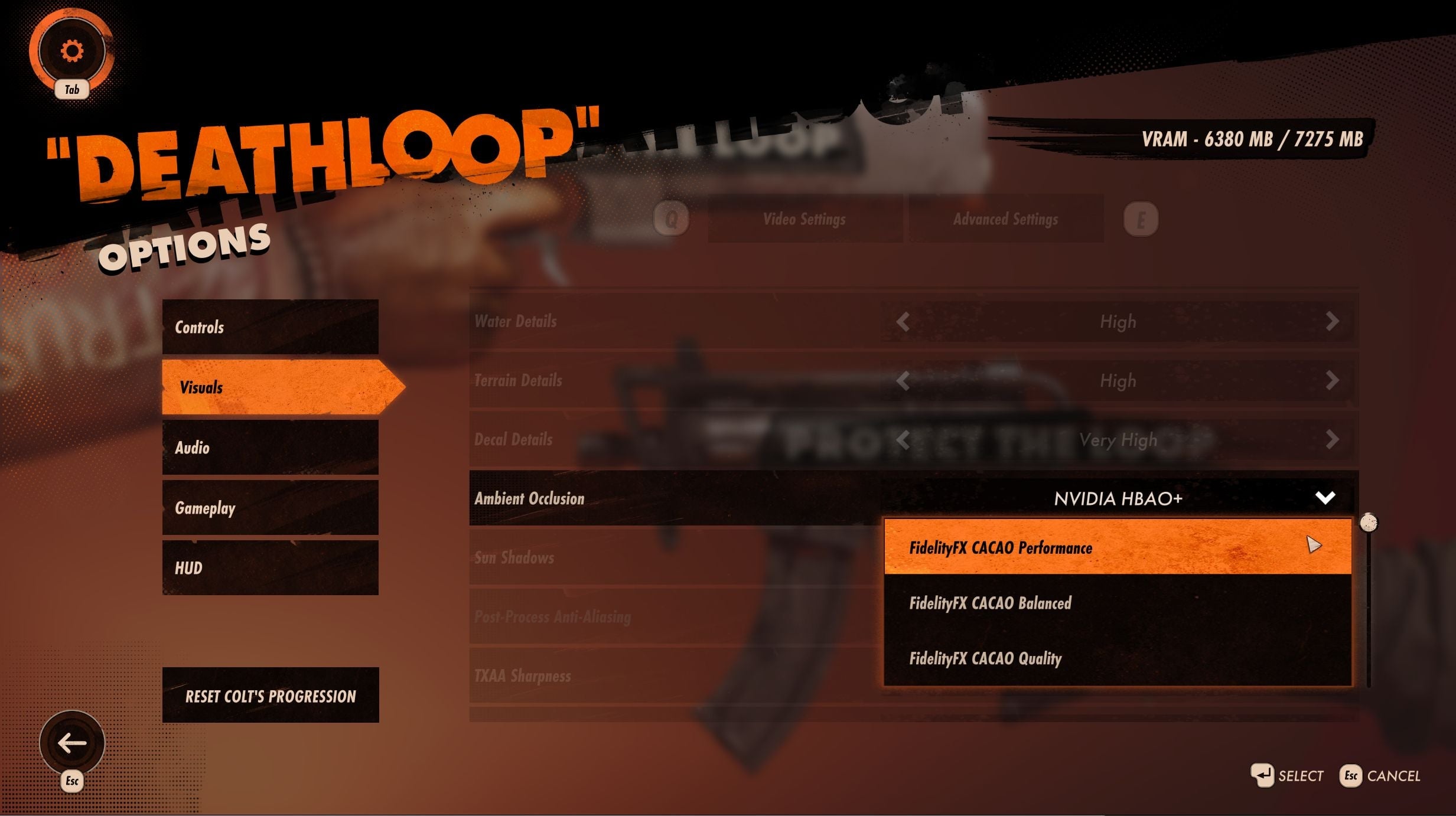
This one’s hidden in Options – Visuals – Advanced Settings, and seems to default to having raytracing switched on for players whose computers can’t do raytracing. So make sure to dig in there and see what’s happening. If you don’t have a fancy card, set that to FidelityFX CACAO Performance, and don’t ask questions. Or you can bump it up to Balanced or Quality, then go up to NVidia HBAO+, or Raytraced at various qualities. There is no option to switch this off altogether.
Shadows
Again in Advanced Settings, Shadows lets you go from Very Low to Very High. Bringing this down should see your frames per second go up, so this is worth dropping to Medium.
Oddly, the usual culprits like texture details don’t seem to have much impact at all on performance here, so don’t worry about setting all those to low and then feeling all grumpy about it. The same goes for model details. And while you’re in Advanced Settings, you may as well turn the god-awful Camera Motion Blur to off. Games: stop this.
Some of these settings will require a restart of the game to put in place, so make sure you remember that before cursing my name. And then you can enjoy how bizarrely long it takes from pressing “Play” to the game’s actually starting, yet again.
Clearly there’s a lot of fixing to be done in Deathloop. Right now, for instance, it doesn’t even appear to understand screen resolutions. Set the game to windowed and 2560 x 1440, and you’ll instead get 2480 x 1440, which is just plain weird. (3440 x 1440 gets the even more weird 3312 x 1387, which isn’t even close.)
We’ll let you know as soon as a patch rolls in. While we wait, hopefully the above will get the game at least more stable, and less nausea-inducing.