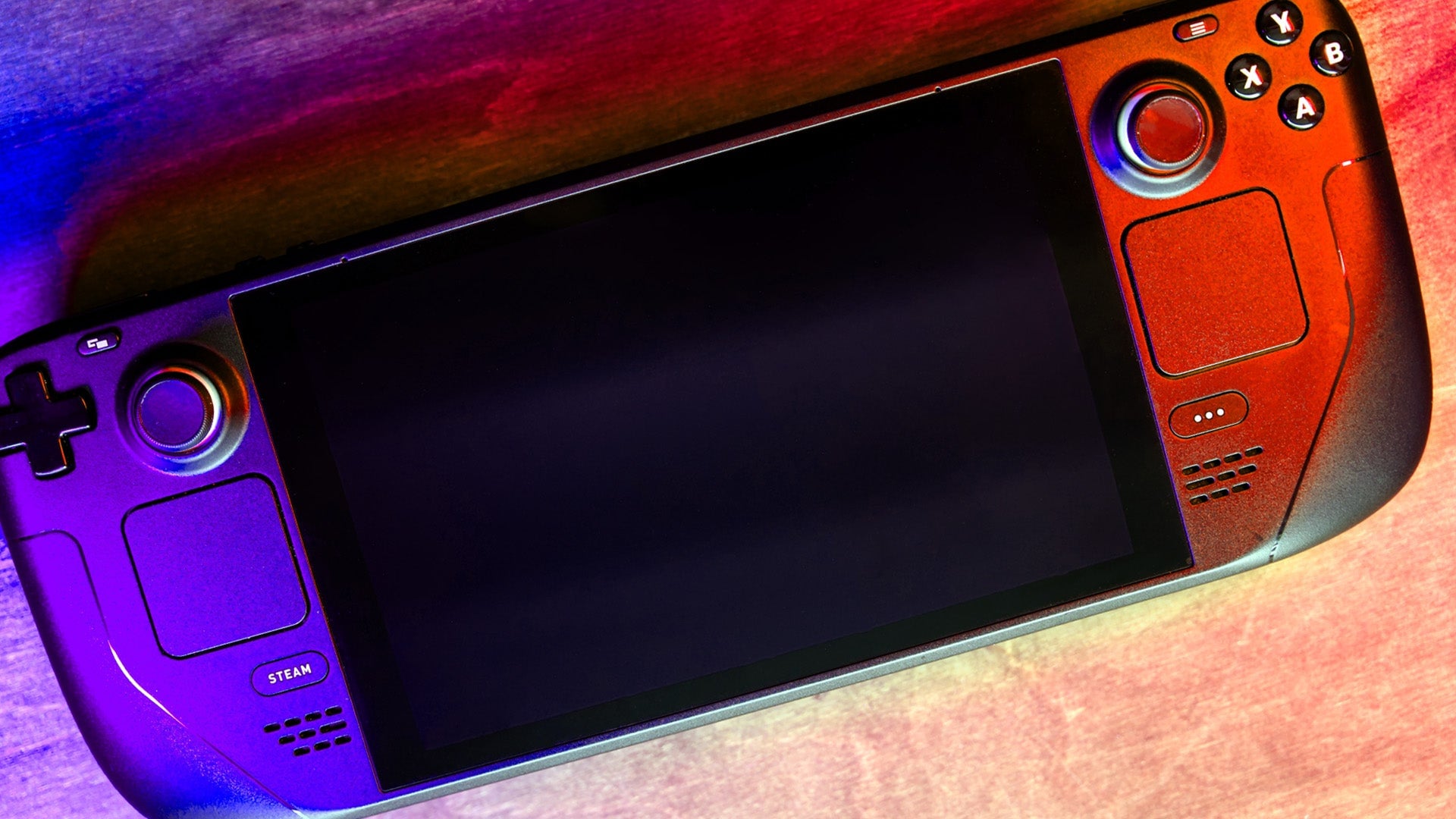
As one of the most powerful handheld devices out there, the Steam Deck is a great, one-of-a-kind gaming platform. While some games might require you to fiddle around with the graphical settings to get the best performance out of them, the experience of playing a game on the Deck is often frictionless. That said, there are ways to get more out of Valve’s mini-PC that aren’t immediately obvious. Here are some tweaks and other tips to consider when setting up and using your Deck.
You don’t need to be a power user to make the most of these settings and features. Some, like the screenshot shortcut (Steam + R1) are pretty handy, while others like the lock screen settings are essential to configure if you want to stay on top of who has access to your device.