Turn on your lock screen
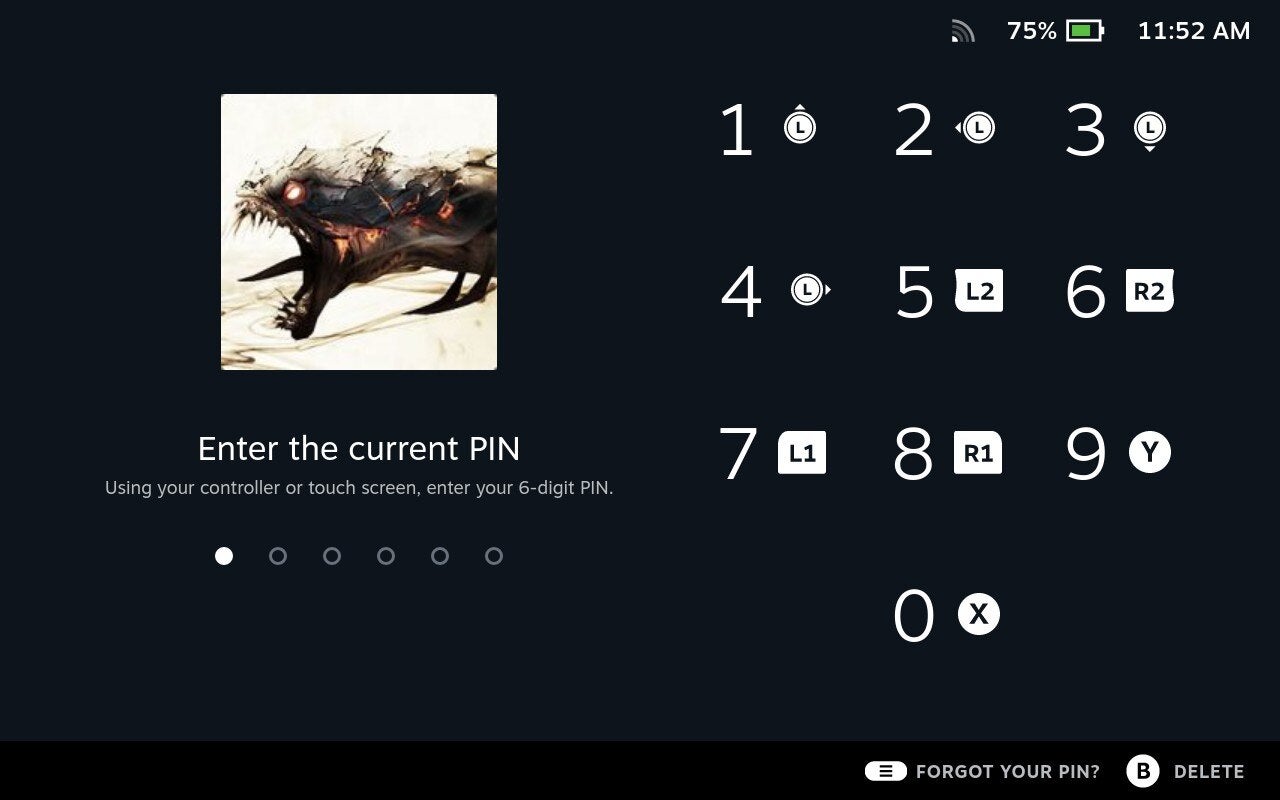
As with many portable devices, you probably want to have some kind of lock screen to keep unwanted users out of your Deck.
Hit the Steam button, navigate to Settings and under Security you’ll find options for the Lock Screen. You’ll set up a number-based pin, which you can use the Deck’s gamepad buttons to enter. It becomes really quick to get in once you memorize it.
The most secure option is to make sure all three options in Security are switched on. But you’ll have a choice as to whether you want your Deck to prompt a password screen whenever you wake or power on the device, when you switch to desktop mode, or when the login screen appears.