The PlayStation 5 is brimming with novelty. You can finally, after seven long years, check out your playtime stats. The new DualSense controller is arguably the best case for the next generation. And then there’s all that beefed-up tech, which helps load games at blistering speeds. But one of the coolest selling points isn’t a new idea. It’s an old one: automatic, universal camera inversion.
https://lastchance.cc/playstation-5-the-kotaku-review-1845588904%3C/a%3E%3C/p%3E
Users of the Xbox 360 will remember this feature fondly. In short, the console could remember whether or not you’d invert the camera’s Y-axis in the games you play, and then apply that setting to your games on a system level. The Xbox One could not do this. (Of note: An Xbox spokesperson told Kotaku that such functionality won’t be available for the Xbox Series X or S at launch, and that no plans were in place to implement it.) Neither could the PlayStation 4. The PS5 can. Here’s how to set it up:
From the PlayStation’s main menu, head to your settings. (That’s the gear icon in the top bar.)
Scroll down to “Saved Data and Game/App Settings.”
Scroll down to “game presets.”
You should see options for games with either a first-person perspective or a third-person one. The contents of both subsections are the same. You’ll see drop-down menus for both the horizontal and the vertical axes. You can set those menus to one of three options: game default, normal (supposing that the game’s default isn’t that), and inverted. The system will then apply your selections to the games you play.
Well, that’s the pitch.
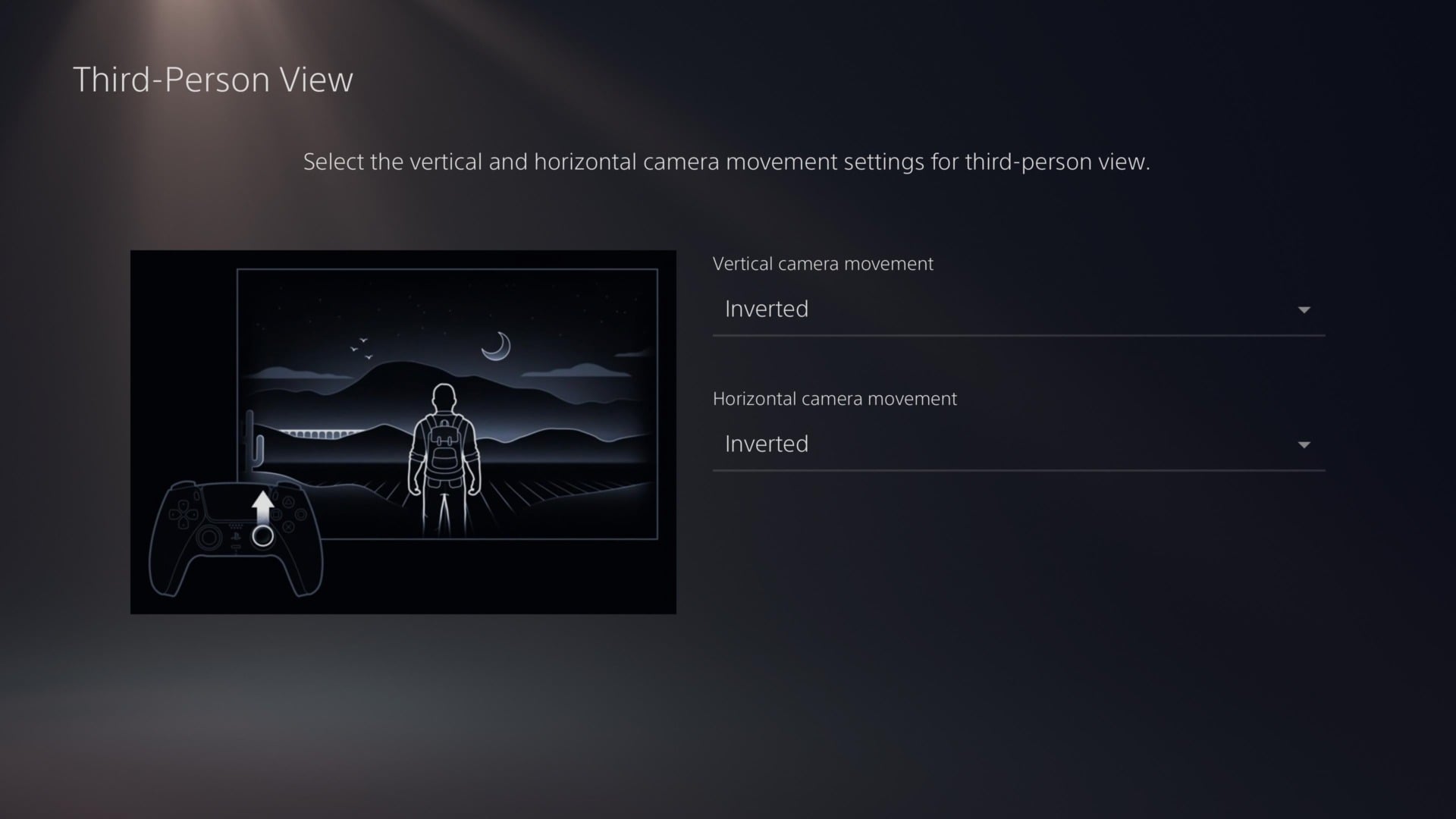
Like Quick Resume, one of the much-paraded new features for the Xbox Series X and S, the ability to automatically and universally invert camera settings for your games is a fickle one. The PS5 itself says that flicking system-wide inversion on will only apply “to games that support this feature.” In our testing—which, in fairness, has been conducted in a pre-release state—we’ve found that it’s pretty hit or miss.
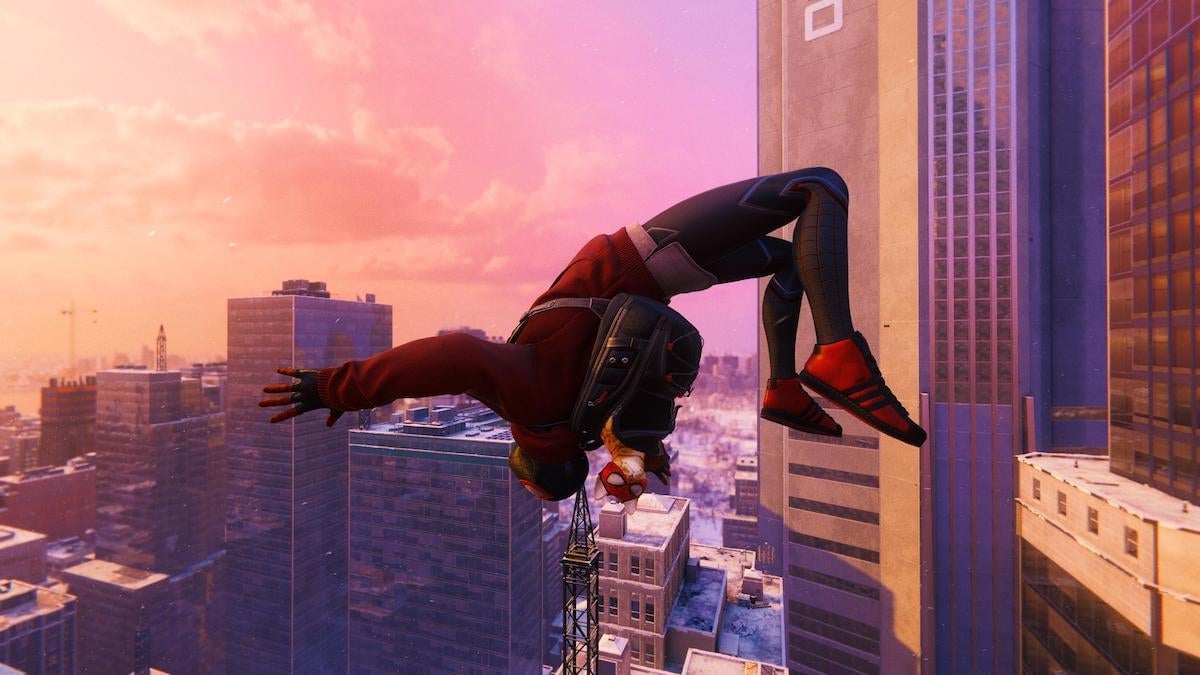
In Devil May Cry 5: Special Edition, the Hot Topic of video games, it worked flawlessly. I flicked left on the right thumbstick, and the camera panned right. I pushed it up, and it went down. Sure enough, when I checked the game’s camera settings, both axes were set to inverted. With Spider-Man: Miles Morales, when loading an old save file, inverted camera settings for both the horizontal and vertical axes were set to “off.” I had to manually switch things up. But when I went to start a new game, the game’s startup settings beat me to it. Both axes were set to “on.”
Bugsnax, the memed-to-oblivion game that’s more than just a meme, offers a story of a feature in flux. Last week, automatic camera inversion wasn’t working for the horror game at all. When reached for comment, a spokesperson said that “it’s on the roadmap for launch.” As of today, it’s working like a charm.
A colleague found that it worked just fine in Astro’s Playroom, the surprisingly fun platformer that comes pre-installed on every PS5.
Beyond that? No dice.
In Godfall, which I started from scratch after discovering this promising system setting, camera inversion appeared not to apply at all. I had to pop into the game’s menu and invert the camera manually.
It also didn’t work at all for any of the backward compatible PS4 games we tested, including Bloodborne, Sekiro: Shadows Die Twice, Maneater, Ghost of Tsushima, The Witcher 3: Wild Hunt, God of War, and Borderlands 3. That last one is one to watch, though. When the console comes out on November 12, Gearbox’s raunchy looter-shooter will receive a PS5 upgrade. It’ll be interesting to see whether or not this next-gen version supports automatic camera inversion.
Of course, we’re talking about a new feature for a new console. Six days ago, it didn’t work for Bugsnax at all. Now, it works swimmingly. I’d hope that, in the weeks and months following the PS5’s launch, more games will come to support it. Novelty may push product, but it’s the features that can make life easier for people that are really worth writing home about.
More info about the PlayStation 5:
https://lastchance.cc/how-ps5-remote-play-works-on-ps4-1845635029%3C/a%3E%3C/p%3E
https://lastchance.cc/playstation-5-versus-xbox-series-x-s-ready-fight-1845599019%3C/a%3E%3C/p%3E