Check your installed games and sort your library into collections
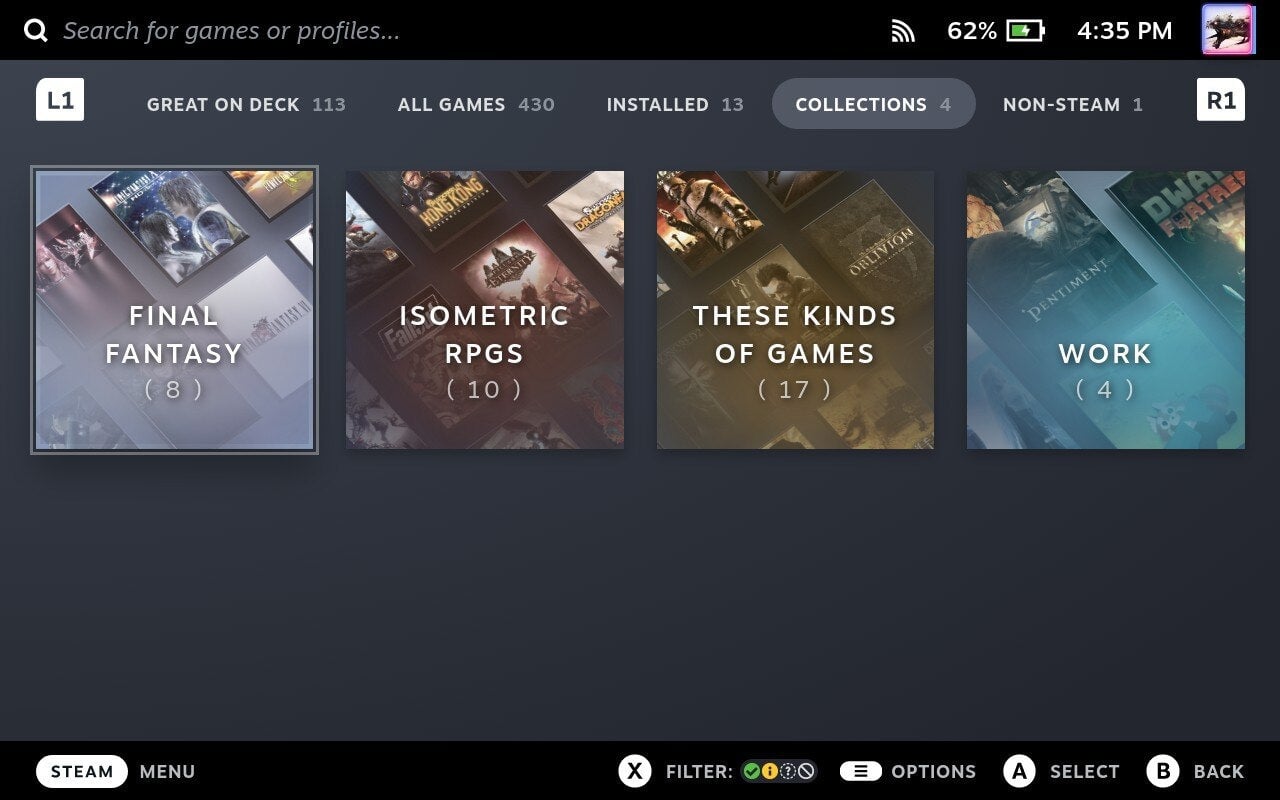
If you hit the Steam button and navigate to Library, you’ll get a series of tabs starting with “Great On Deck.” This page lists all the games in your library which are verified by Valve to work well on the Deck. There are a lot of great games on the Steam Deck, but this is a handy way of seeing what you already own that’s expected to run well. You can also navigate to “Installed” for a quick overview of what’s taking up space on your Deck.
Beyond this, you can sort your games manually in two different ways: Favorites and Collections. By hitting the Sandwich button (the three lines stacked vertically, listed as Options on the Deck’s UI) on a specific game, you can either send it to your favorites (a good way to keep track of games you’re currently working on) or you can create custom Collections based on genre, year, developer, or however you’d like to sort it.
If you’re a Steam veteran, you likely have a large library on the platform. Collections will also appear on Steam’s desktop client, so it’s a great way to sort and navigate your growing digital library.