Tame your notifications
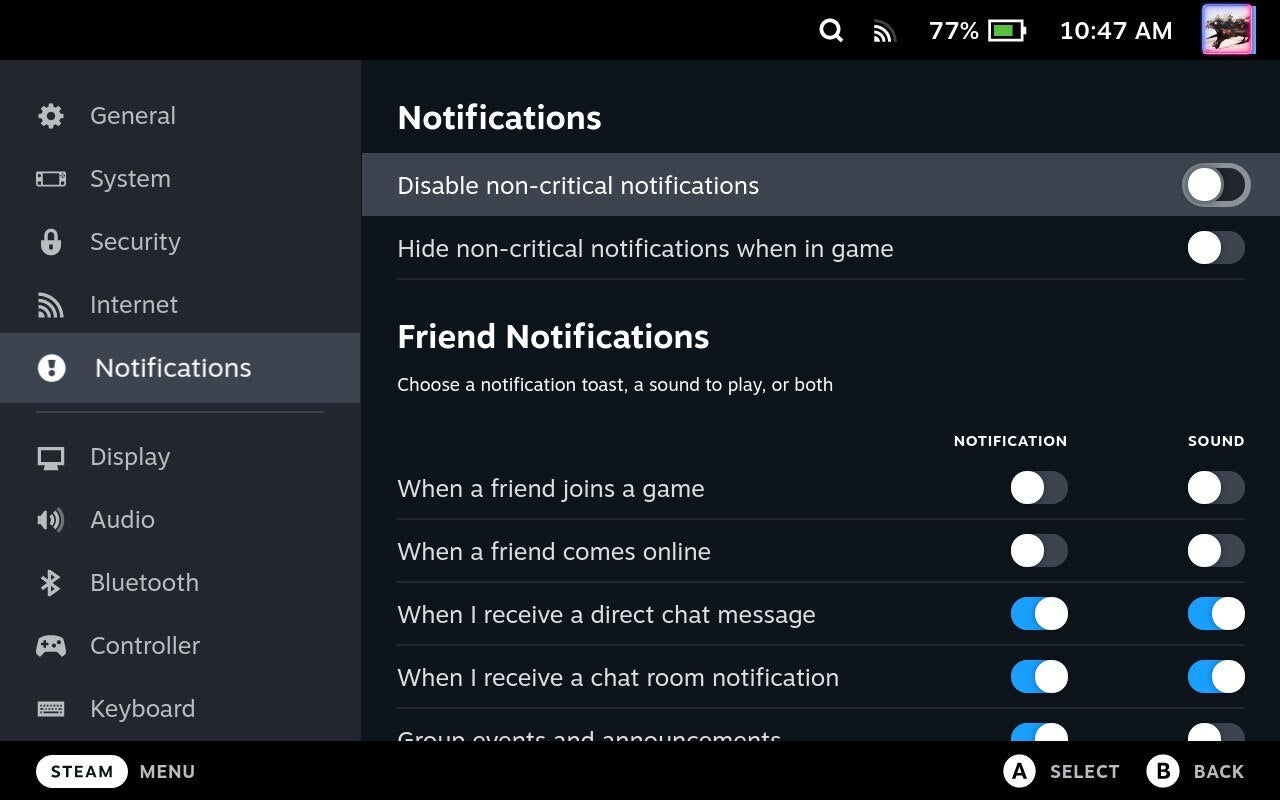
Annoyed by all those notifications about what games your friends are playing and when they’re playing them? Easy! Head on into Settings (Steam > Settings) and under Notifications you can either select a general “Disable non-critical notifications” setting, or turn specific ones off, with options for both the visual and audio indicator.