Try out different on-screen keyboards
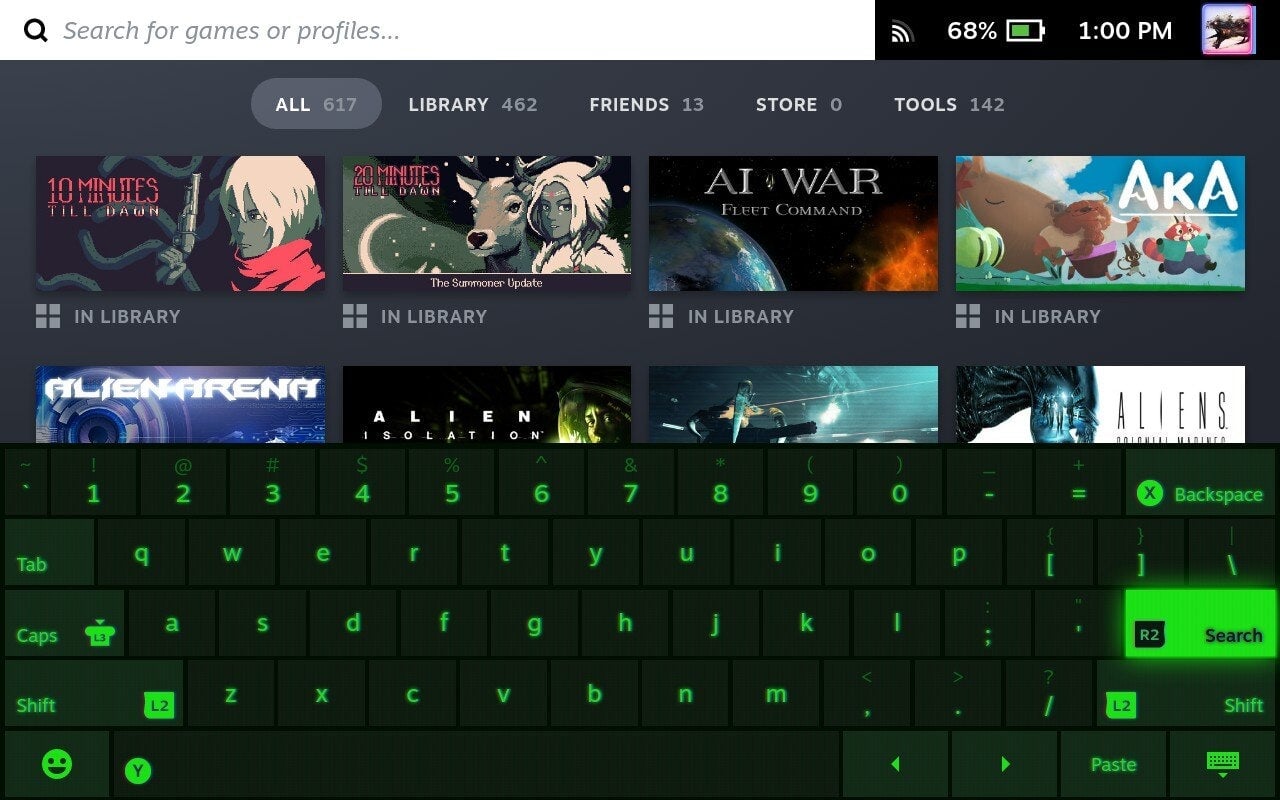
Under “Keyboard” in the Settings, you’ll find a few different keyboard themes. You can even get some more themes via Steam Points, which you’ll earn by buying games.
Note: If you’re not connected to the internet, your Deck will default to the base keyboard theme.