Signal is one of those apps that makes more sense once you use it for a while. On paper, it can sound plain. It lets you message people, make calls, share files, and chat in groups. That is nothing groundbreaking. What makes it stand out is that it has not tried to become ten other things at once. A lot of messaging platforms start with conversation, then drift into channels, content feeds, communities, and features that may be useful to someone but are not really why most people opened the app in the first place. Signal has stayed much closer to the basics, and that is part of why it feels easier to use than many alternatives.
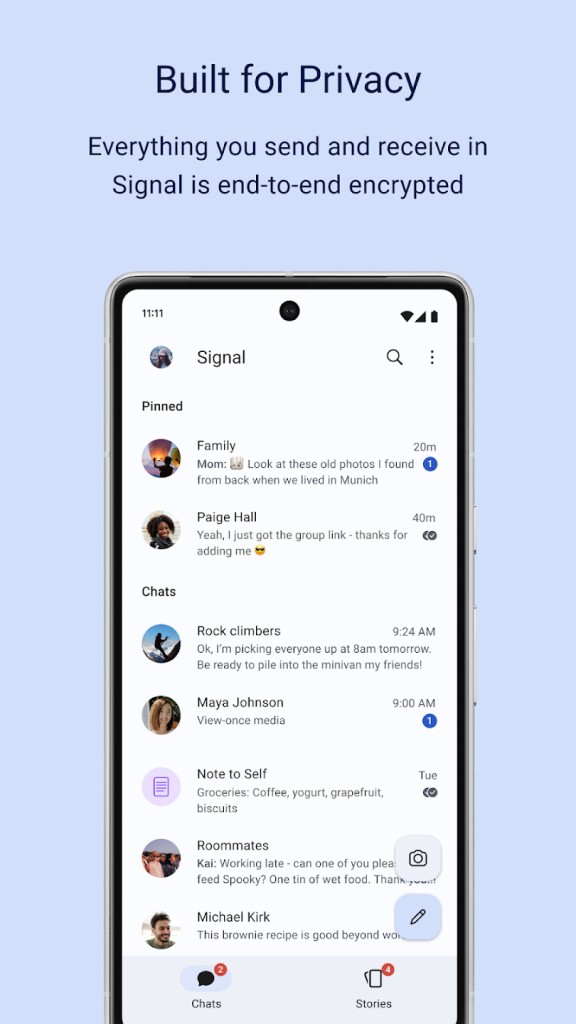
Privacy is the main reason most people download it. Messages, calls, and group chats are end-to-end encrypted by default, so there is no separate mode to turn on and no need to work out which conversations are protected and which are not. You use it normally, and the privacy part is built in from the get-go. That seems to be one of Signal’s biggest appeals among its audience. It doesn’t make security feel like a specialist feature. It just treats it as the default way the app should work.
The app is also open source, which adds another layer of trust for people. It means the code is available for review rather than hidden. At the same time, Signal is not only for people who follow privacy debates closely.
What Are the Key Features of Signal?
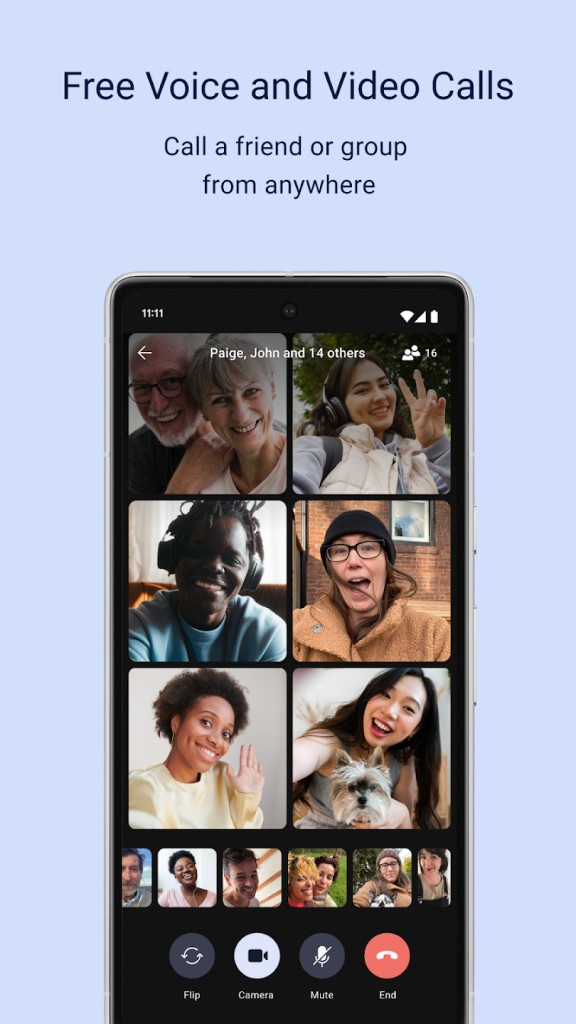
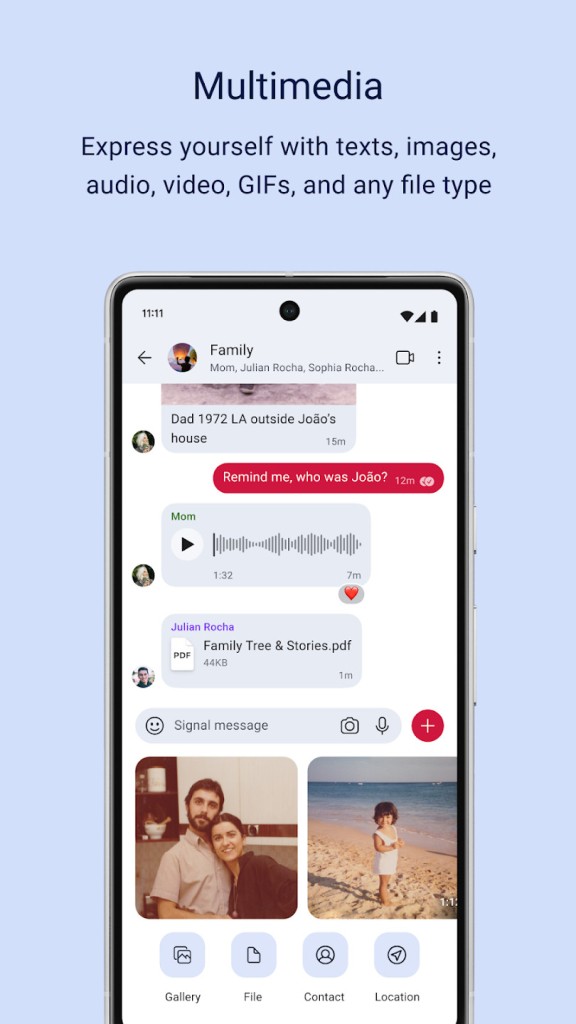
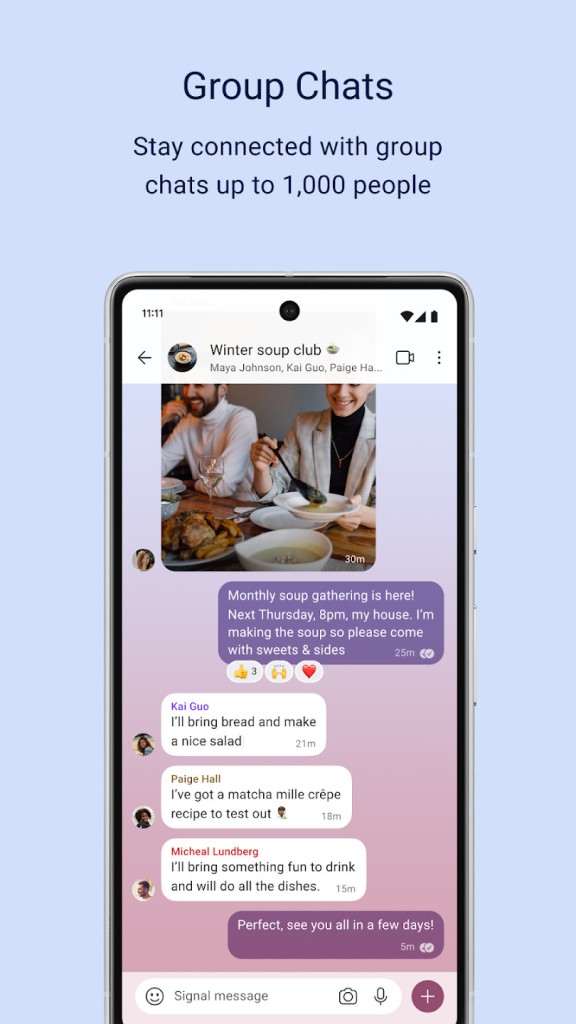
Signal covers most of what people actually need from a messaging app. You can send one-to-one messages, set up group chats, make voice and video calls, share photos, videos, documents, voice notes, stickers, and GIFs, and keep conversations going on desktop once your phone is linked to the desktop app. Group calls can include up to 40 people, which is probably more than enough unless you are trying to stretch it into something closer to a meeting tool.
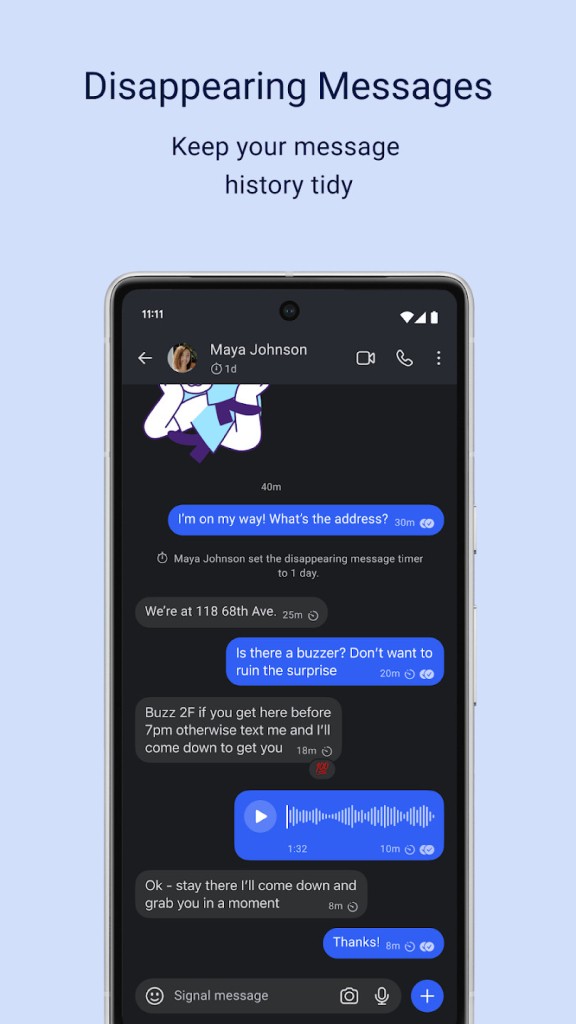
The better parts of Signal are often the ones that go unnoticed. Disappearing messages are built in, which is useful if you do not want every conversation sitting around forever. You can lock the app with your phone’s passcode or biometrics, which matters more than people tend to think if they ever leave their phone lying around. There is also a face blur tool for photos, which sounds minor until you have a reason to use it.
Signal has also added usernames, which helps with one of its long-running weak spots. The service still starts with a phone number, and some people will not love that. But usernames at least give you a way to connect without sharing your number as freely with other users. It is not a perfect fix, though it does make the app feel a little less tied to your personal contact details than it used to.
What Signal does not offer is the broader ecosystem you get elsewhere. It is not built around public groups, discovery, or broadcasting. The design is clean, maybe a little plain, and the whole thing is more private than social. That will either feel focused or limited, depending on what you want from it.
Is Signal Free to Use?
Yes, Signal is free to use. You download it, set up an account, and use the main product without sorting through paid plans or feature tiers. Messaging, voice calls, video calls, group chats, and desktop access are all included.
That matters because some apps in this category make privacy feel like an upgrade or push you toward subscriptions once you are already invested. Signal does not work like that. The core experience is just there.
Which Platforms Support Signal?
Signal works on Android, iPhone, Windows, Mac, and Linux. That includes Android 6.0 or later, iOS 15 or later, Windows 10 and 11, macOS 12 or later, and Linux distributions that support APT.
That gives it enough range for most people who switch between phone and desktop during the day. You can answer messages from your computer, pick up conversations later on your phone, and not feel locked to one device. The desktop version is useful in a practical way. It lets you keep the app around while you work instead of constantly reaching for your phone.
There is one limit worth knowing early. Signal still needs a phone for registration, so the desktop app is not really a standalone starting point. You can use it comfortably once things are set up, but it still depends on a mobile device to get going.
What Are the Best Alternatives to Signal?
Telegram is usually the alternative people look at first because it is bigger, busier, and built for more than private one-to-one conversations. It works well for large groups, public channels, and communities that want more visibility and reach. That said, it doesn’t make the same privacy choices Signal does. End-to-end encryption is not the default for standard chats, and that changes the feel of the platform quite a bit. Telegram gives you more range. Signal gives you more certainty.
AWS Wickr leans more toward business and enterprise use. It is built for secure communication too, but it tends to make more sense in structured team environments where admin controls and managed deployment matter. For everyday personal use, it may feel heavier than necessary. Signal is easier to settle into if what you want is a private messenger that does not ask much from you.
Olvid is often mentioned by people who want privacy with fewer links to phone number-based identity. That may appeal if Signal’s registration system feels like a compromise. The challenge is that smaller privacy apps are often harder to adopt in real life because messaging only works well when the people around you will actually use it too. Signal has a better shot at that middle ground. It is private enough to attract users who care about security, but mainstream enough that you may not be talking to yourself once you install it.