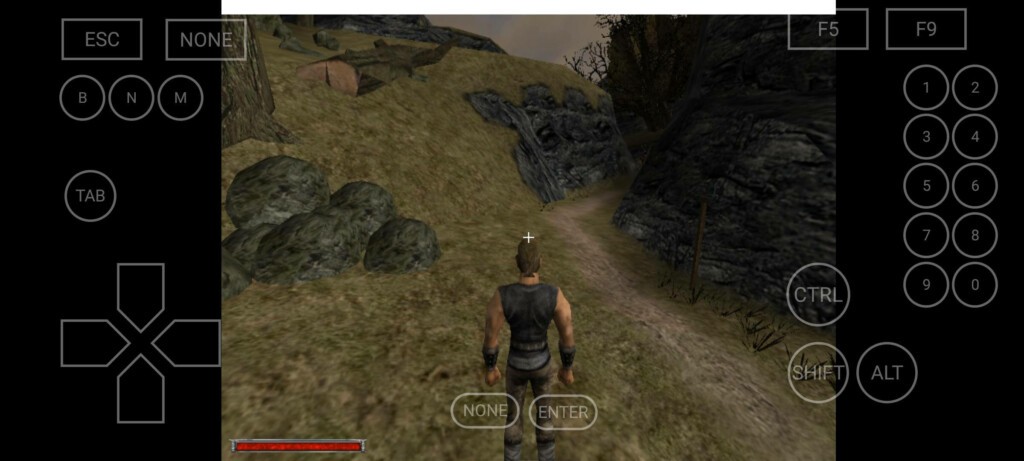
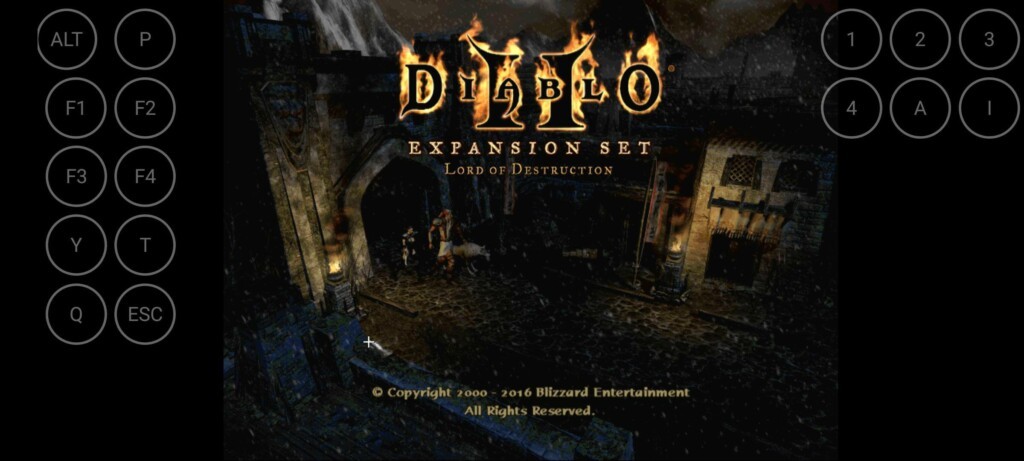
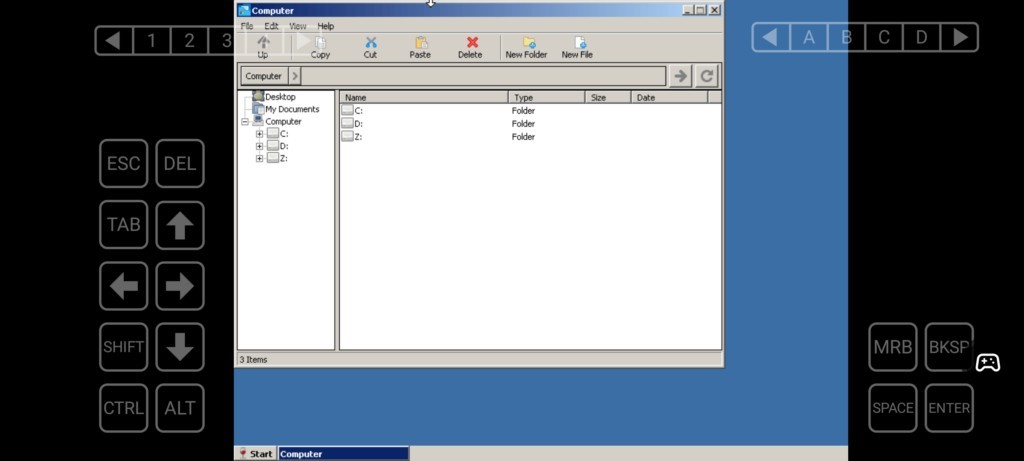
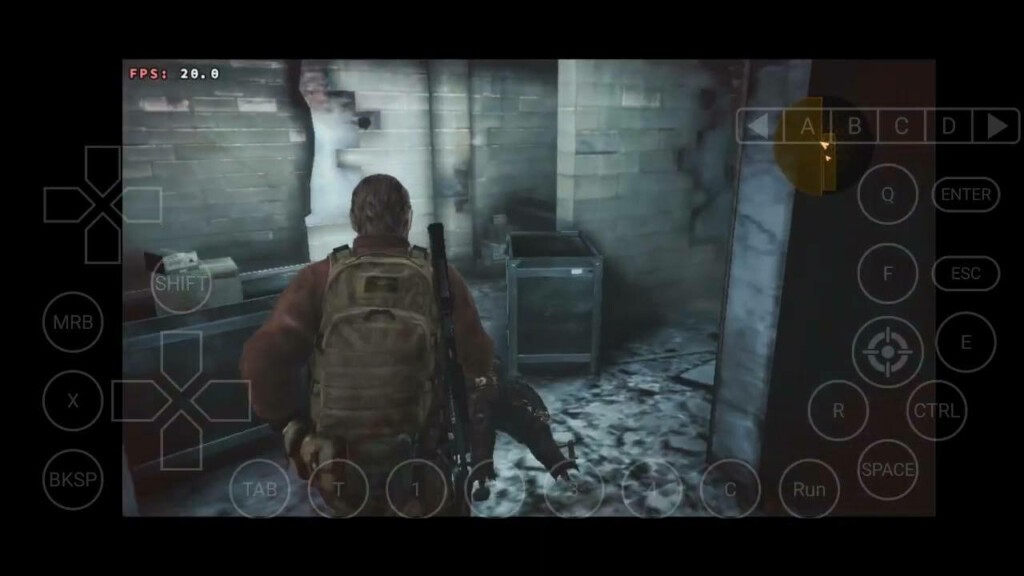
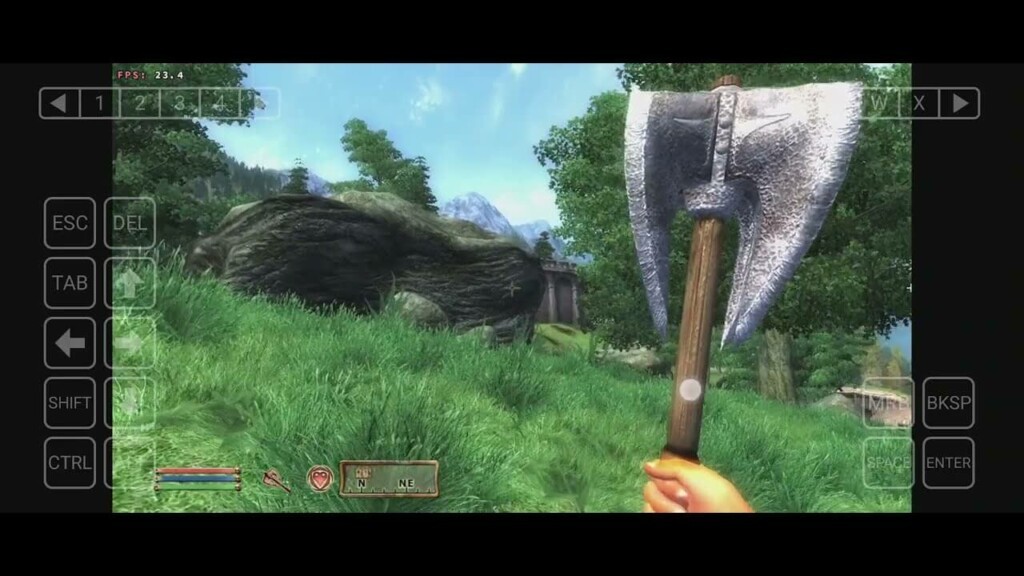
Winlator is an Android app that runs Windows software and games without streaming on a phone or tablet. It translates Windows software into a supportable form by combining Wine, Box86/Box64, and Vulkan support. Individuals tend to use Winlator when they want more native control over their PC applications or games rather than mirroring their desktop. It seems more of a local emulator than a remote-play tool.
It aims to develop a scaled-down version of Android that emulates a Windows system to the point that some applications will run, particularly older games or lightweight PC programs. Furthermore, it is not suitable for all the current AAA games, although most indie games, older three-dimensional games, utilities, and even experimental programs can be used with appropriate settings. Players who like to fiddle with settings tend to have a better experience than casual players, since Winlator lets you adjust nearly every aspect of the setup.
What Are the Key Features of Winlator?
The main characteristic of Winlator is that it uses Wine, Box86, and Box64, translation layers that allow Windows programs to run on ARM-based Android devices. This strategy ensures that a surprisingly large number of PC software programs can be launched as long as the phone's hardware is powerful enough. The other significant feature is Vulkan support, which is needed to improve performance and graphics rendering in games, depending on the new versions of DirectX, via translation projects such as DXVK or vkd3d.
Winlator also offers configurations that extend far beyond those of most casual tools. You can choose from resolution, DPI scaling, memory, graphics drivers, and audio settings. It offers a selection of translation presets, so you can experiment with which one best suits a particular game. Adding controllers, mapping keys, and changing display behavior have shortcuts.
Another important aspect is the project's open-source nature. The app is also on GitHub, where one can follow updates, report problems, or even make improvements directly. This makes Winlator more open and transparent, unlike apps that keep users unaware of what is happening in the background.
Is Winlator Free to Use?
Yes, Winlator is free. It does not offer paid versions or any subscription. Considering that it is an open-source project, the application can be downloaded, modified, and used by anyone without payment. There are no paid features, and everyone has access to all of them, so it can be used by users who like to explore Windows software on Android.
Which Platforms Support Winlator?
Winlator runs on Android devices and is focused solely on them. The whole venture is based on integrating Windows technology into the mobile platform using ARM processors. Due to its high reliance on performance translation, the device's hardware largely determines which functions it has and which it does not. Mid-range phones may also support older games or simpler games, but more intensive software will typically require a flagship chipset.
Android versions do count as well. The majority of current Android releases are built with Vulkan support and the necessary libraries, though older devices might not work well with it. Tablets with larger screens will provide a more comfortable experience, but phones can also be used if it doesn't bother you that some UI elements are missing.
No native PC version exists, as Winlator basically re-creates the PC environment on the mobile platform. On the same note, iOS does not accept these translation technologies; Winlator is only for Android. It is frequently used together with external controllers or keyboards to provide better control, but touch input is also possible.
What Are the Best Alternatives to Winlator?
Steam Link is another alternative, as it does not replicate Windows games on your phone. Rather, it pushes the content running on your PC to the mobile display via Wi-Fi. This implies that the entire processing is done on the PC; everything is handled there. It is simpler than Winlator because no translation layers are required for Windows settings, and performance constraints are not an issue on the phone's hardware. When the connection is good, gameplay will be smooth, work with controllers, and have fewer hiccups. But you need to have a PC running in the background, and this will not benefit those who wish they could run games independently on the phone. Steam Link is suitable for those who do not want to make technical fine-tuning but rather prefer comfort and stability. Most people just download the Steam Link app, connect their PC, and start playing right away without extra setup.
GameNative is another open-source solution, but it takes a simpler approach. It is powered by Winlator under the hood; however, it presents a more user-friendly front end that can be integrated into your Steam library. GameNative lets you log in to Steam, select a game, install it on the device, and start emulation with fewer clicks than manually setting up the programs. It offers a wide range of DRM-protected content, cloud-syncing, and controller and keyboard overlays. The feel is more lancet-like than technological. Although it is still not flawless and certain games will always require a powerful device, it is useful for users who want a more user-friendly experience than Winlator, without the ability to run Windows games on Android directly. Many users download GameNative because it cuts down the usual manual setup and offers a simpler route into Steam gaming on Android.
GameHub is a more general platform than Winlator or GameNative because it is a single application that integrates Windows emulation, cloud gaming, and local PC streaming. It is compatible with Xbox Cloud Gaming, connected to Steam Link, and can even play a few Windows games with the help of emulation tools. It also lets you download Steam so you can download games straight from your library to your phone. The interface is more user-friendly than Winlator's, but GameHub is not open source; however, privacy and tracker concerns have been raised. There is no consistency in performance based on the approach you take; streaming is hassle-free, emulation is taxing, and cloud gaming relies on your web. GameHub is ideal for users who want a single application that encompasses various gaming techniques beyond just native Windows game emulation. People often download GameHub when they want all gaming methods—cloud, streaming, and emulation—inside one app instead of switching between tools.