Editing photos and creating digital art is made easier with Adobe Photoshop. This powerful application offers a wide range of tools to transform any image. At the most basic level, Photoshop is often used for conducting simple photo edits. You can change or remove backgrounds and objects from your photo, adjust the lighting and contrast, and crop or resize images. Some of the more advanced features allow you to draw and add new elements to your images. A new piece of digital art can even be created from scratch.
Editing in Photoshop works in layers. Having layers makes it easy to take a step back at any moment to see what the image looked like before a certain edit was applied. This feature also allows users to edit different elements separately and combine different photos into one final piece. The platform’s capabilities make it useful to a wide variety of professionals, including photographers, graphic designers, marketers, and digital artists.
What Are the Key Features of Adobe Photoshop?
Adobe Photoshop has a wide array of features; only a true professional photo editor would use all of them. While the app can be quite complex, most features that a regular user would need are rather simple to manipulate. On the surface, Photoshop is widely used for removing objects and backgrounds. If there is a passerby in the background of your photo, you can get rid of them using Object Selection. After removing objects comes the need to retouch the space. Various retouching brushes will do the job, and much more. For example, you can clone an area to fill the space created by object removal. Some simple alignment tools will be useful when you want to adjust the perspective and make sure the photo aligns perfectly.
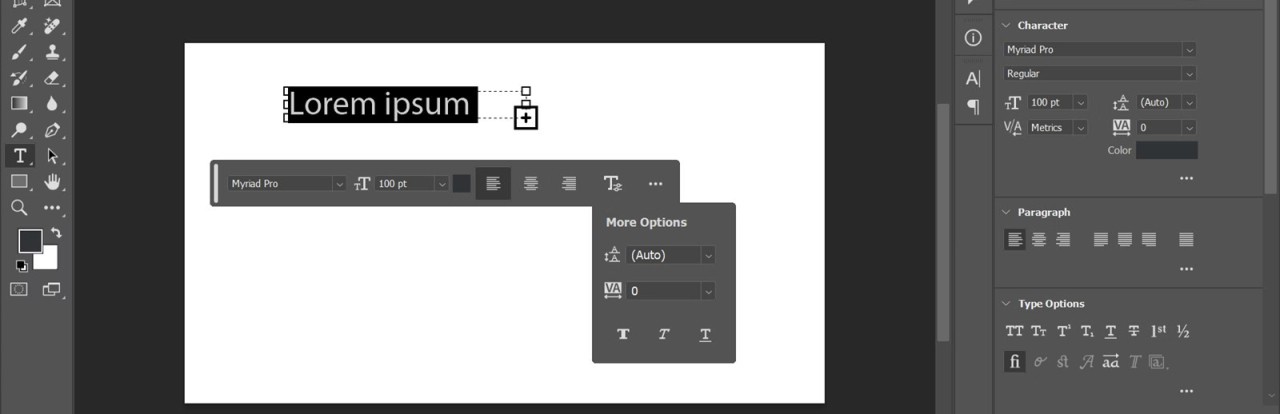
Another popular use of Adobe Photoshop is general color changes. You can adjust image contrast, brightness, saturation, blacks, whites, and more. Make your photo cooler or warmer in tone, make certain colors stand out, and change the setting to convey the atmosphere you’re going for. With that task, filters will be useful too. In addition to that, Photoshop allows you to add text, change fonts, and format text into shapes. Advanced editing features allow for digital art creation using customizable brushes. The addition of AI features makes editing and creating even easier and more intuitive.
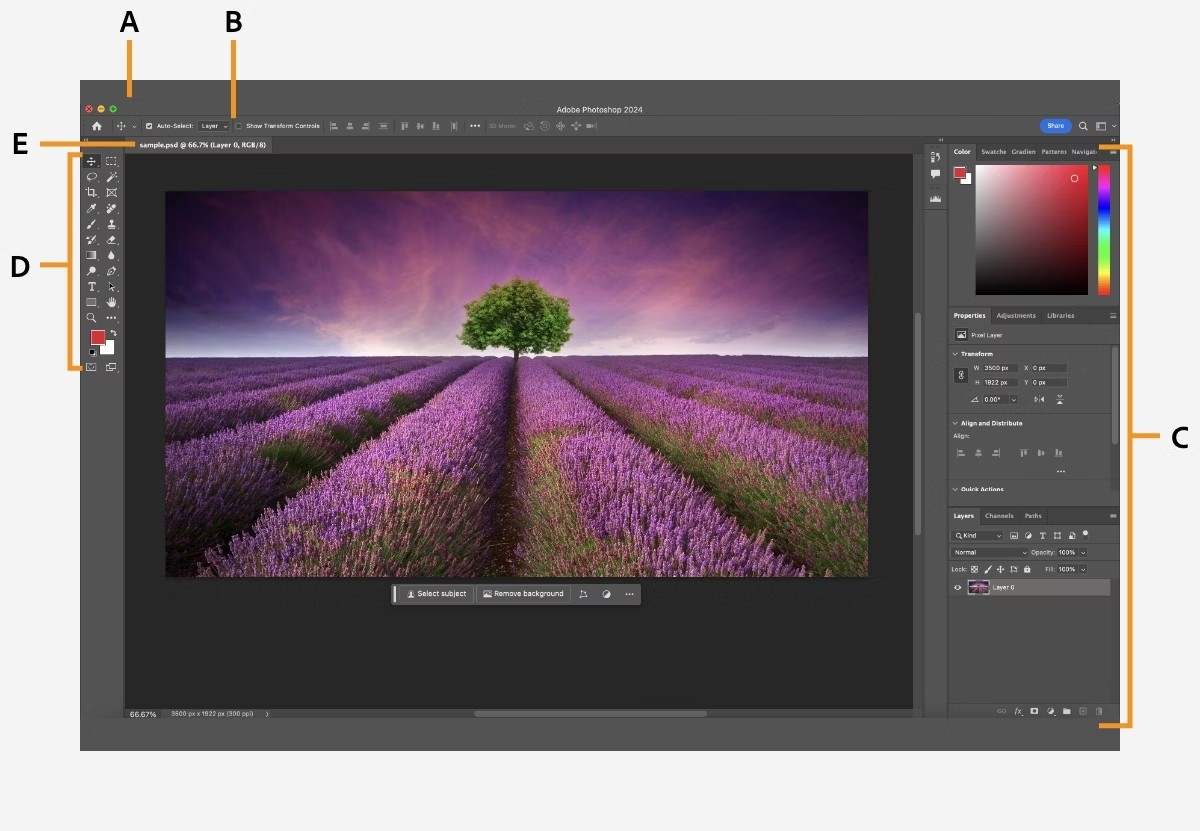
One of the defining features of Photoshop is layers. You can create a new layer each time before applying a new edit to make sure you can go back to the previous versions of your work. Layers also allow you to edit different elements of the photo separately, without affecting the rest of the photo. Finally, you can combine different images to create one final work with the help of layers.
Is Adobe Photoshop Free to Use?
No, Adobe Photoshop is not free. It is a subscription-based product that requires regular payments. You can test the app for free with a short free trial before committing to a subscription.
If you want a free photo software, you can try one of Adobe’s tools: Adobe Lightroom, Adobe Photoshop Express, or the new Adobe Express all-in-one app.
Which Platforms Support Adobe Photoshop?
You can download Adobe Photoshop on your Windows 10 or 11 computer, macOS computer with Big Sur 11.0 or later operating system, or iPad with iPadOS 17 or later. Downloading the platform requires a 64-bit processor, at least 16 GB of RAM, at least 50 GB of storage, and a DirectX 12-capable GPU with 4 GB of VRAM.
What Are the Best Alternatives to Adobe Photoshop?
If you’re searching for an alternative to Adobe Photoshop, there are great options to choose from.
One of them is GIMP—a free photo editor. While Photoshop is an advanced tool that comes at a subscription fee, GIMP is an excellent solution for beginner and intermediate users who are looking for simple editing features. The interface of GIMP may seem less intuitive than Photoshop, which can be a drawback for inexperienced users. Overall, GIMP is a suitable solution for people who only require basic photo-editing features.
Those looking for a tool that’s accessible on mobile will appreciate Fotor. Unlike Photoshop, it’s a rather simple tool with intuitive controls, focused on small edits and filters. The app offers AI-powered tools that make editing images easier than ever before. It won’t help you if you’re looking to make in-depth corrections, but it’s a convenient tool for small AI-powered adjustments.
Sumo Paint is a stronger alternative than the two tools mentioned above, with features that are closer to Adobe Photoshop. It is a web-based solution suitable for illustrators and digital artists, who can benefit from the platform’s large selection of illustration features. It also has all the basic tools required for photo editing.