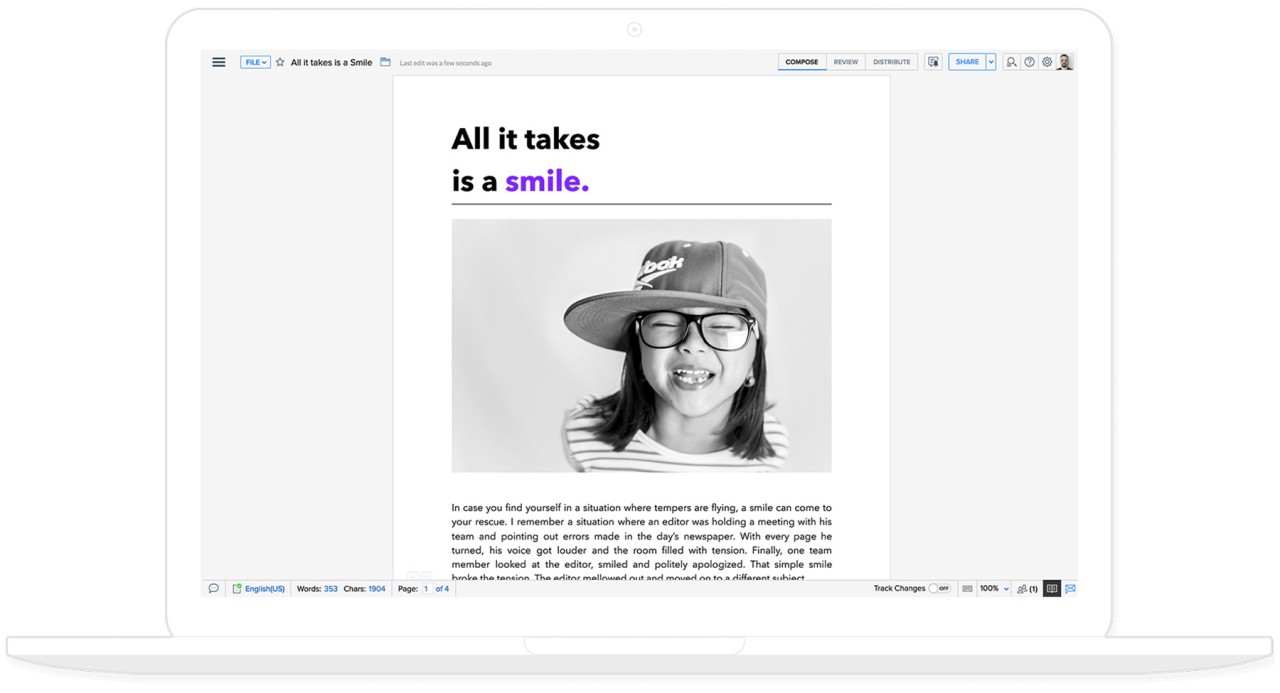
Zoho Writer is an online browser-based word processor compatible with downloadable applications. It is also centered on teamwork and not on typing on a blank sheet of paper. You can create documents just as you would with the help of Word or Google Docs, but all the information is stored online.
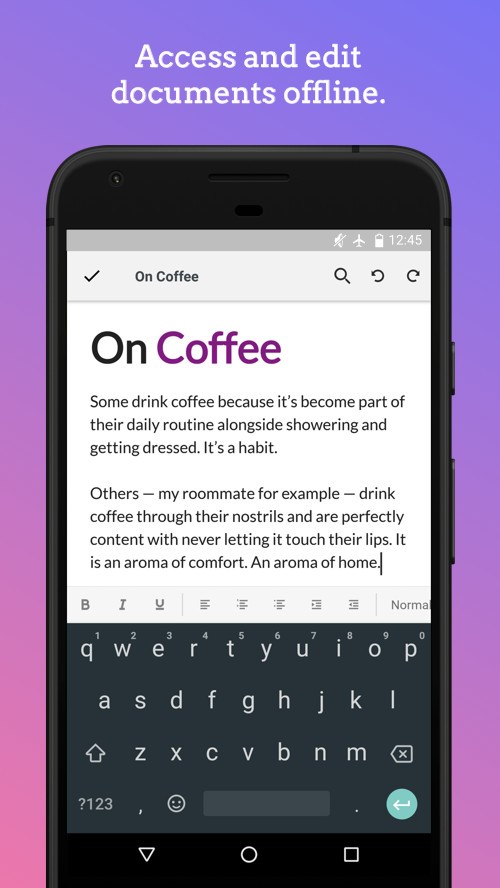
Files can also be shared, commented on, reviewed, and re-edited by teams without passing the attachments through email. Nevertheless, you can use Zoho Writer regardless of whether you are writing personal notes, writing content in offices, blogging, reporting, or writing academic papers without installing anything. Work can continue even when there is an internet failure in offline mode.
The interface is minimal and nearly paper-like and is perfect when one needs a distraction-free experience. It provides multi-column layouts, tables, charts, headers, styles of formatting, customization of fonts, and even custom forms or fillable PDFs. The content can flow across departments since it is linked to other Zoho applications. Zoho Writer does not bombard users with features: some of them are advanced, but the user can always access them when necessary.
What Are the Key Features of Zoho Writer?
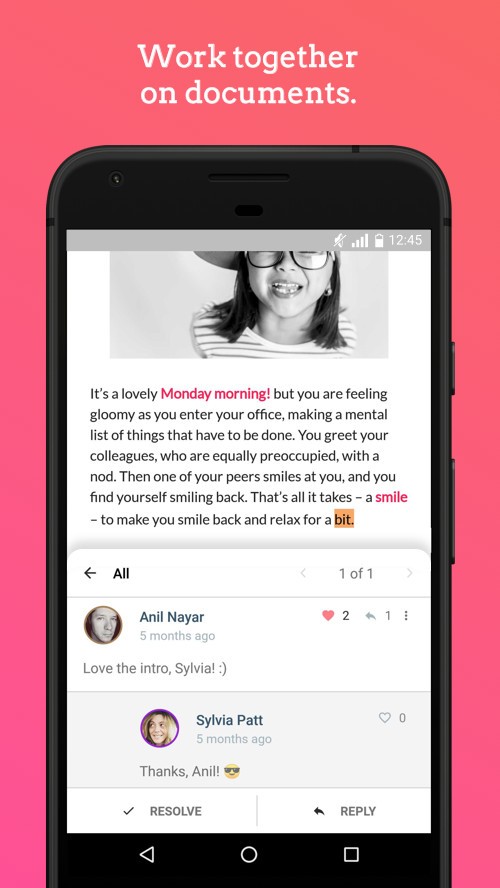
Zoho Writer contains the standard word-processing facilities, such as text formatting, text alignment, paragraph spacing, text headers, text footers, and tables, as well as text images and styles. It brings in automation, teamwork, and design. Multiple users can type and comment simultaneously with live cursors. Track changes, comment threads, and approval workflows do not require the exporting or emailing of files to see them. The AI will also have rewrite improvements, grammar, tone improvements, and plagiarism detection options, all within the editor.
The latest formatting features include multi-column formatting, personalized borders, section breaks, wrapping images, and chart and table formatting. You can make fillable PDFs directly, to automate them using conditions, formulas, sub-forms, or text fill-in. Recurring document templates, e.g., agreements, proposals, or reports, may be created and instigated by business events or workflow approvals. Publishing is featured; it is possible to directly send documents to WordPress, Medium, and Blogger via a single click.
Zoho Writer has REST APIs, which allow documents to be generated upon external activities. It is possible to gather digital signatures. ChatGPT and WordPress have extensions, such as DocuSign, Mermaid charts, and others. Offline mode gives you the ability to edit and save without the internet and then update the changes. It is a combination of easy word processing and business-quality automation and a flexible tool that can be adapted to your needs.
Is Zoho Writer Free to Use?
Yes. The basic word-processing features are free. It has no costs associated with writing tools, collaboration, AI assistance, and cloud storage. The usage by enterprise-level automation in large quantities may be limited; however, individual users, learners, and small teams can use the platform free of charge. Zoho advertises the free plan to be permanent when it comes to regular document creation and editing.
Which Platforms Support Zoho Writer?
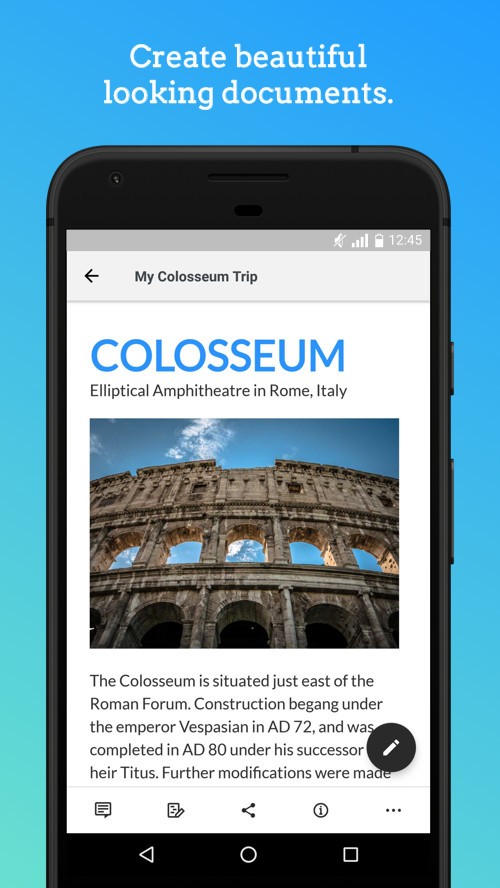
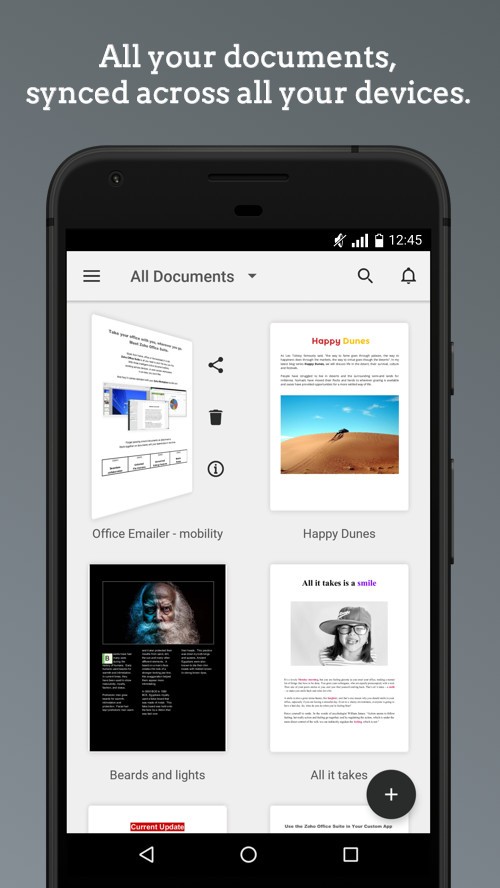
Zoho Writer is online-based and thus is readily accessible in any modern browser without any form of installation. There are specific desktop applications on Windows, macOS, and Linux that provide access as desktop apps rather than as tabs in the browser. Android and iOS mobile apps can synchronize editing across devices. It allows you to get started on the laptop and then move to the phone and later to the tablet without losing the work.
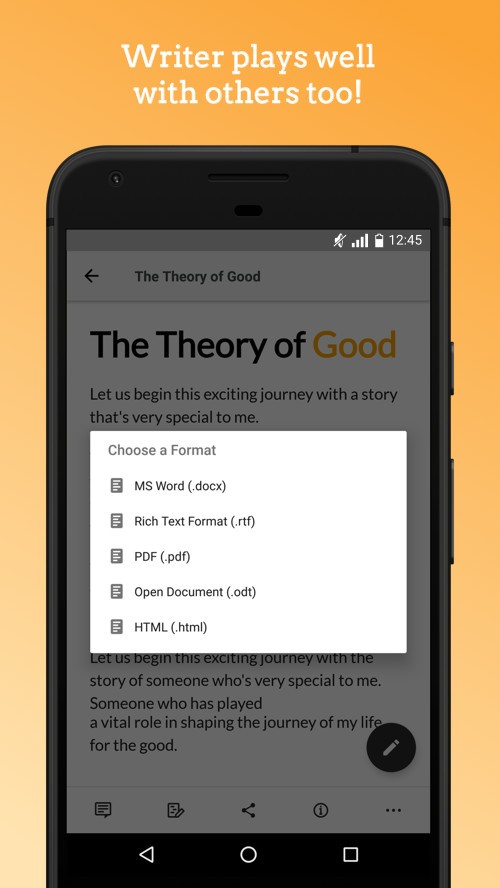
The editor automatically saves documents on the internet, making the content synchronized rather than computer-bound. Offline mode gives you the option to keep on writing in the absence of the network and have it synchronized later. It is possible to export documents to Word (.docx), PDF, HTML, TXT, or ODT and import Microsoft Office files.
Writer is compatible across hardware, except with a browser or mobile app. It suits those teams that are mobile, distributed, or regularly change devices. To companies that are within the Zoho ecosystem, the integration between CRM, forms, automation, and signature workflows becomes even easier.
What Are the Best Alternatives to Zoho Writer?
The most widely used and longest-running word processor is Microsoft Word. It has a strong level of formatting, mail merge, references, research tools, grammar support, and integration with OneDrive to edit on multiple devices. For the desktop version (which you have to download), offline usage is good, and the interface is familiar to the majority of people. Whether you use Word desktop or Word online, there is an option for collaboration. It suits professional formatting, scholarly articles, legal documents, and those involving numerous templates. The online and mobile versions are perfectly free to use. Many users use Microsoft Word simply because it remains the most recognized and trusted editor.
Google Docs is a web-based application, and real-time collaboration is integrated into it. It can be edited by multiple people, comments can be updated immediately, and version history can keep track of all changes. Docs is simpler compared to Zoho Writer, yet it can be restricted at times in terms of page layout or page automation features. Its power is that it is accessible, no installation is required, it has auto-saving and powerful sharing features, and it has integration with Google Drive. It is also convenient; students, remote teams, and fast-draft writers often use it. It is free and supported on almost any connected device with a Google account, which is the default choice of many casual users. People download Google Docs for convenience, instant-sync teamwork, and easy accessibility.
LibreOffice Writer is a desktop word processor that is entirely offline and is part of the open-source package LibreOffice. It has the capability of supporting .docx, .odt, and a wide range of other files without requiring the use of the internet or cloud services. It lacks collaboration features (similar to Zoho Writer or Google Docs) but has good formatting, template management, mail merge, and macro automation on-premise. It is ideal for users who would like to have control of the software, privacy, or work without the need to pay a subscription fee. Writer is compatible with Windows, Linux, and macOS, and therefore, it can be used by cross-platform desktop users. It is entirely free and community-driven, and it is recommended to individuals who like conventional offline editors. Download LibreOffice Writer when privacy, offline use, and open-source control matter more than cloud features.