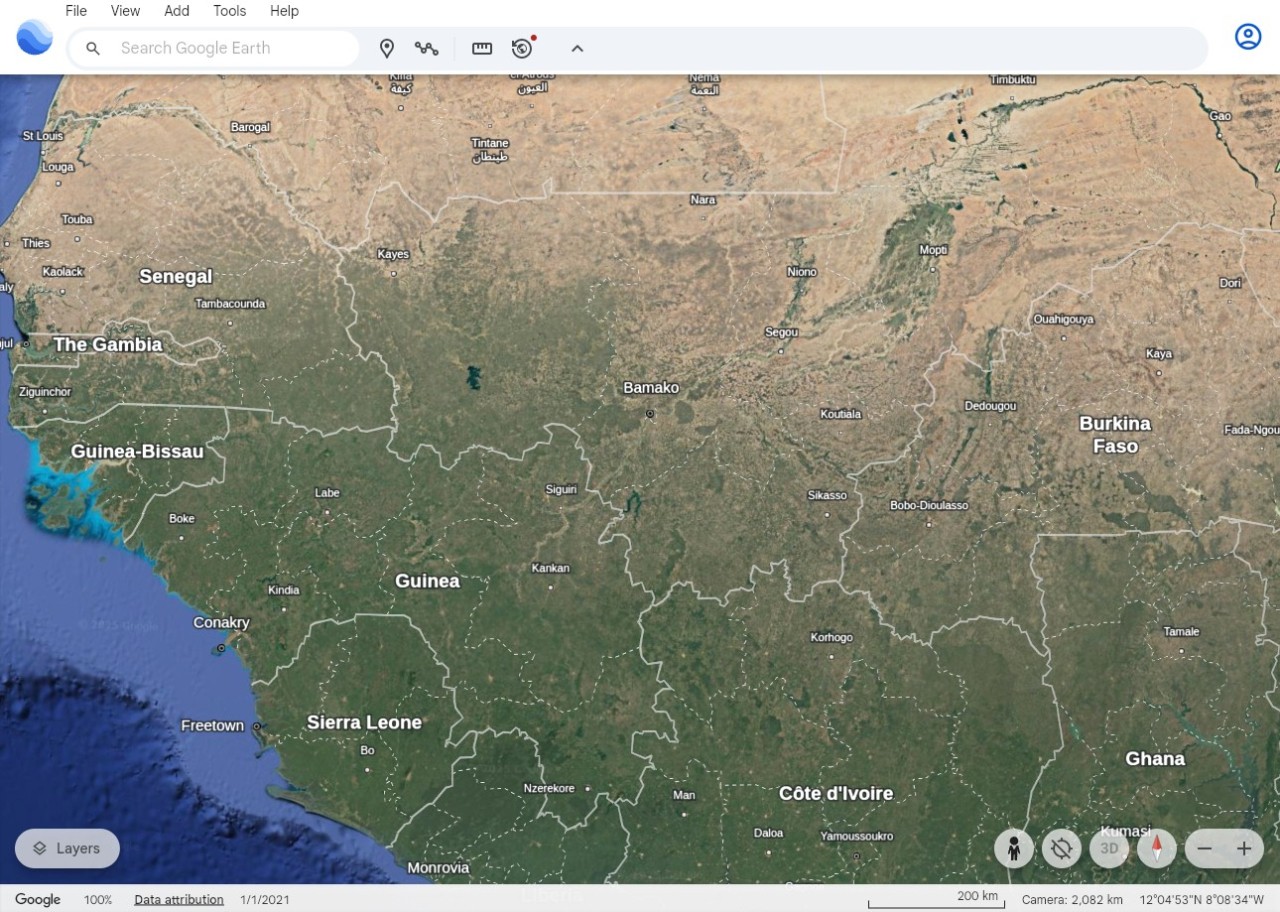
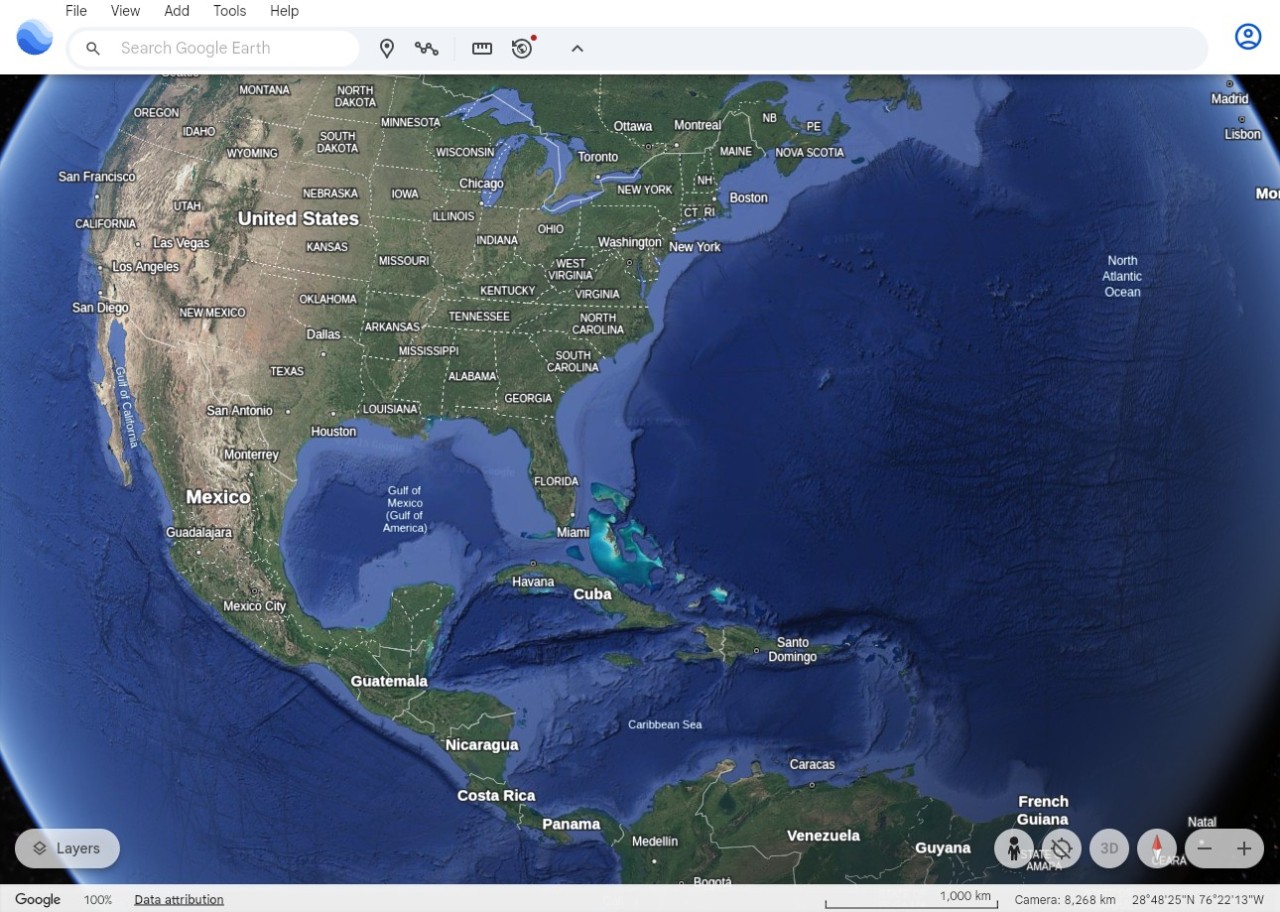
Google Earth is a digital globe that most people know exists but may not have ever used. It is not a mapping tool, nor is it a navigation application. It is a new way to visit our planet, without even leaving your home.
Imagine: it is a massive visual window into the planet that allows you to move the world around and look out at places. The view is available either from the sky, as if you were in the street, or even in 3-D, should the city be offered that way. You may skip across borders of a country in a second, enlarge and shrink a street that you have been to several years back, or stroll around a mountain range simply because you want to.
People use it for various purposes, such as planning a trip, surveying routes, getting an aerial look, or just being idle. The Pro version allows you to make basic maps or drop pinpoints. It is aimed at serious work, e.g., importation of geographic files. In general, it is still an interactive and familiar world that makes those who used it decades ago feel nostalgic.
What Are the Key Features of Google Earth?
Google Earth combines numerous views. There is a satellite layer that one can zoom in and out of, and there are 3-D cities where buildings pop up, and the hills look like real hills. Street View lets you stand on the side of the road and look around in the bubble photos. It's all intuitive: you click, drag, and scroll, and the world moves.
If you have a Google account (which is free to create), you can log in and save places or whole trips (that you can then share with others). You can even share pictures with the community.
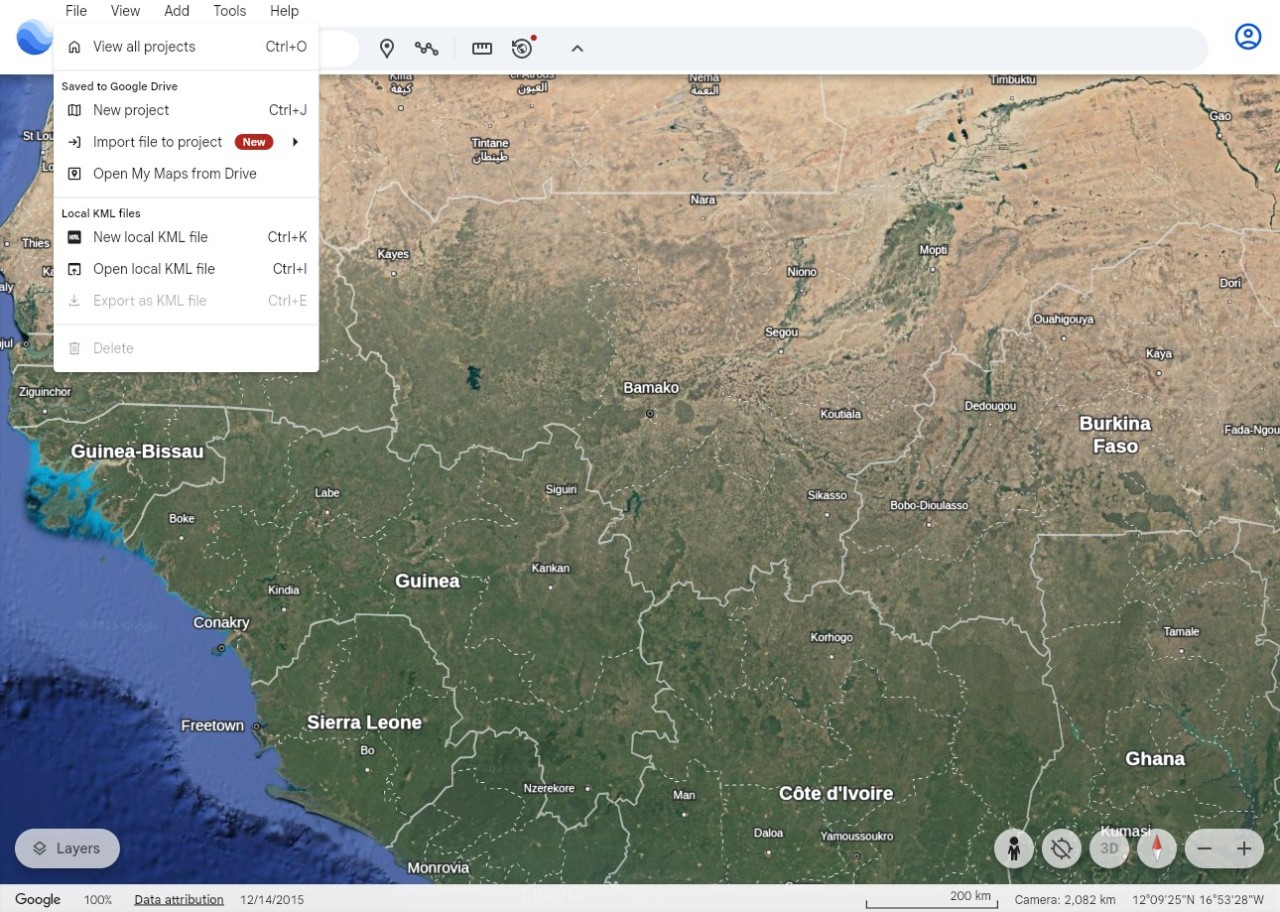
It has map-making tools that allow you to create shapes, add pins, drop notes, or stitch a project. They are used by teachers, students, and travelers. The desktop Pro version is more advanced, as you can import GIS data, export high-resolution images, and scroll through older satellite imagery to see how a place looked ten or fifteen years ago.
However, not all updates are created equal: some cities are out of date, and small towns hardly change if there is no new data to add (aerial views, street views, etc.). Nevertheless, it is among the simplest ways to tour the globe without any fancy software or specialized knowledge.
Is Google Earth Free to Use?
Yes, it is free in almost all the major versions. It is free to download and use the web version, mobile apps, and Google Earth Pro (which used to be paid). It has no subscription walls and no paid tiers to basic features. Limitations made are not price-based but rather depend on imagery updates or device ability. Google Earth Pro, once licensed software, is now permanently free for all desktop users.
Which Platforms Support Google Earth?
Google Earth is a browser-based application, the easiest one, as you do not install anything. The web version works in modern browsers such as Chrome, Edge, and Firefox. Android and iOS applications exist that use swiping and pinching to interact with the globe; they are convenient, but their performance depends on the connection.
Google Earth Pro is compatible with Windows, Mac, and Linux. It is installed by the users when they require the older tools to be used to measure the paths, import shapefiles, export images, and check historical images. The interface is the same, but it still does what the newer versions can't. On all gadgets, you have worldwide photos, 3-D city views where they exist, Street View, and simple navigation. The coziness of the exploration remains consistent, though some features also vary across platforms.
What Are the Best Alternatives to Google Earth?
Marble is a lightweight global atlas that serves more as a learning tool than a high-graphics explorer. You change map styles, find places, calculate distances, and navigate without heavy loading. It does not strive to be ultra-realistic, but it makes it easy for geography students or anyone eager to learn without distractions. It operates on Linux, Windows, and Mac, and it suits the open-source environment very well. It is easy, reliable, and not associated with huge company servers, which most users like. Many users simply download Marble when they want a small, dependable atlas without heavy visuals.
MapChart is not an Earth viewer; it is more of a fill-in-the-map tool. Choose a map of the country or the world, fill it in with colors, put labels on it, save it, and that is all. None of the satellite pictures, none of the 3-D architecture, none of the rotating. It does the job without thinking too hard, regarding school projects, YouTube illustrations, research presentations, or clean colored maps. It is simple and easy to operate since one only builds the map of his or her choice and downloads it—one does not walk around and build tiles. People often download MapChart for quick, clean visuals when they don’t need anything complex.
Scribble Maps is based on drawing and marking rather than exploring images. You can draw paths, mark regions, post text, or images, and publish the map to others. It is simple enough for planners or people defining areas of work who do not require sophisticated GIS tools. It is web-based, dedicated to communication, i.e., here is what I mean on this map; this, not the discovery of a new place. It occupies a market niche that places greater emphasis on markup than on images. Users typically download Scribble Maps outputs when they need fast, shareable map sketches without extra steps.