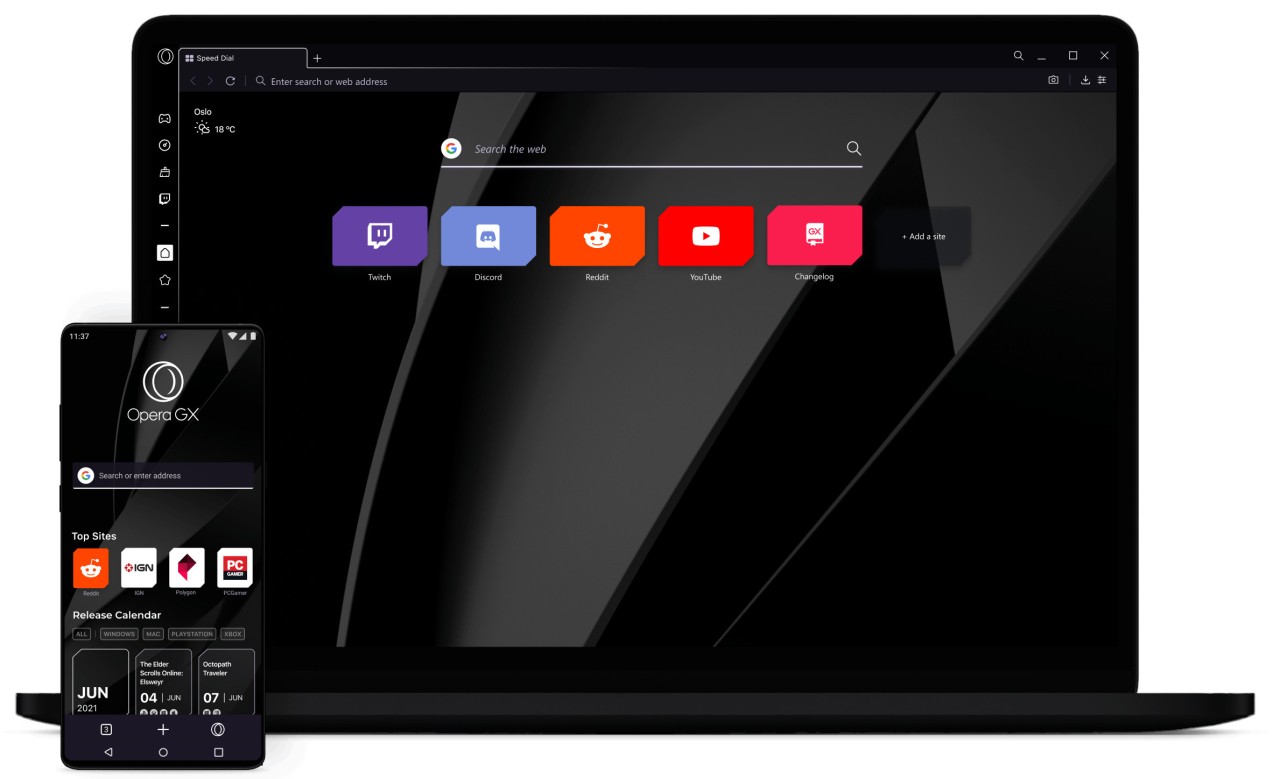
Opera GX is not an ordinary web browser where you just have to type a search and shut down the browser. It is designed for gamers. Think of Chrome or Firefox like regular sneakers, GX is the one with RGB laces and customizable soles. It aims at enabling you to include the browser in your gaming system rather than using it as a peripheral tool.
The first thing that you see right after you launch it is its unique design. It is more graphic, more intense on the senses, and more customizable. You can match its colors with your keyboard lights or game ambiance, introduce animated backgrounds, and make it look like your personal space instead of a common browser. The hallmark of it is personalization with attitude.
It is more than visual flair. Inbuilt performance controls allow you to restrict the amount of RAM or the CPU that your browser consumes when playing. A majority of browsers do not have this, which makes you close tabs or kill processes. All you do with GX is to cut down on usage in the interface. This is valued by gamers as the browser will not be competing with the games for resources.
The Opera Software company has approximately 30 years of experience in developing browsers when developing Opera GX. It is not a momentary name that can disappear after several months. With its long history and developer team that is actively working on it, the firm has the feeling of stability that most of the experimental browsers do not have.
What Are the Key Features of Opera GX?
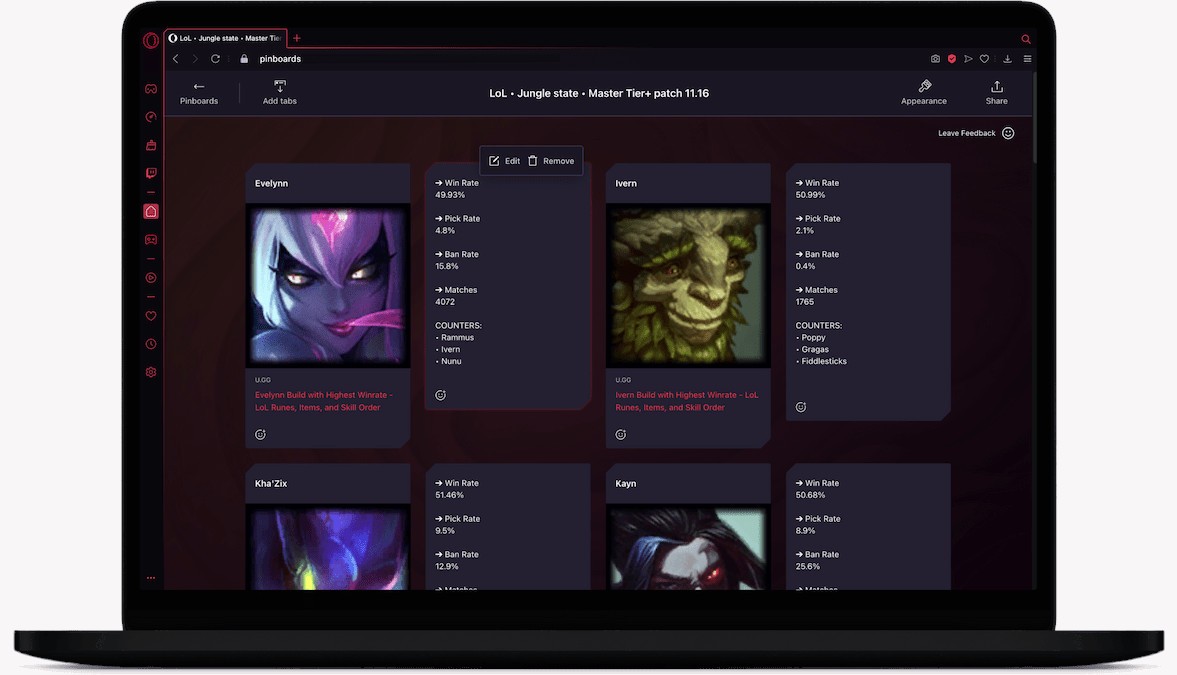
GX is about having the power to look and act the way you want. One can change colors, select themes, add wallpapers, or navigate the world of modding. This lets you tweak a lot more than just a background. Other users also make it minimalistic, and others turn the browser into a space ship control panel.
The most popular feature is GX Control. It allows you to create a limit on the CPU and the amount of RAM that can be used by the browser. Why does it matter? Well, if Chrome ever made your game stutter, you already get it. Using GX, the browser would only consume resources that you allow.
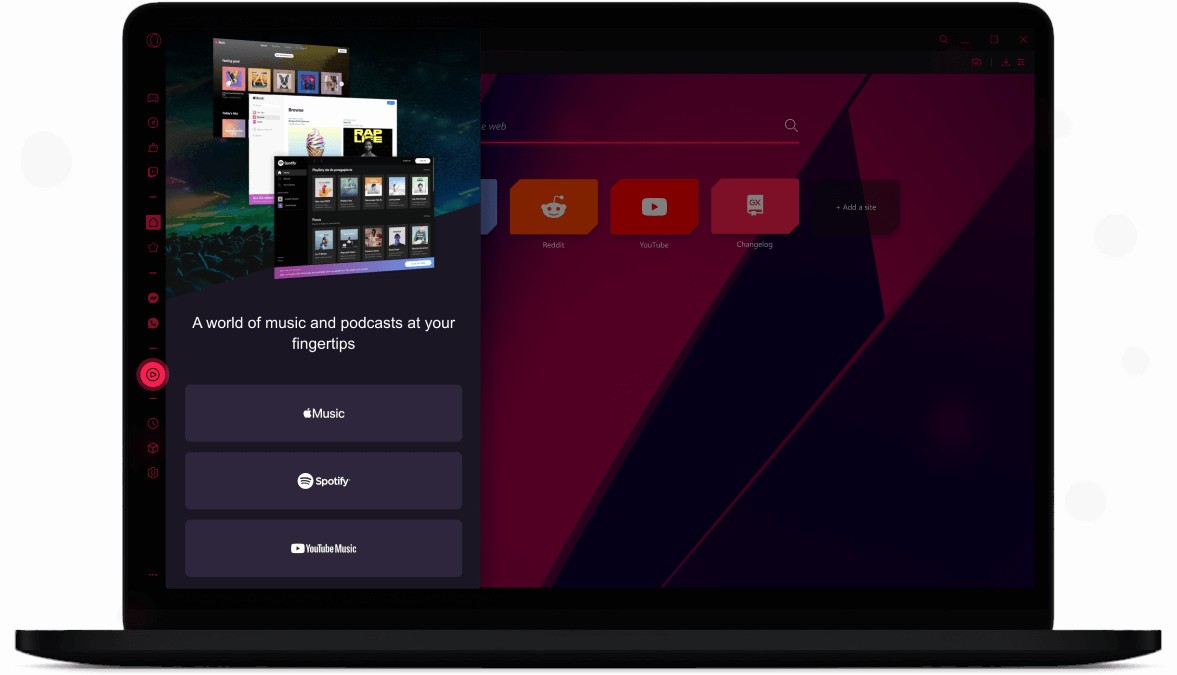
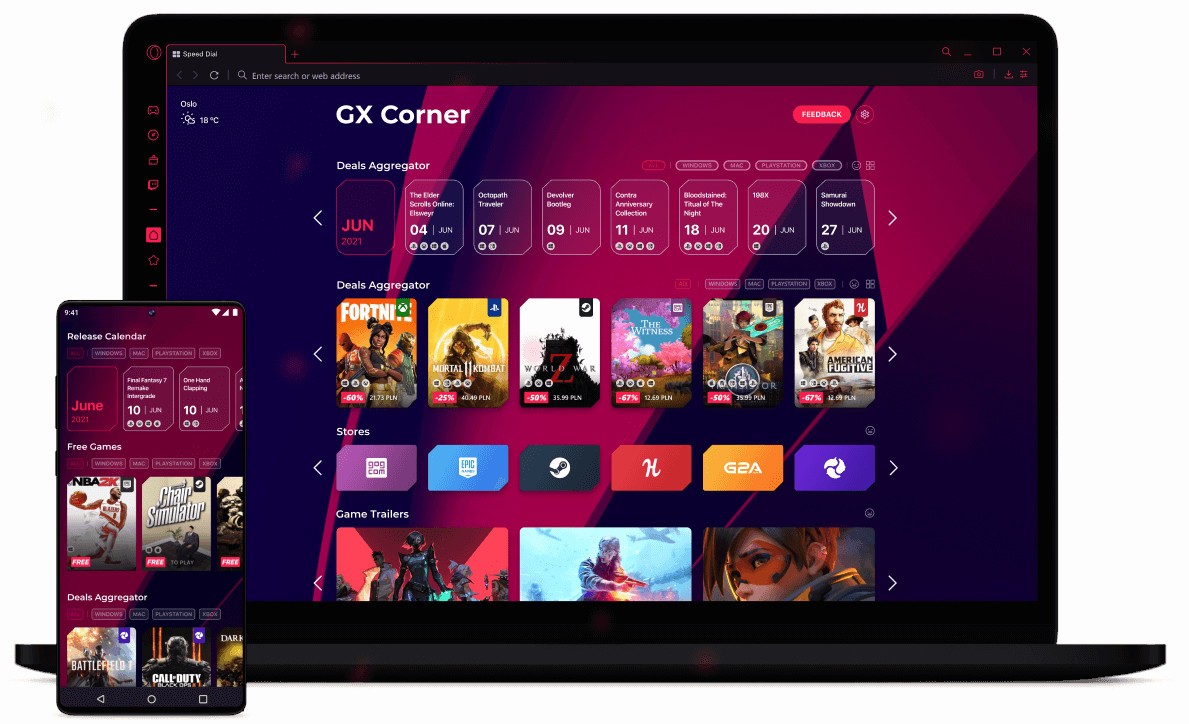
GX Corner is a tiny gaming news, price cuts, and releases centre within the browser. You don’t really need it, but it’s handy to stay updated without switching sites. The browser also provides built-in Twitch and Discord features, and hence it does not require additional tabs to stream or chat. The interface incorporates these features.
GX also has a specific sound design. Opening of menus, hovering, and switching of tabs give rise to slight sounds and animation. Some users enjoy the flair, others just mute it. Nevertheless, it provides the browser with a functionality that a few browsers do not have.
Regardless of the fact that it is a gaming-oriented browser, GX is an Opera browser with a Chromium core. It supports regular websites, extensions, and also acts as a regular browser where appropriate.
Is Opera GX Free to Use?
Yes, Opera GX is free. There are no secret monthly subscriptions or a higher level that will give you half the functionality. Just install it and start using it right away. The accounts are optional; it is possible to synchronize bookmarks or settings across devices, though not mandatory. This is the reason many gamers give it a test: it is not necessary to sign up or subscribe. Install, test it, and make up your mind whether it suits you.
Which Platforms Support Opera GX?
Opera GX works with Windows, Linux, and macOS desktops, on which CPU and RAM control features are the most helpful. Android and iOS versions are available, and the look and feel are similar, except they lack the complete control panel.
As a Chromium-based platform, it is up to date with web standards, and extensions are supported, as is the majority of websites. You don’t have to tweak it every day to keep it working. Most people make it their second browser: work browser and gaming browser. Mobile GX is not a full gaming center; it is a themed browser, but one that is consistent across every device in case a user needs the same look.
What Are the Best Alternatives to Opera GX?
GX isn’t the only one; there are other gaming browsers out there. There are easier browsers and tools, there are more performance-focused browsers, and there are customizable ones.
Ray Browser is an alternative browser that targets gamers, although in an easier way. It does not provide a wide variety of customization tools, but rather focuses on immediate play. It has a game discovery portal that allows you to play browser games instantly, without downloads. The splitscreen mode is also provided by Ray, with a game on one side and Discord or YouTube on the other. It doesn’t go heavy on themes, so the interface stays clean and fast. It is also user-friendly and attracts users who do not like feature-heavy browsers.
Vivaldi is not a gaming browser; it is a customized environment. Users can pile up tabs, develop shortcuts, customize shapes, and shape workflows. Gamers who want full control usually pick Vivaldi for that reason. It does not have a gaming portal or resource limiter. But if you like shaping the browser your way, Vivaldi lets you do it without extra tools. It is as flexible as GX, but more tinkering is necessary.
Razer Cortex is not a browser, but a system optimization. It is present in the discussions as gamers use it to perform better. Cortex manages and kills background processes and also facilitates the smooth running of games. Whereas GX regulates browser resources, Cortex regulates entire-PC resources. A lot of them combine Cortex with the light-weight browser, such as Ray or GX, to gain maximum performance. It’s built more for performance than for browsing.