Discord started as a low-latency chat tool built specifically for gamers who needed to communicate during online play. Over time, it grew into a full platform that anyone can use to build or join communities. Today it serves gaming groups, study sessions, creative projects, remote collaboration, and casual friend groups in equal measure.
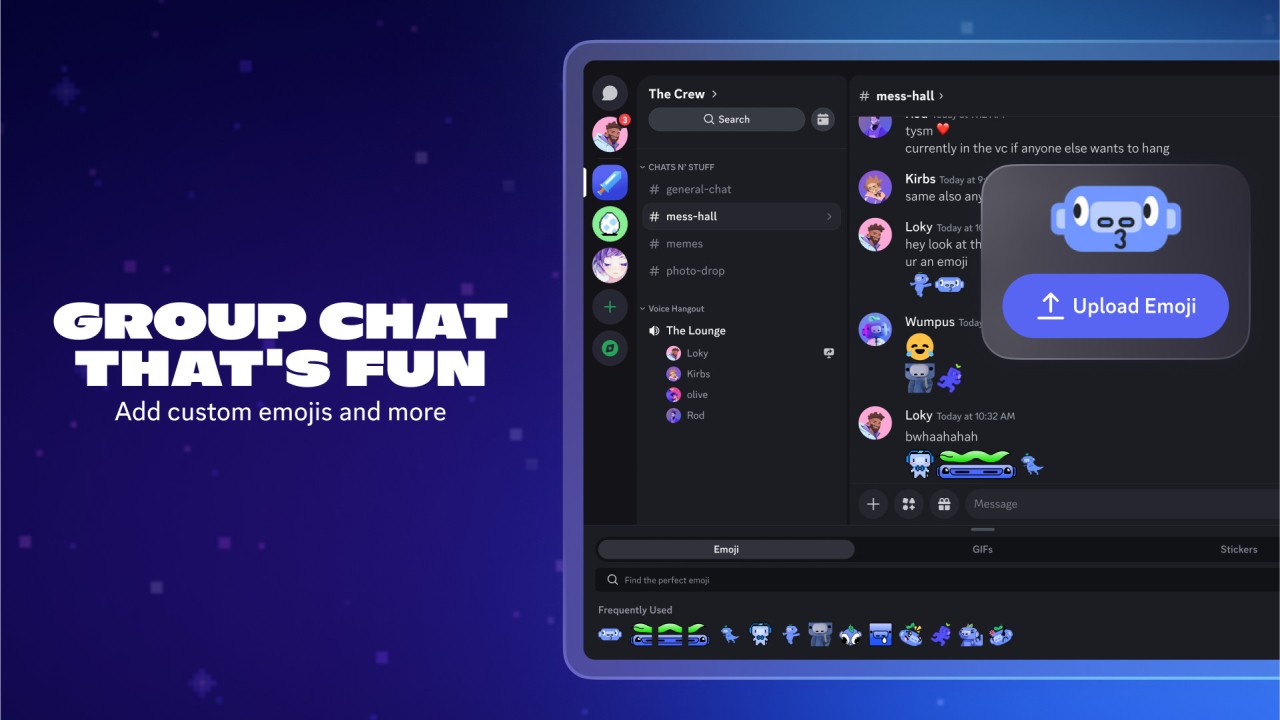
The structure sets it apart from standard messaging apps. Discord runs on servers, which are essentially small communities or hubs built around a group or topic. Each server can hold multiple channels covering different subjects: general chat, media sharing, announcements, off-topic discussion, and whatever else the community needs. That separation keeps conversations organized rather than letting everything collapse into a single thread.
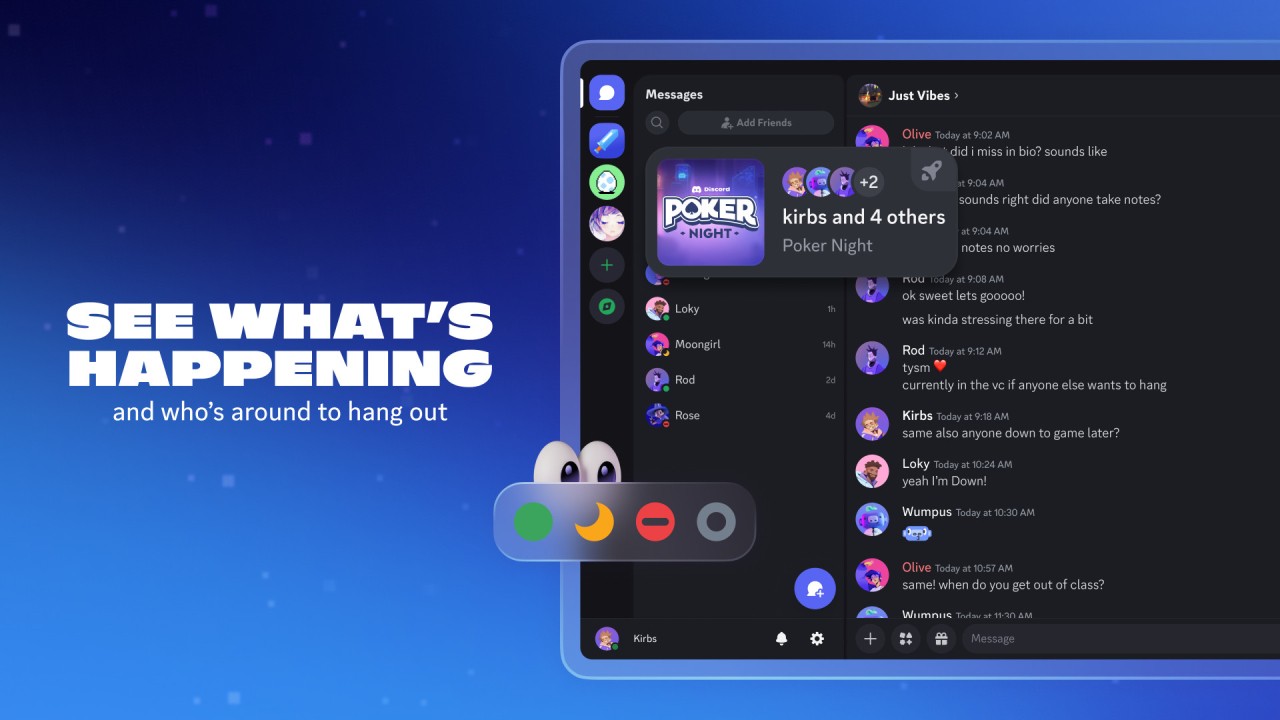
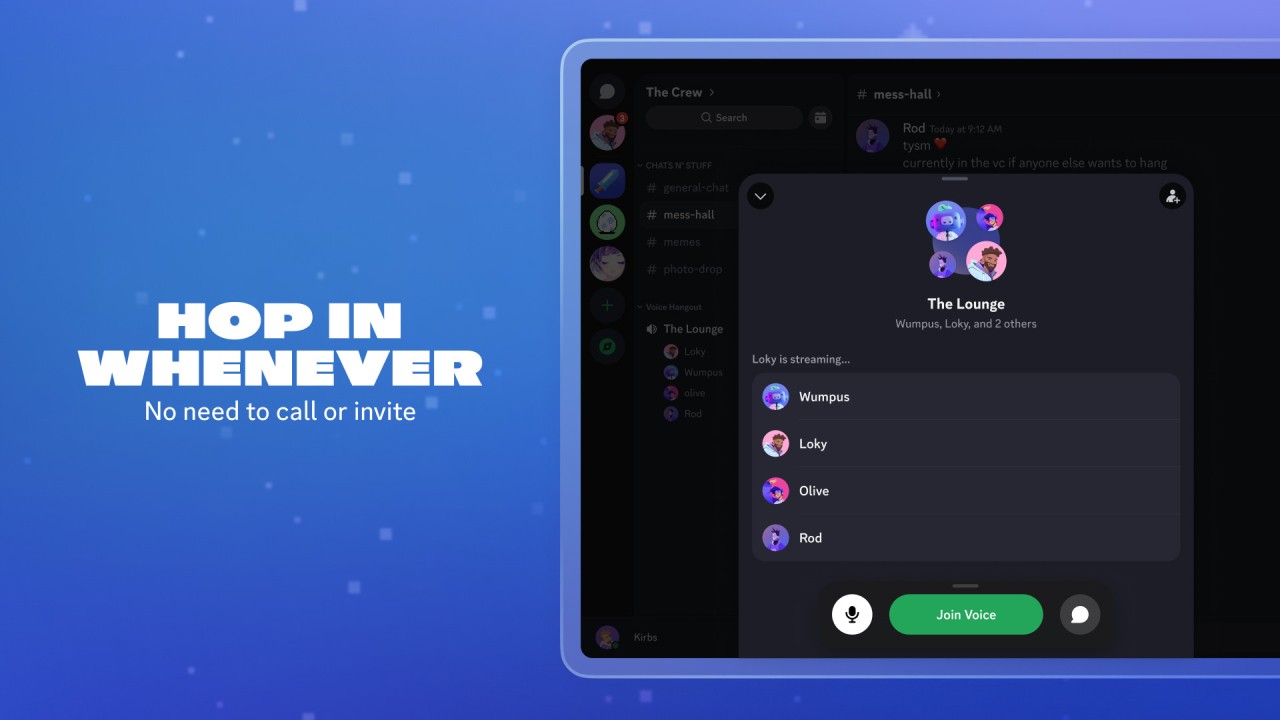
Users appreciate how open and low-pressure the platform feels. There is no need to formally start a call or schedule a meeting. Voice channels sit open, and you can drop in or listen whenever you feel like it, with no obligation to announce yourself. Discord has evolved well beyond gaming into a general-purpose social space for connecting, studying, and working from anywhere.
What Are the Key Features of Discord?
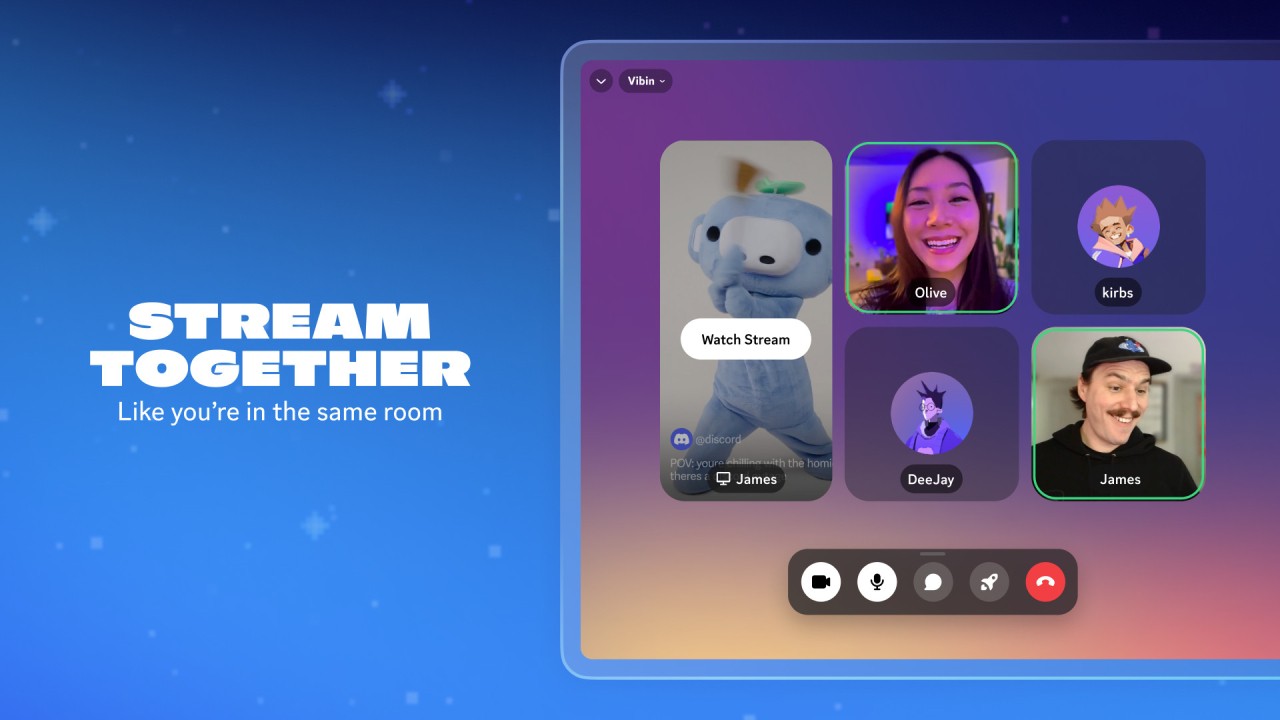
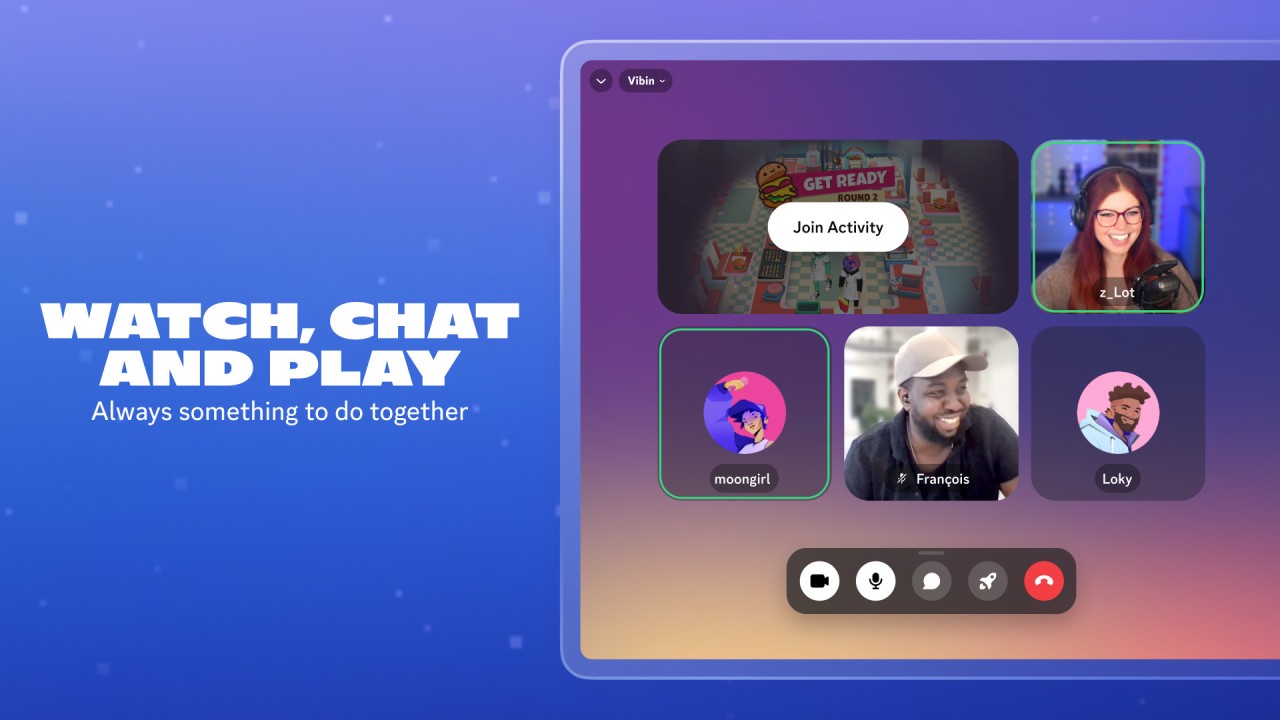
Voice and video chat are where Discord performs best. Joining a channel puts you straight into a live conversation with no request-and-accept process. Audio quality holds up even in larger groups, and muting yourself, silencing others, or sharing your screen takes a single click, which makes it practical for co-op gaming or group viewing sessions.
Text channels keep conversations tidy. Because each server can split discussions across multiple channels, things stay focused. One channel handles coordination, another handles casual chat, another is for sharing media, and so on. That structure prevents busy servers from becoming unmanageable.
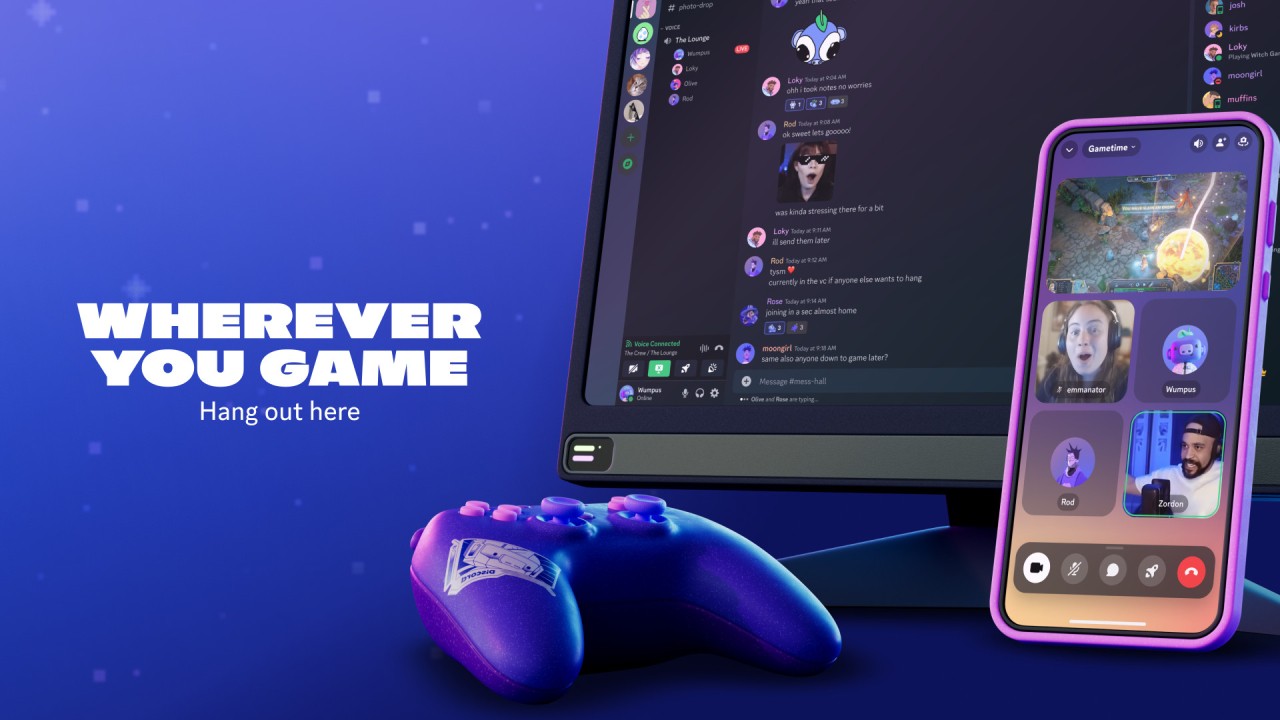
Cross-platform support is another practical strength. Discord runs on PC, phone, tablet, and game console, and your chat history follows you across all of them. Starting a conversation on a desktop and continuing it on mobile is seamless.
Customization options give server owners real control. Roles, permissions, and moderation tools let you shape how a server runs. Bots can automate routine tasks like greeting new members, filtering spam, managing queues, or pulling in data from external sources.
For users who like testing new features, Discord's Public Test Build lets you access upcoming tools before they go live. It is entirely optional, but it gives early adopters a chance to try things ahead of the general release.
Discord does not try to feel like a productivity suite. It is built for casual, relaxed interaction that fits gaming, studying, streaming, or just spending time with people online.
Is Discord Free to Use?
Yes, Discord is free. Creating an account, joining servers, and using voice and video chat are all available without paying anything. Discord Nitro is a paid subscription that adds extras like custom emojis, higher file upload limits, and better video quality, but the free version covers everything most users actually need. There is no paywall blocking access to chat or communities.
Which Platforms Support Discord?
Discord runs on Windows, macOS, Linux, Android, and iOS. A browser version is also available, so installation is not required to use it. PlayStation and Xbox support lets console players stay connected with friends on other platforms while gaming.
The interface stays consistent across devices, so switching between platforms does not require any relearning. Regular updates keep the experience stable and features aligned across every version.
What Are the Best Alternatives to Discord?
Telegram is fast, lightweight, and cloud-based, syncing messages automatically across all your devices. It handles large channels and private groups well and is well-suited to users who need quick communication or want to manage big communities without much overhead. Privacy features include self-destructing messages and the option to keep your phone number hidden. It works best for people who want speed and simplicity rather than a structured community space.
WhatsApp is widely used and straightforward, built around everyday messaging and calling. It handles small group voice and video calls well and protects all conversations with end-to-end encryption. It is available on Android, iOS, web, and desktop. WhatsApp does not have Discord's channel organization, but it is the go-to option for daily communication with friends and family.
Facebook Messenger ties into existing Facebook connections, making it easy to reach people you already know without exchanging contact details. It supports text, voice, and video calls alongside reactions, stickers, and file sharing. The community and group management tools are simpler than Discord's, but they work well for informal chats with people already on Facebook. Access it through the main Facebook app, the standalone Messenger app, or a browser.
Signal is built around privacy and security above everything else. It is open source and end-to-end encrypted, with no ability for Signal itself to access your messages. It supports text, voice, and video on Windows, macOS, Linux, Android, and iOS. Signal has no server infrastructure, bots, or community tools; it is focused entirely on private, direct communication without any extras. Its low resource demands also make it a reliable option on older or lower-powered devices.