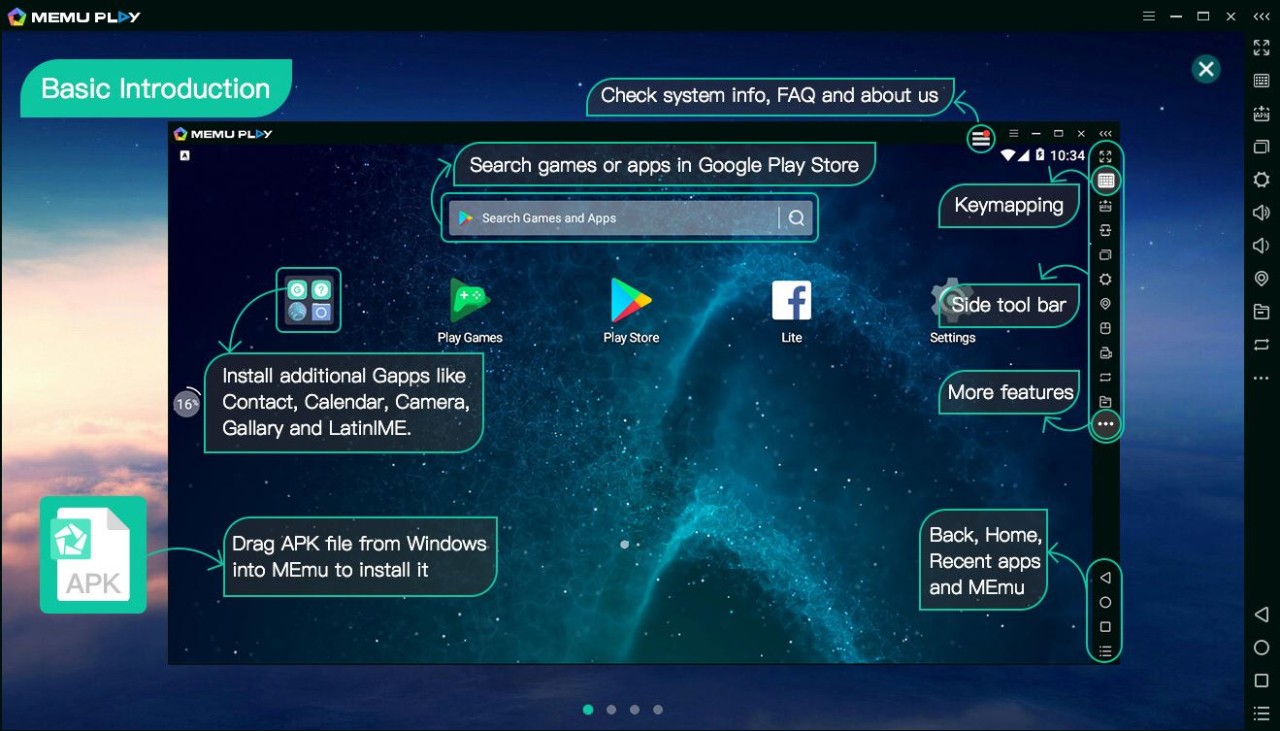
MEmu Play is an emulated version of Android that allows running both apps and games used in mobile devices on the computer. You can easily call this bigger display the Android feel instead of short-tapping a small phone screen. That is why it is liked by many, having the power of a PC and not losing the Android feel.
It’s not just for gamers. It is used to test apps by the developers, and some people are comfortable working on a desktop, as it feels more stable and comfortable. If you’ve ever tried to play a game or use an app on a hot or battery-drained phone, switching to a PC emulator makes more sense.
MEmu isn’t new. Gradually, it has emerged as one of the more recognizable emulators with over 100 million downloads across over 200 countries. It comes in many languages, so anyone around the world can use it without dealing with settings they don’t understand.
Its difference lies in the fact that it supports several Android kernels. Simply put, you can run different Android versions or even multiple emulator windows at once. As an example, a game can be run on one window, a messaging application may be used on a different window, and a third window may have a different task running. It keeps things minimal and doesn’t clutter the interface, that is one reason it became popular so quickly.
What Are the Key Features of MEmu Play?
The first thing that people discuss is performance. Most emulators are sluggish, particularly when using ordinary laptops, whereas MEmu remains stable even in mid-range hardware. It also does not demand the most current hardware to be used in a decent manner, which is a major factor for many users.
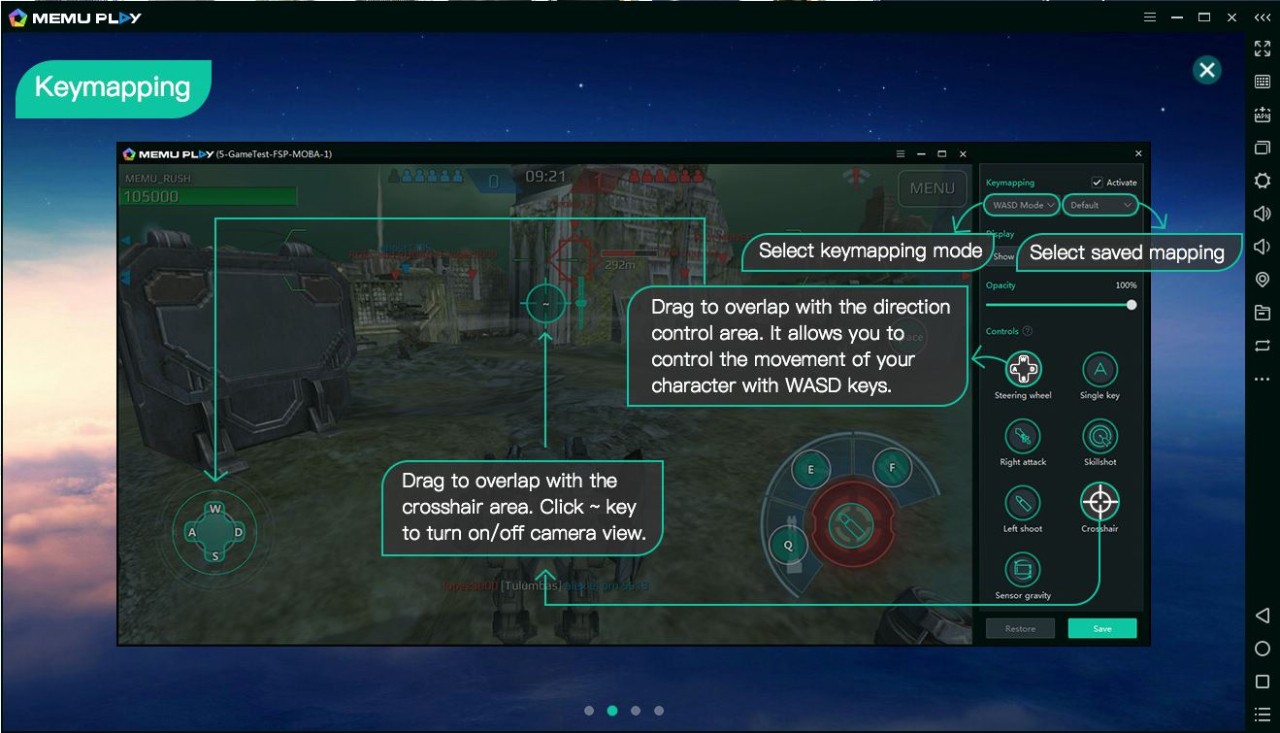
Gamers are fond of keyboard mapping. You’re not pretending the mouse is your finger; you map movement, shooting, and other controls to your keyboard so it feels natural. Multi-instance support enables you to open multiple emulators. It comes in handy when you’re farming in one game, testing in another, and chatting in a third. It provides MEmu with a competitive advantage over more basic tools.
The emulator supports Intel and AMD processors, removing the issue of older emulators, which only worked with one type of CPU. It is also possible to change the Android versions of applications that require a particular environment.
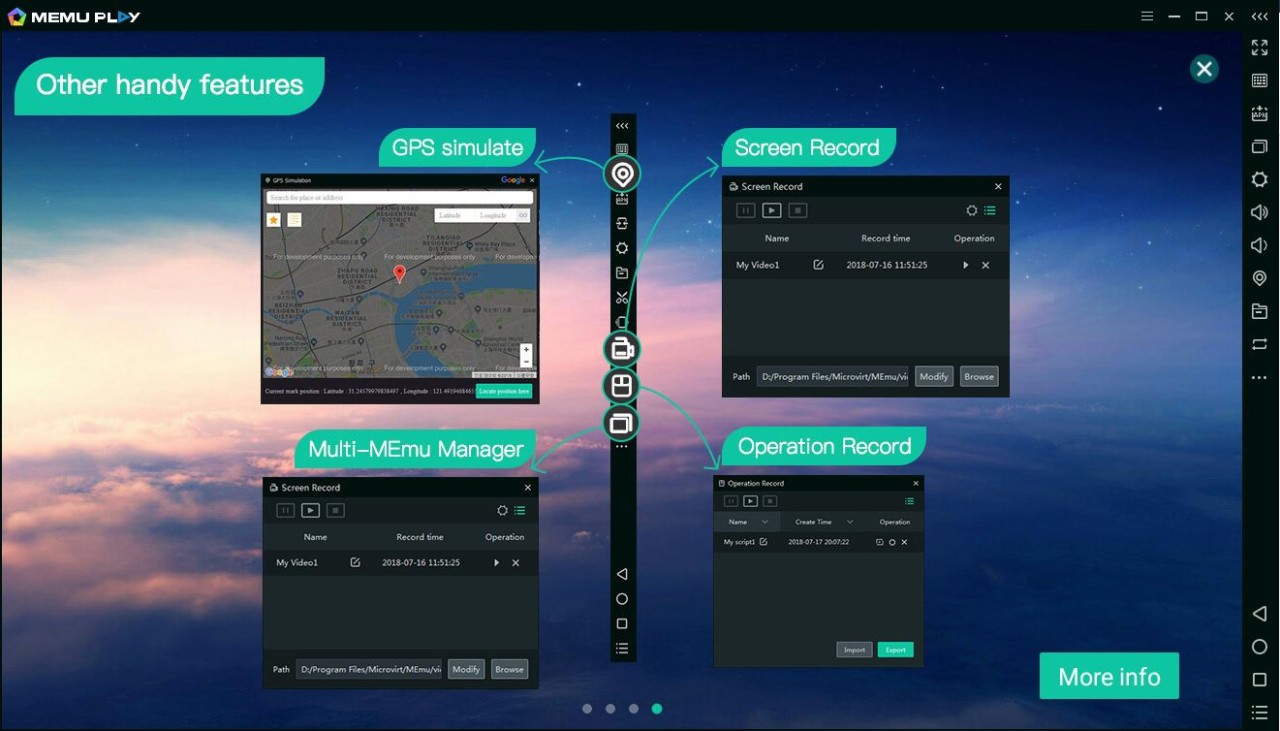
Sharing files between your PC and the emulator is built in, and hence, data transfer is an easy task. It has a recording of the screen when streaming or saving clips of gameplay. It is compatible with game pads and external controllers, too.
The most advantageous thing is that you do not need to apply advanced settings. Performance can be adjusted to your preference resolution, framerate, RAM, etc., although the default settings are fine. This setup works for both beginners and users who like tweaking things in detail.
Is MEmu Play Free to Use?
Yes. It does not need any license or paid plan to use, basically. Download, install, and start. There might be some ads, but none of the features are locked. That is why it has drawn attention over the years, you get everything you need and you pay nothing.
Which Platforms Support MEmu Play?
MEmu Play supports Windows 7, 8, 10, and 11. You do not require a supercomputer, but a laptop with a medium processor and some memory will suffice. Hardware of a higher quality will provide more fluid performance, particularly on a large scale or with graphics-intensive games.
No official version of macOS is available at the moment, and it is a limiting factor for Mac users. For Windows users, installation is simple: just download the installer, follow a few steps, and you’re in. It feels like a regular Android device, just running inside your PC screen.
Sign in using your Google account, get to the Play Store, install applications, and sideload APKs at will. You don’t need to worry about compatibility because it can support both Intel and AMD processors.
MEmu is versatile; it can be used on gaming desktops, on regular laptops, or on office computers. Its capability to support multiple windows allows it to capitalize on more powerful hardware, but not everybody needs to do it.
What Are the Best Alternatives to MEmu Play?
Most people know Bluestacks, and they mention it when referring to Android emulators. It is stable and reliable, has a clean interface, and includes such features as keyboard mapping, controller support, and multi-instance. It is updated regularly to support Android. It is heavier than MEmu in larger systems, but a good machine can make it feel like a console.
Another popular one is Noxplayer. It is light, easy, and quick, and does not baffle with additional features. Resolution, performance, and controls are easily adjusted. Similar to MEmu, it can be used with multiple instances, and thus, multitasking is not an issue. It is a good choice for people who prefer something fast and uncomplicated.
MSI App Player is an alliance between MSI and Bluestacks. It is specifically designed to support MSI gaming hardware, though it can be used with other Windows systems. It is quick, reliable, and simple to start. The interface resembles that of Bluestacks, so in case you know that, then the transition is not hard. MSI laptop users are usually delighted to see that it works better on first instance without any additional adjustments.