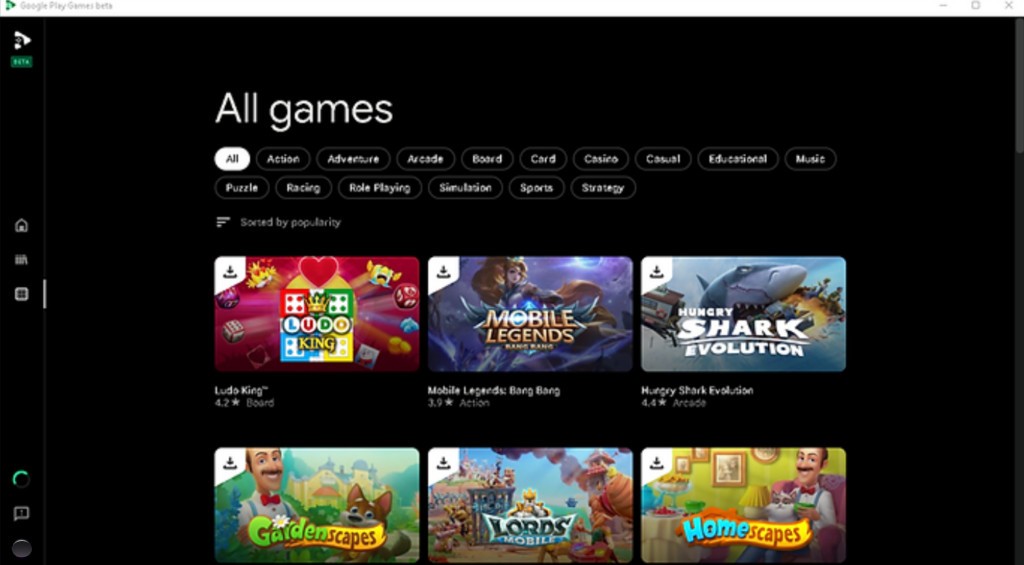
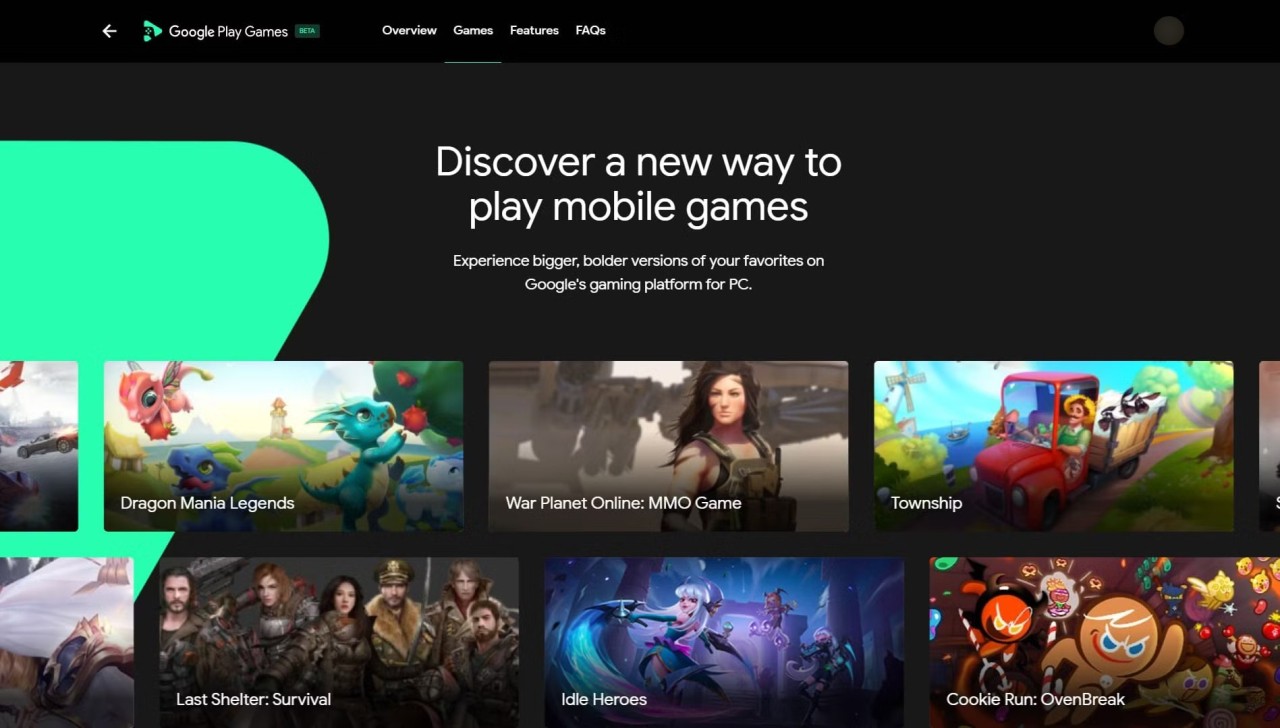
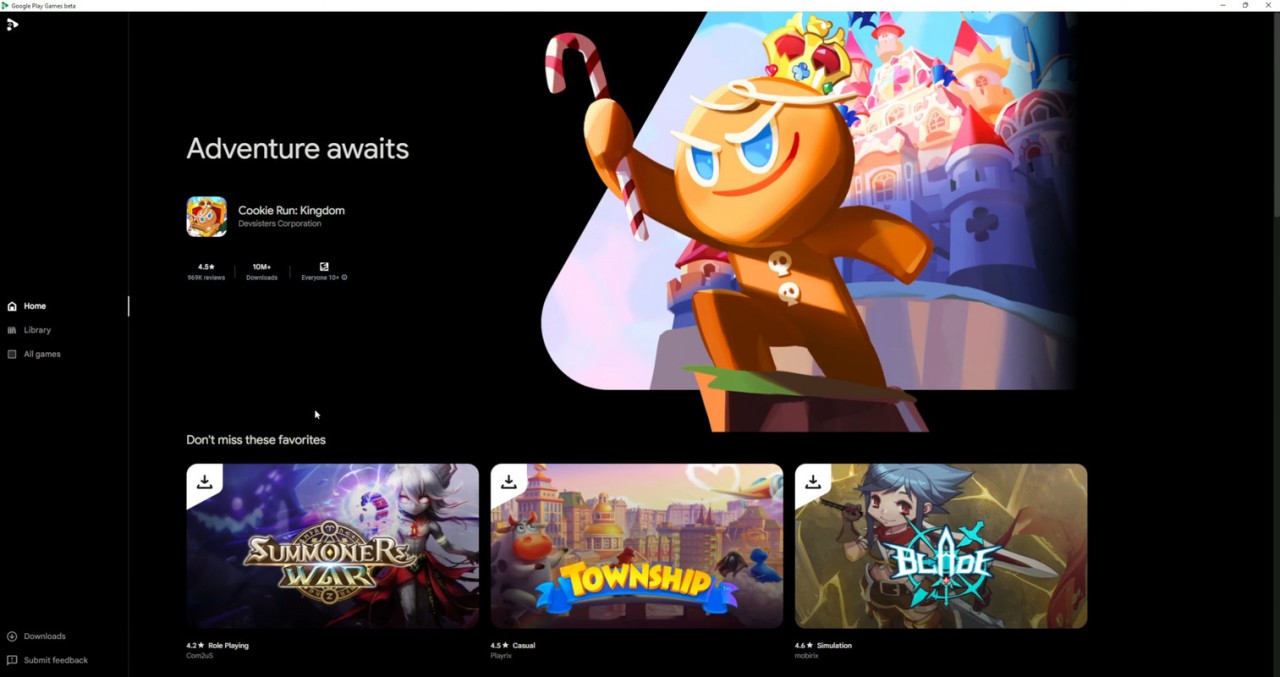
Google Play Games on PC offers a way to play Android games on Windows. It does not attempt to imitate a phone screen or to offer a multilayered emulator. The goal is simplicity. Sign in with your Google account, and everything you play, your profile, achievements, and progress are transferred with you to any other computer. You don’t need to search through file folders, deal with APK juggling, or face weird compatibility issues. It is identical to the Play Games that run on Android, but this time with a mouse and keyboard on a bigger screen.
It will attract mobile gamers who desire to have a better, more stable PC experience. The service does not concern productivity applications or random APK installations, but just games. That’s what makes it stand out from third-party emulators. Instead of imitating a complete Android OS, it remains in the background, allowing you to play immediately. Since Google created it, it connects directly with your account, Play Points, stats, and progress. The entire information remains centralized. It feels more like a shortcut than a traditional connection between your computer and phone.
What Are the Key Features of Google Play Games?
Seamless sync is the most significant characteristic. You can play a game on your phone and resume it on Windows 11 without losing progress. Everything is stored in your Google account: all the accomplishments, all the saved information, and all the rewards. This cannot be assured by the majority of third-party emulators. It’s like picking up where you left off, just on a different screen.
The other important factor is the library. It is connected to the Play Store, which means that the list of supported games is not restricted to several ones. The catalog becomes increasingly bigger. A big library of Android applications is available to you, and they can be operated on touchscreen interfaces and also on keyboard and mouse systems. A game doesn’t need any complex setup.
Play Points add extra value. Get points through playing and redeem them for perks, in-game boosts, or discounts. Since your account is cross-platform, your rewards are with you.
All your statistics, streaks, and achievements are located together in the You tab, so everything is organized. Gemini Live has the Sidekick feature, which displays achievements and tips in real-time as you play. That minimizes the use of Alt-Tab. The whole system is smooth and keeps gaming simple, not buried in technical stuff.
Is Google Play Games Free to Use?
Yes. The platform is free. No subscriptions, licensing fees, or secret charges. Get it, register, and begin to play without paying anything. Individual games could provide in-app purchases or premium versions, though Google provides the service for free. It will be user-friendly and will not pose any additional cost barriers. It is not a paywall, just a simple download.
Which Platforms Support Google Play Games?
This version runs on Windows, especially Windows 11. It works on some Windows 10 machines if they meet the requirements, but not on macOS or Linux. The focus on Windows is intentional; it supports the modern virtualization tech that only newer Windows versions can handle well.
To operate it correctly, your PC should match a number of requirements. Google recommends a solid-state drive with at least 10 GB free space, Intel UHD Graphics 630 or better, 8 GB RAM or more, and four physical CPU cores. Make sure virtualization is turned on in the BIOS, and you’ve got Administrator rights to be able to install the software.
These are more stringent than certain third-party emulators, although with better performance and stability. Once the requirements are fulfilled, the experience is much smoother. It is not a small Android tablet on a laptop; rather, it is a clean cut in between your phone and your PC. The limited focus will render it more trustworthy to users who satisfy the conditions.
What Are the Best Alternatives to Google Play Games?
Google Play Games is official; however, there are several users who prefer to use other software for different reasons.
GameLoop is another alternative that focuses on performance. It is concentrated on major games, including PUBG Mobile and Call of Duty: Mobile. It does not support cloud sync or profile integration; however, its optimization with a keyboard and a mouse is outstanding. Players who compete frequently use it to have easier controls and fewer input lags. It is non-complicated, direct, and to the point.
The other option I would use is BlueStacks, which provides the complete Android experience on a personal computer. It allows you to use applications, games, settings, and functions like your PC was a phone. Trade-offs are associated with that flexibility. It is more resource-intensive on the system and could require further tuning. But in case you do not want to rely on games only, say you need to run more than two applications or test software, BlueStacks can be extremely flexible.
Then there’s NoxPlayer. It is situated between BlueStacks and GameLoop. It is not a game loop, but it is lighter than BlueStacks. It provides a wide level of control over settings and has several sessions. This is why it is popular with users who like playing multiple games at the same time or trying various configurations.